3-7
Setting Print Quantity
This section describes how to set or change print quantity.
To Set Print Quantity
The copier is initially set to copy the original set in amounts determined by the print
quantity setting, then outputs sorted sets.
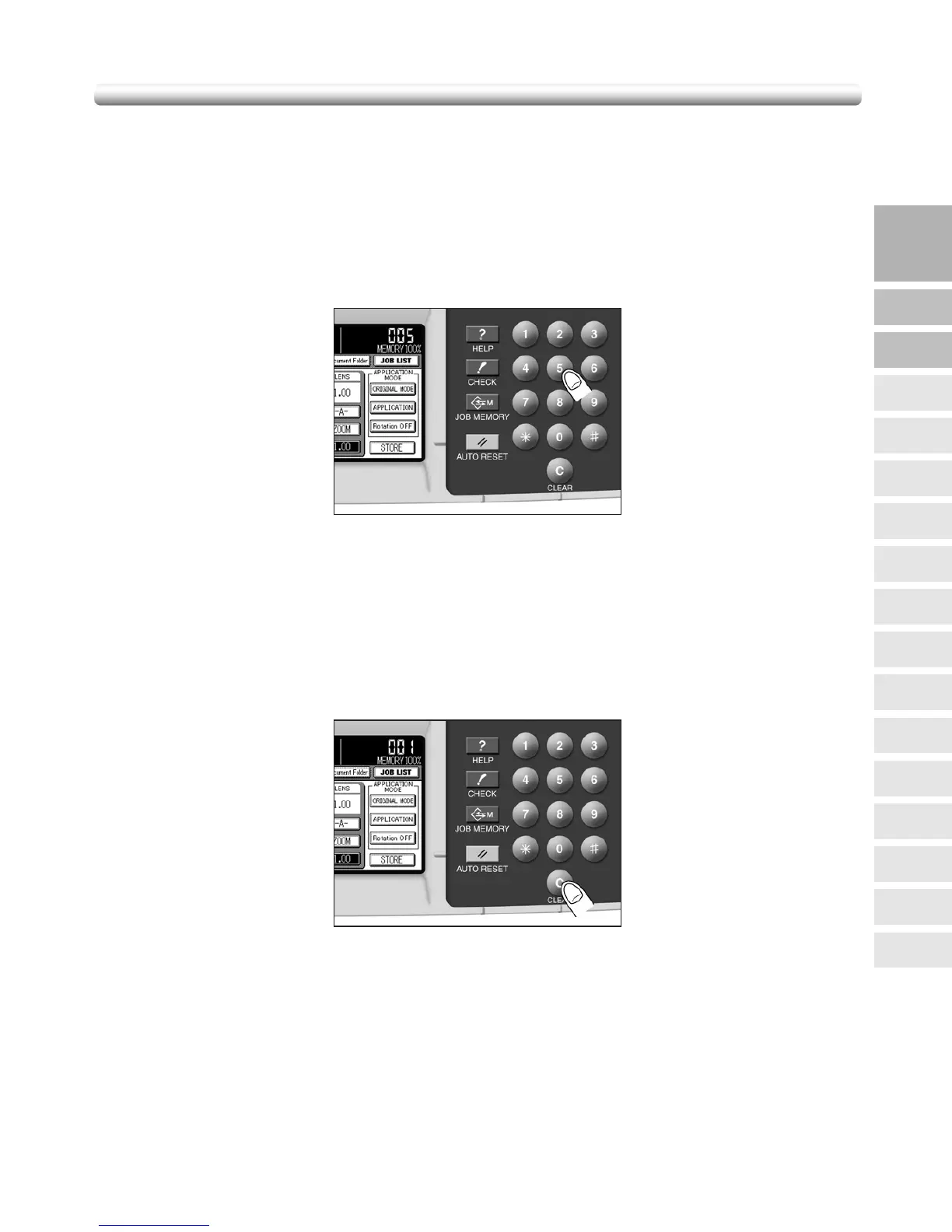
1. Enter the desired print quantity on the control panel keypad.
Entered quantity will be displayed on the touch panel.
To Change Print Quantity
Follow the procedure below to change the print quantity after it has been entered.
1. Press [C (CLEAR)].
The quantity displayed on the touch panel will return to 1.
2. Enter the correct quantity.
Entered quantity will be displayed on the touch panel.
3
Copying
Operations
Positioning
Originals
Setting Print
Quantity
Stop
Scan/Print
Lens Mode
Density
1-1, 2-2
2-1
Staple
Punch
Multi-Sheet
Bypass Tray
Using
Memory
Output without
Finisher
Output with
Finisher
Copy Size
Fold/
Fold&Stitch
Output with
Inner Tray



 To Next Page
 Loading...








