10-8
Original Information
Use the platen glass or document feeder to position originals to copy.
Platen Glass Originals
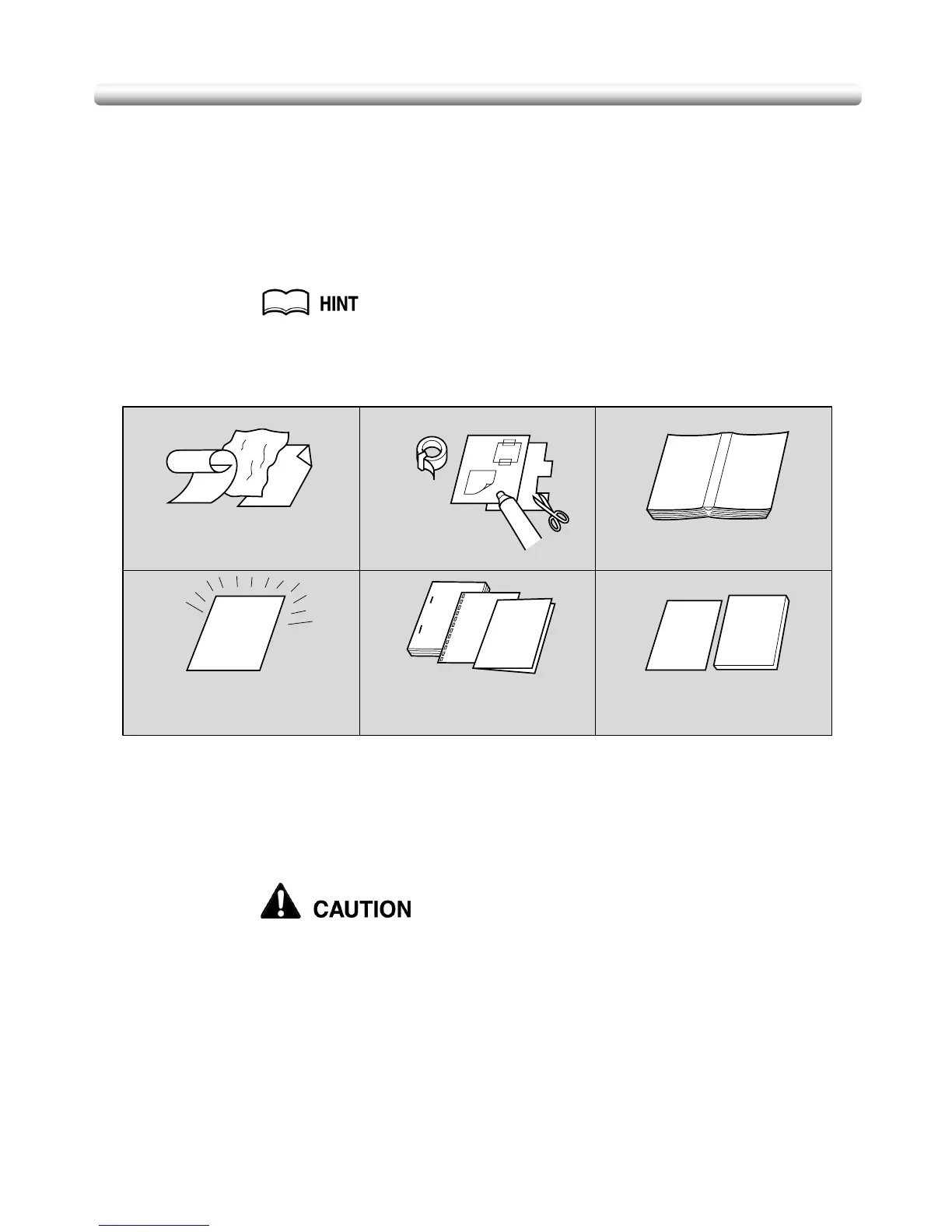
Use the platen glass when originals are not suitable for use with the document feeder,
e.g., when size is incompatible, or when originals are folded, stapled, torn, or in generally
poor condition.
See each description in this guide for copy conditions which cannot use the
document feeder to scan.
Unsuitable RADF Originals
Platen Glass Original Specifications
❒ Max. original size: 11”x17” (280 mm x 432 mm), sheet or book
❒ Max. book weight/thickness: 15 lb [6.8 kg] / 1.2” [30 mm]
❒ Original placement: Face down on left depth side of glass
Do not place too heavy originals, or do not press strongly when thick
original is placed and is under pressure of RADF; otherwise the glass
may be broken and you may be injured.
12
Curled, creased or
folded originals
Glossy or transparent
originals, OHP film,
art paper, cellophane
Paste-ups or
cut-outs
Books
3
4
5
6
Doubled, punched or
stapled originals
Thin or thick originals


 To Next Page
 Loading...









