3-18
Making Double-Sided Copies (12, 22)
The Basic Screen is initially set to 1-1 copy mode to make single-sided copies from single-
sided originals.
Follow the procedure below to make double-sided copies from the originals scanned from
the document feeder or from the platen glass.
Using RADF
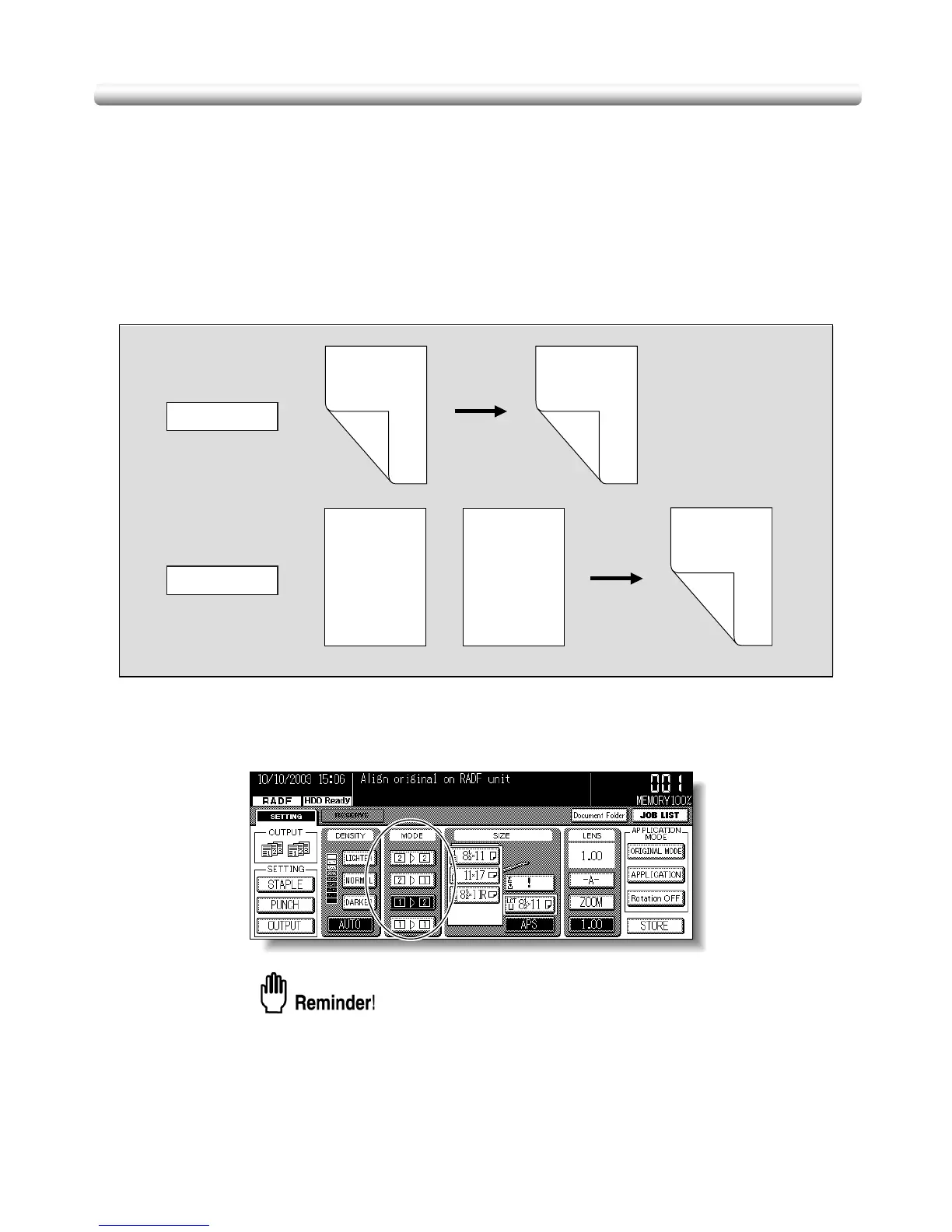
Select the copy mode according to the original type (single-sided or double-sided).
1. Touch 12 or 22 on the Basic Screen to highlight it.
When starting a new copying job, be sure to close the RADF securely, then
press [AUTO RESET].
Double-sided original
Duplex copy
Duplex copy
Single-sided original
2-2 Copying
1-2 Copying
Front
Front
Front
Front
Front
Back
Back
Back
Back
Back
Front
Front
Front
Front
Front
Front
Front
Front
Front
Front
Front
Front
Front
Front
Front


 To Next Page
 Loading...









