SC-S30600 Series Revision B
MAINTENANCE Cleaning 284
Confidential
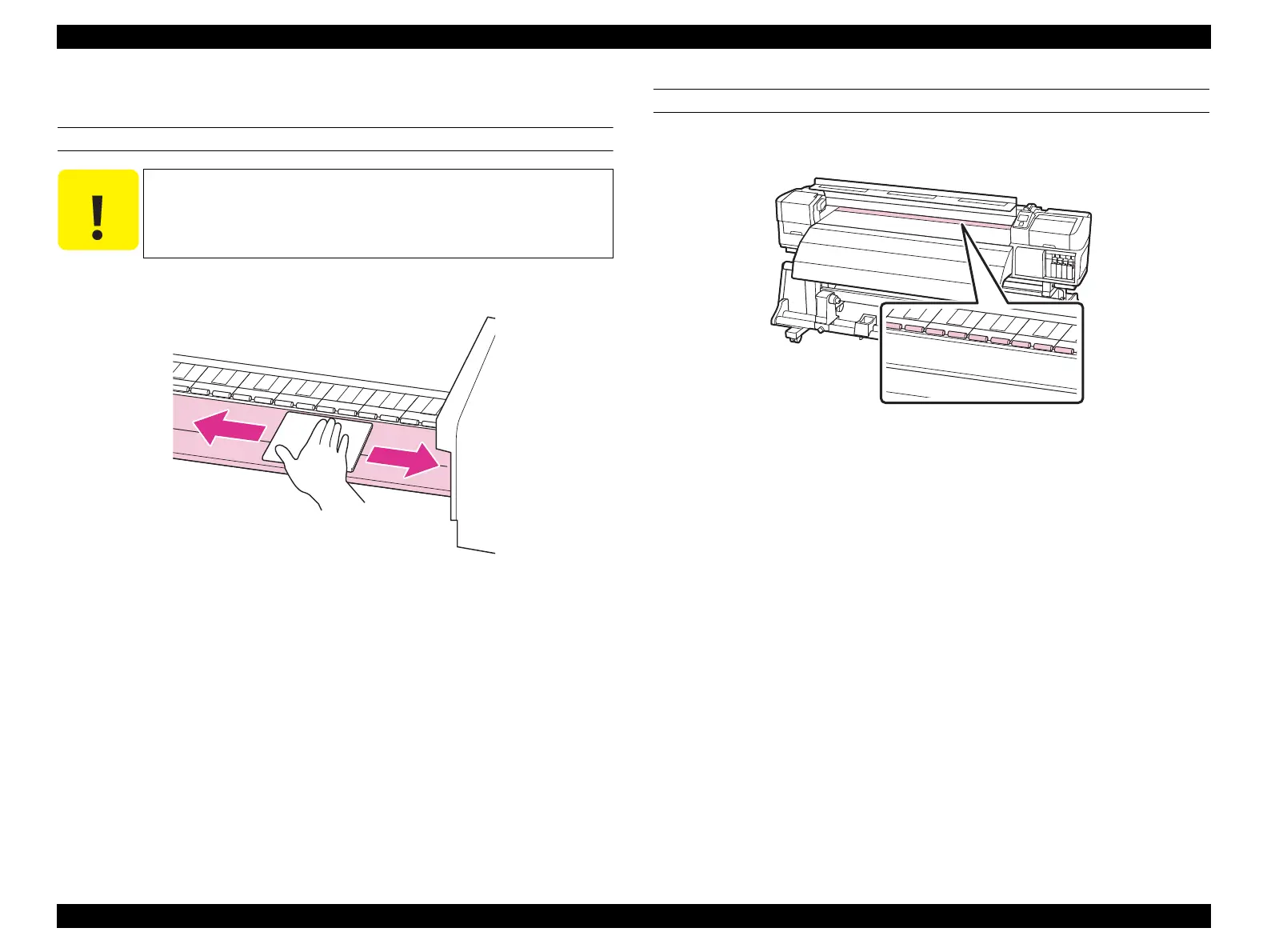
5.5.2 How to Clean
PLATEN HEATER
Use a soft cloth damped with water to wipe off the lint, dust, and ink on the Platen.
Figure 5-7. Cleaning the Platen Heater
PRESS ROLLER
Use a soft-bristled brush to clean off the dust and paper dust on the Press Roller.
Figure 5-8. Cleaning the Press Roller
The Heater is hot right after turning the power OFF. Wait until it
cools down before cleaning.


 To Next Page
 Loading...