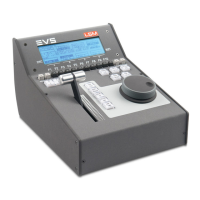
5. Press the D key (Extend) to perform the Extend action.
The LCD display and menu change to become the following one:
Extend?
[Menu]: Cancel [Enter] :
Confirm
From In From Out
6. Press the A (Extend From IN) or B key (Extend From OUT) to select the Extend
action.
OPERATION MANUAL Multicam LSM 12.05
6. Timeline Management 149


 To Next Page
 Loading...