Configuration and Operation
109
7.5.1 Preset
The PTZ tab opens on the Preset Point screen. See Figure 94: Preset Point Screen. From the Preset
Point page, you can program up to 256 Preset Points to target a specific view in the Live View pane.
To program a Preset Point:
1. Move the cursor to the Live View pane.
2. Left-click and drag the red pointer to the desired position.
3. Adjust the fine zoom/focus ratio.
4. Under Preset setting, assign an unused number to the Preset Point from the drop-down menu.
Click PrePage or NextPage for additional numbers.
5. In the Name text box, enter a friendly name for the Preset Point.
6. Click Set to save settings.
To move the camera to a Preset position:
1. Under Preset go, select the desired Preset Point from the Preset drop-down menu.
2. Use the PrePage or NextPage buttons located under Preset setting for additional numbers.
The camera moves to the target position.
To delete a Preset:
1. Select the desired Preset Point from the drop-down menu.
2. Click Delete to remove the Preset.
7.5.2 Pattern
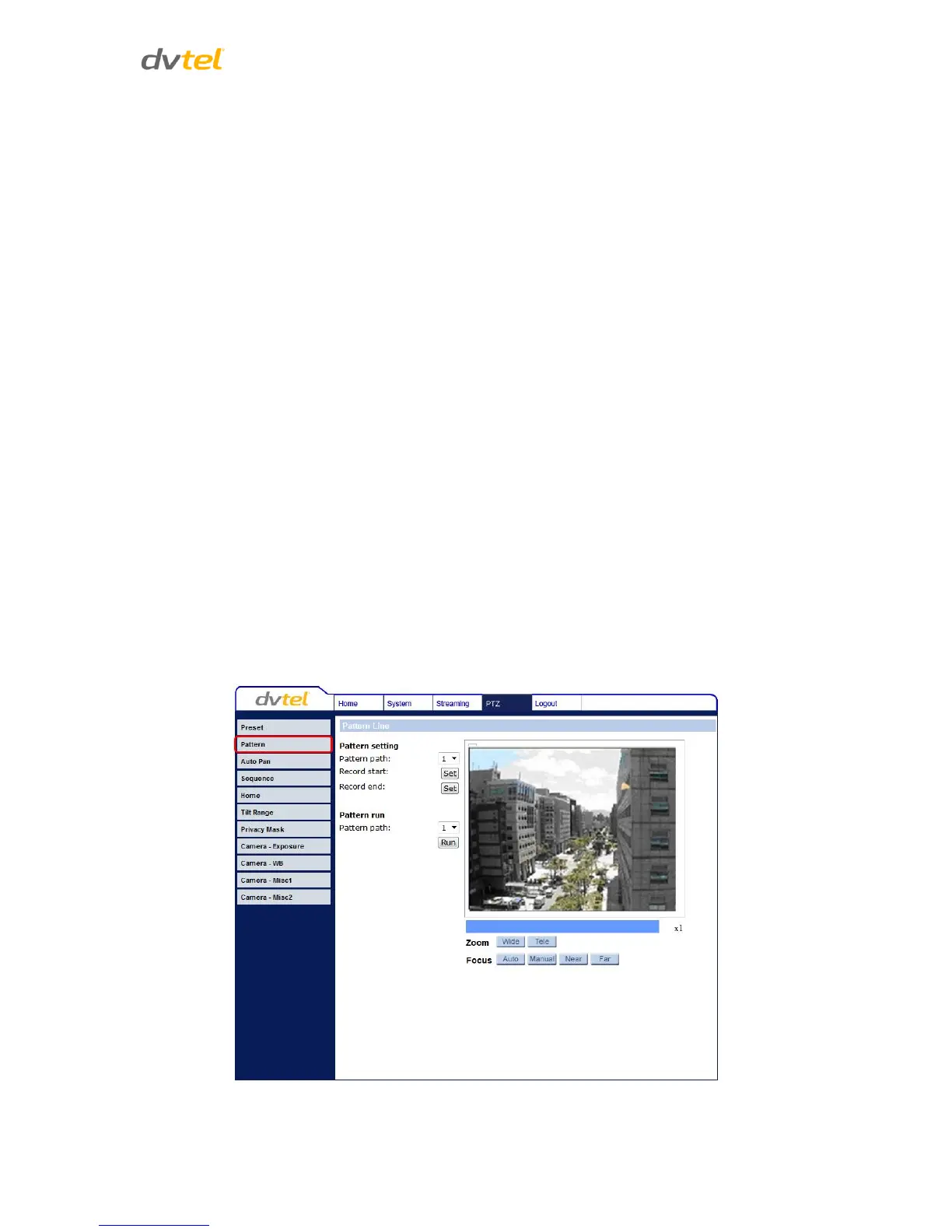
From the Pattern page, up to four Pattern Lines may be defined. A Pattern Line is a stored route
defined through manual adjustment of pan, tilt, and zoom.
Figure 95: Pattern Line Screen


 To Next Page
 Loading...