Enter/Exit Programming Mode
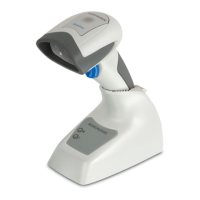
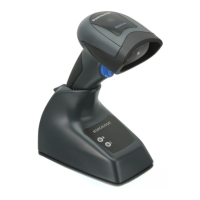
194 QuickScan™ I QD24XX
QR Code
QR Code Enable / Disable
Enables/disables the ability of the reader to decode QR Code labels
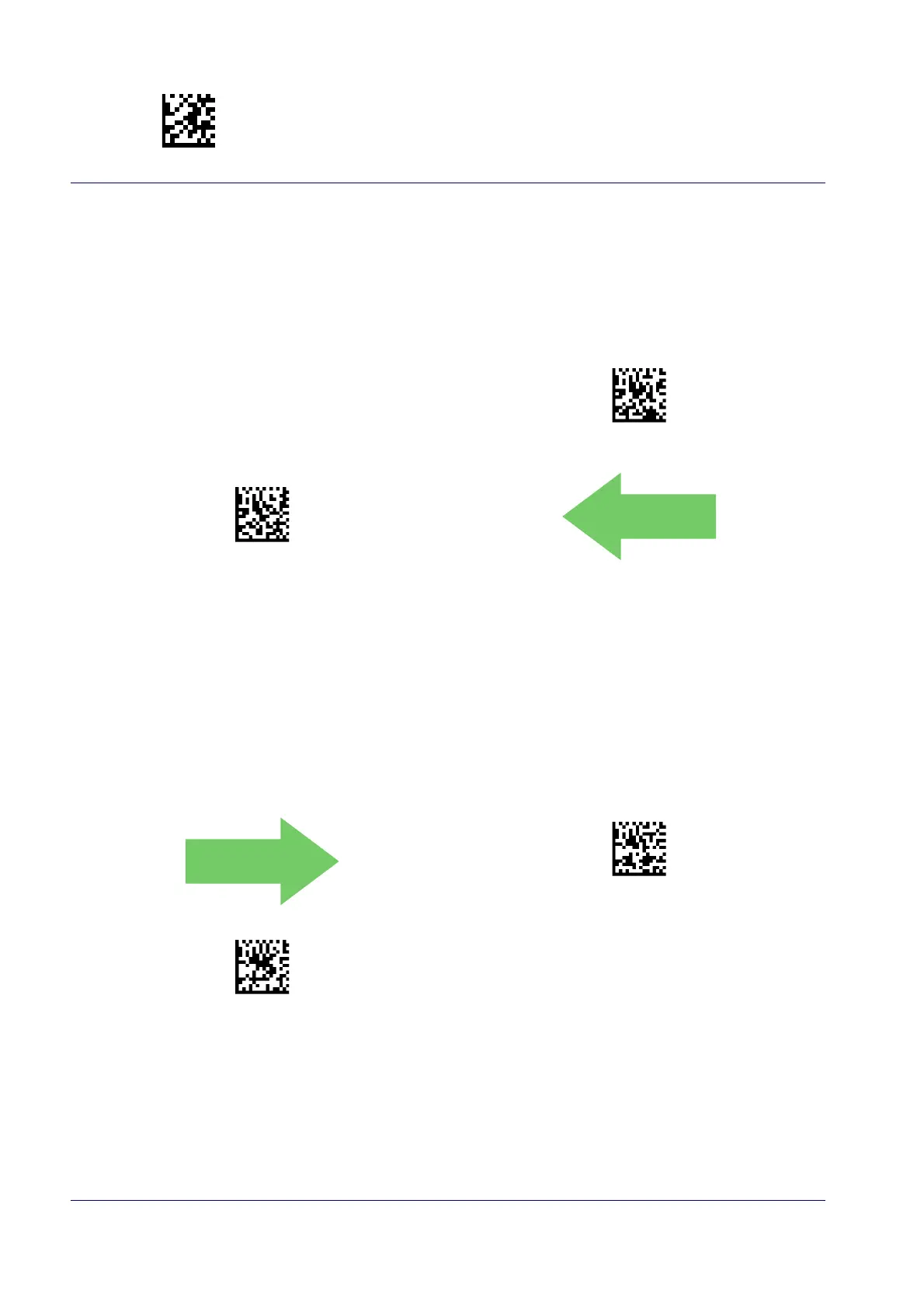
QR Code = Disable
QR Code = Enable
.
QR Code Length Control
This feature specifies either variable length decoding or fixed length decoding for this symbology.
Variable Length:
For variable length decoding, a minimum and maximum length may be set.
Fixed Length:
For fixed length decoding, two different lengths may be set.
QR Code Length Control = Variable Length
QR Code Length Control = Fixed Length



 To Next Page
 Loading...