Enter/Exit Programming Mode
44 QuickScan™ I QD24XX
USB-OEM Device Usage
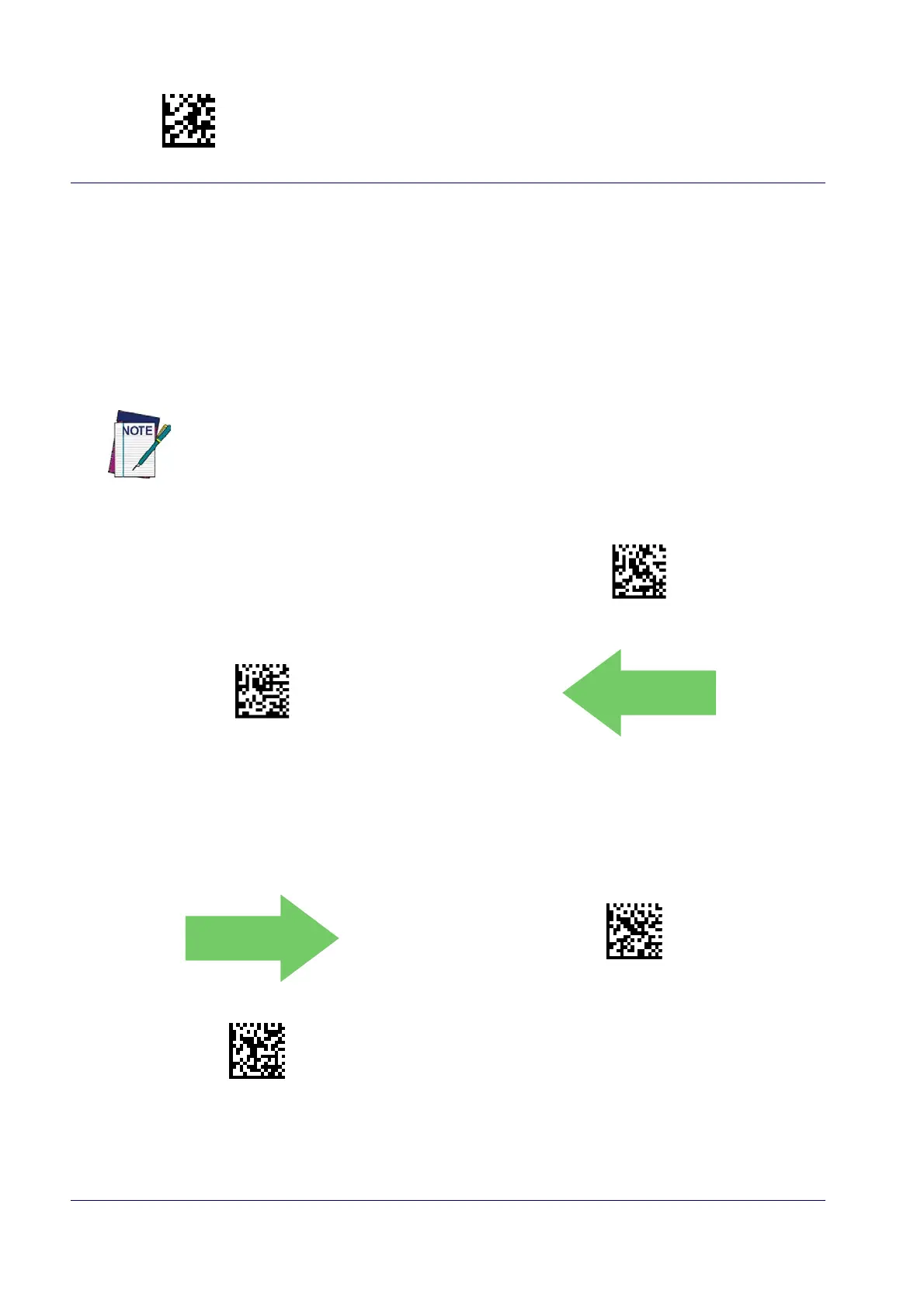
The USB-OEM protocol allows for the reader to be identified as one of two different types of bar code scanners.
Depending on what other scanners you may already have connected to a USB-OEM POS, you may need to change
this setting to enable all devices to communicate.
Options are:
• Table Top Scanner
• Handheld Scanner
USB-OEM Device Usage = Table Top Scanner
USB-OEM Device Usage = Handheld Scanner
It may be necessary to switch device usage when connecting two readers/scanners of the same
type to a POS system.
USB Interface Options
Obey Scanner Configuration Host Commands
Ignore Scanner Configuration Host Commands
This feature provides for an interface-specific control mechanism.



 To Next Page
 Loading...