OPERATION
3-6 EPT024619 Issue 1 June 2016
Using a PC
WARNING: Eye protection must be worn.
To start up the G20i using a PC:
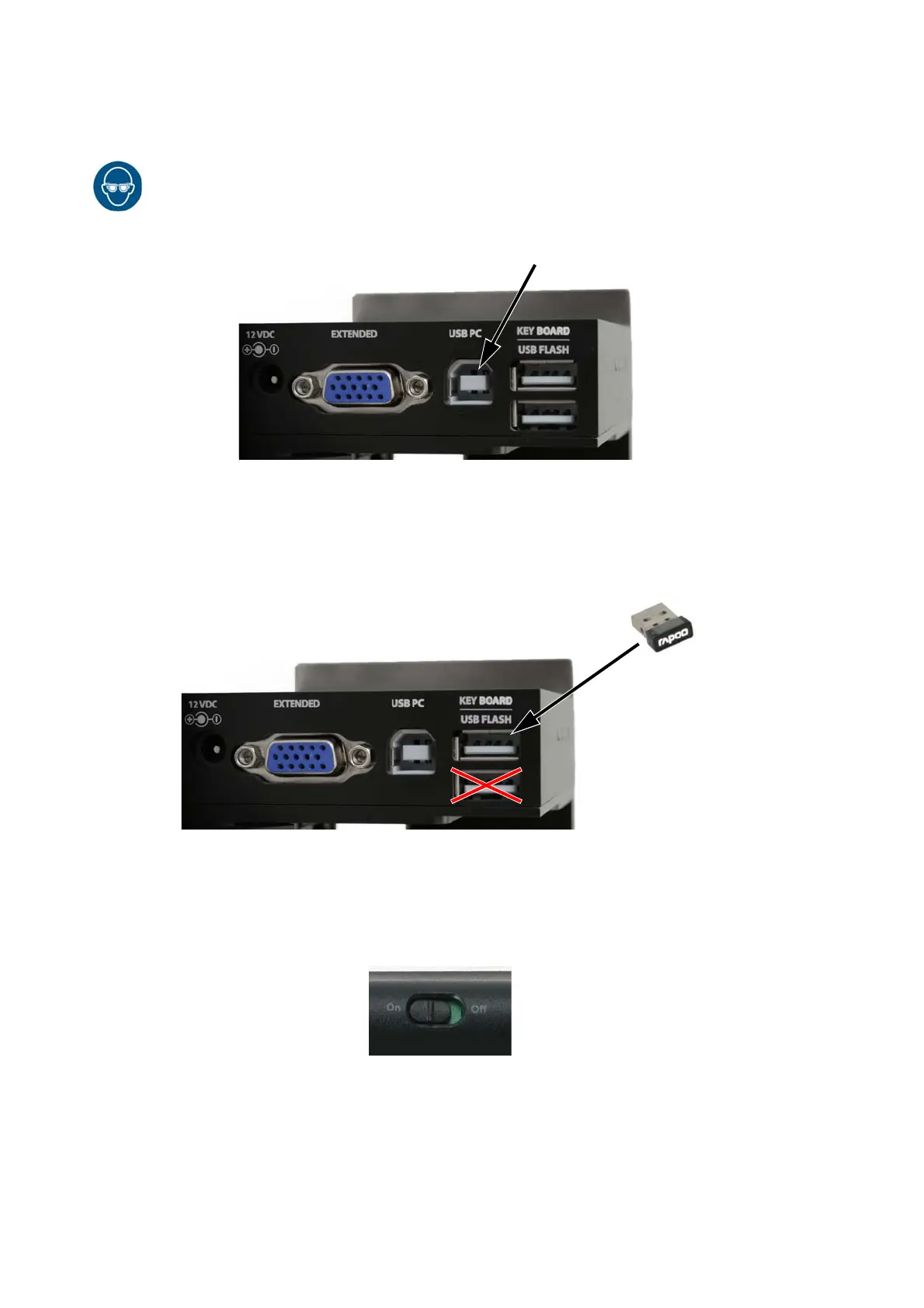
(1) Connect the PC to the G20i’s USB PC socket using a USB A-B cable.
(2) Turn the PC on.
(3) Insert the USB keyboard receiver into the USB keyboard slot on the
G20i.
(4) Turn the keyboard on using the On/Off switch on the back of the
keyboard.


 To Next Page
 Loading...





