c. Setting up the favorites
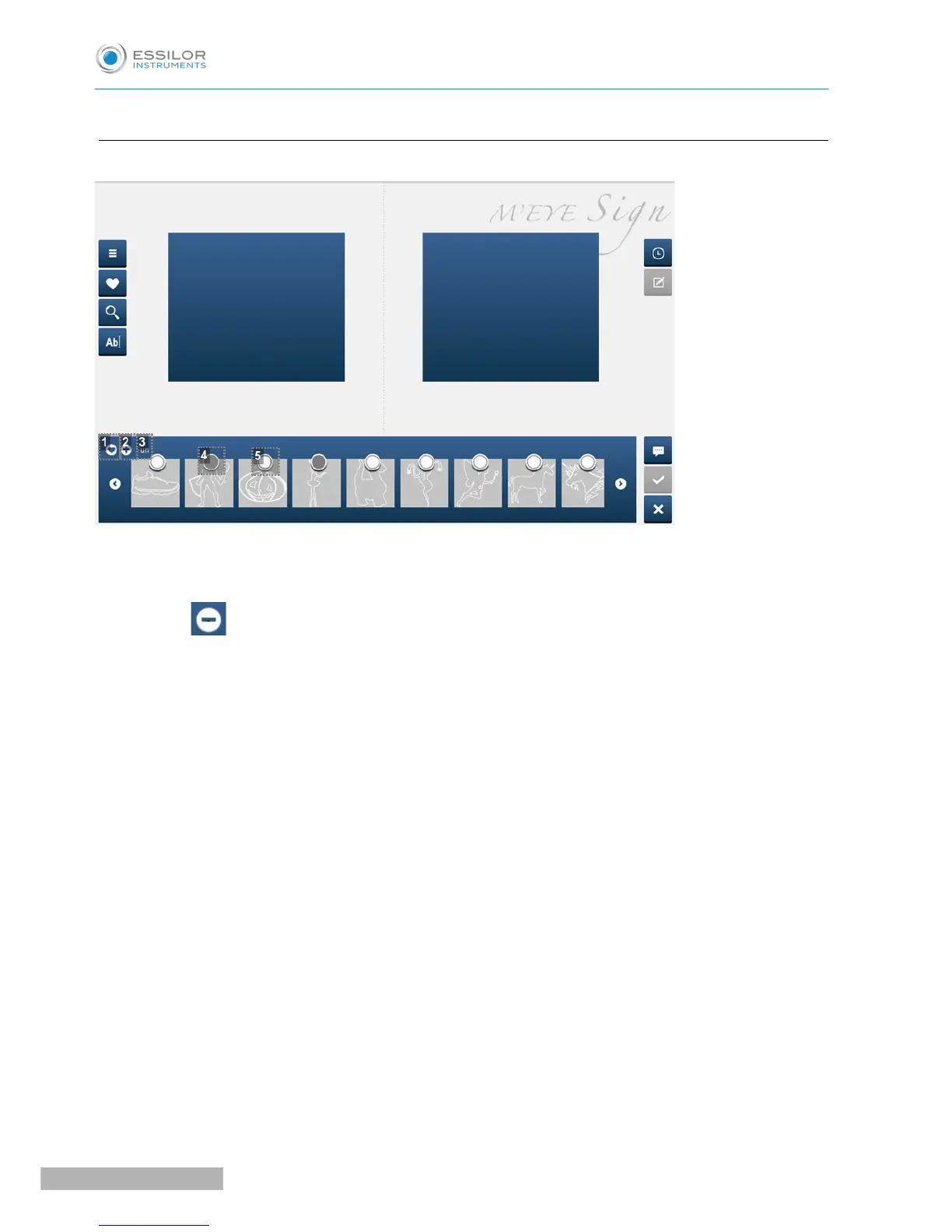
Captioned screen
1. Activation or deactivation of the Add/Delete favourites bar
2. Add favourites
Becomes when the view bar displays favourites to allow you to delete them.
3. Name of the category viewed.
4. Selected motif (gray circle)
◦ Click in the circle to select the motif.
◦ Click again in the circle to unselect the motif.
5. Motif not selected or unselected (white circle)


 To Next Page
 Loading...