The edging screen for the second lens is displayed. All finishes chosen and the modifications made
are kept.
If the test is not mounted correctly in the frame, go to Essibox to modify the shape.
c. Modify the shape on Essibox
If the test lens cannot be mounted, we advise you to modify the shape on Essibox.
Contact your customer support if the job is not available in the job manager on Essibox.
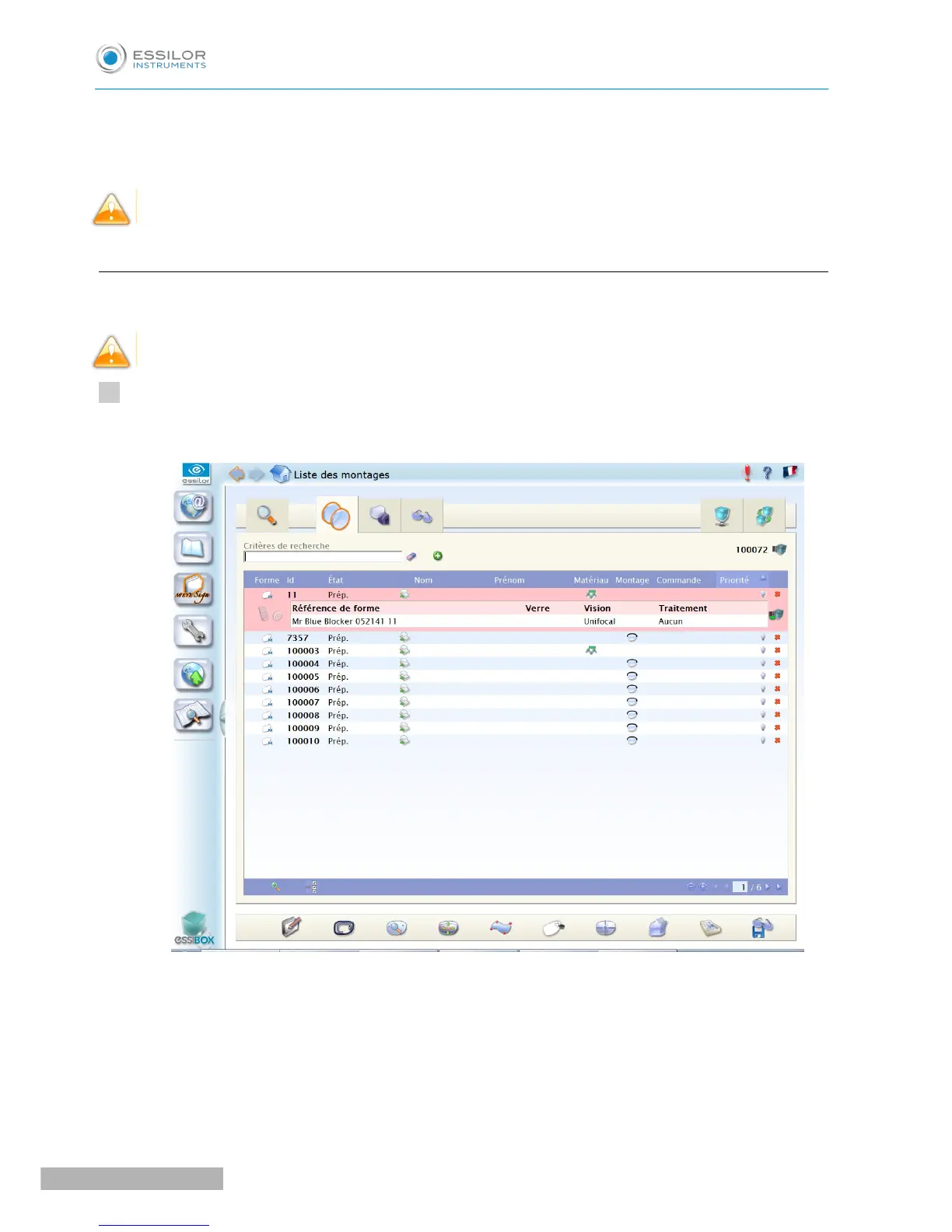
In the job manager screen on Essibox, press the “ID number” to select the job.
The following screen is displayed:


 To Next Page
 Loading...