6-34
Cancelling Transmission
The specific procedure for cancelling transmission depends on whether communication is in
progress or a document to be sent has been reserved. With the FK-102 Type-A, transmission
instructions and images stored in memory are referred to as reserved jobs. Jobs reserved for
communication and jobs currently being processed are simultaneously displayed on the JOB
LIST screen.
Cancelling Communication in Progress
When communication is in progress, transmission can be cancelled with the procedure
described below.
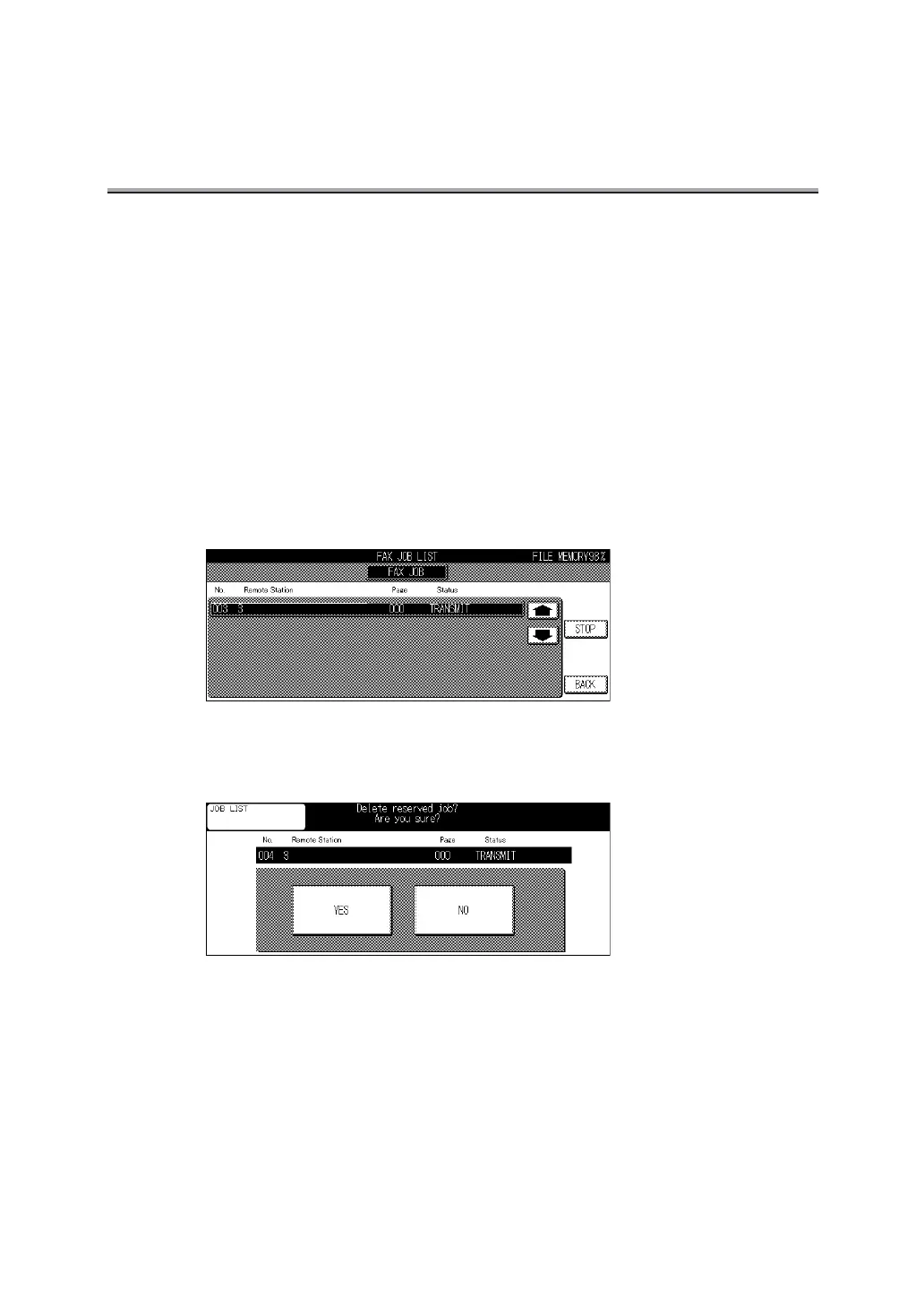
1. Press COM on the Fax Basic screen and [STOP] on the con-
trol panel.
2. Select a job and press STOP.
3. Press YES.
Transmission is cancelled.



 To Next Page
 Loading...








