14-32
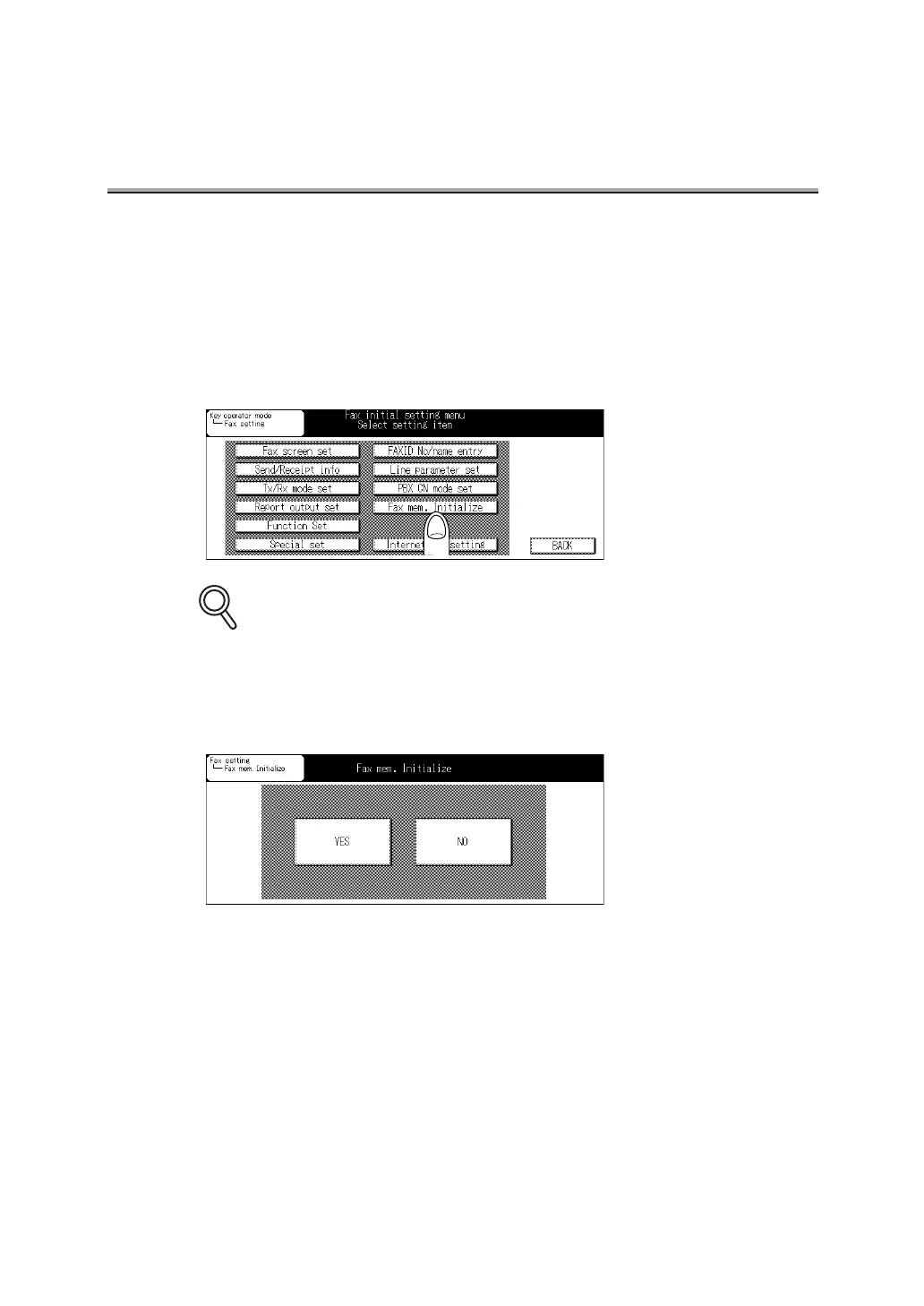
Initializing the FAX Image Memory
You can initialize the Fax image memory. All documents already reserved or received and held in
the memory will be erased by initialization.
1. Open the Fax Key Operator Mode (See "Entering Key Opera-
tor" (p. 14-2)).
2. Press Fax mem. Initialize.
Some items may not be displayed depending on the optional settings.
3. Press YES.
The Fax image memory is initialized. After completion of initialization, the main power
source is automatically turned OFF/ON.
DETAILS


 To Next Page
 Loading...








