2-27
Method for Specifying Addresses
Mail address can be specified either by selecting one from registered addresses or entering a
mail address manually. You can also specify multiple mail addresses for multi-station transmis-
sion.
Specifying only One Mail Address
Selecting from Registered Addresses
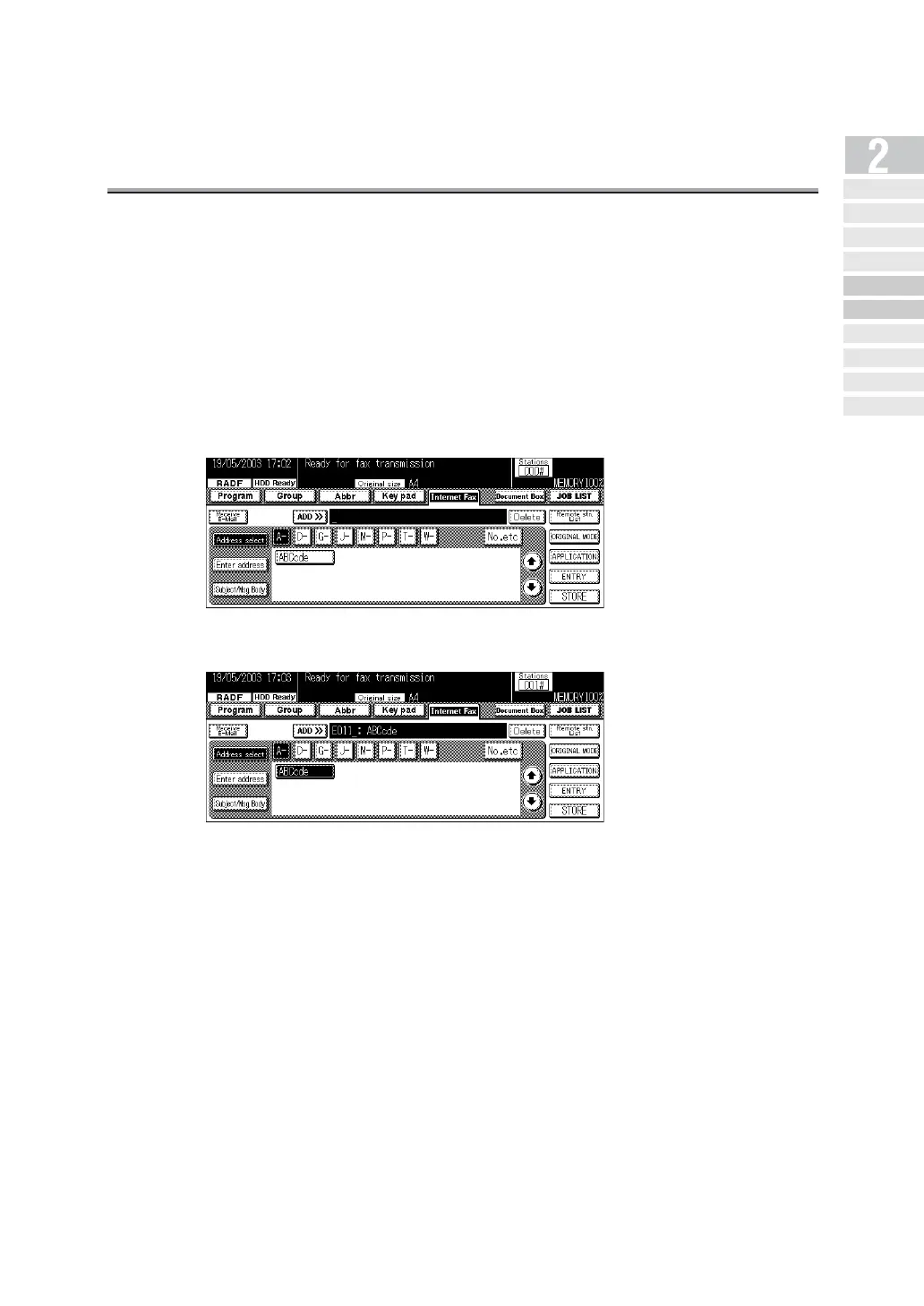
1. Press Address select.
2. Press a key of Character to search (A- - No.etc).
3. Press a key of address name for transmission.
Simple Internet
Fax Transmission
Transmi tt ing Do cument s to
Internet Fax/Computer
Transmit tin g to Both
Co nv en tio na l F ax an d E- Mail
Placing the Original
on the Machine
Setting Transmission
Conditions
Method for Specifying
Ad dr ess e s
Scanning
Canceling
Transmission
Co nfi rming Re se rved
Do cum en ts
Co n f ir min g
Communicatio n Result s


 To Next Page
 Loading...








