6-44
Timer Transmission
The function of Timer transmission allows you to specify the time to start communication. You
can save money by sending timed faxes during the night or early in the morning when telephone
charges are at discount rates.
>>> Specifications for Timer Tx <<<
• When using Timer Tx, Memory Tx is selected automatically.
• You can specify the timer-on time in the range of up to 24 hours. The date cannot be
specified.
• You specify the time in minutes and hours.
• A total of up to 20 destinations can be specified for Timer transmission and Polled com-
munication, inclusively but not respectively. Sequential polling accepts only one destina-
tion.
Functions incompatible with Timer Tx
Total page set, Polled Tx, Bulletin, Polling Rx (When selecting Polling Rx in advance,
Timer Tx can be set.)
Set Polling Rx previously in case of Polling Rx used together.
1. Press [FA X] on the control panel to view the FAX Basic
screen, if it is not already displayed.
2. Press APPRICATION on the FAX Basic screen.
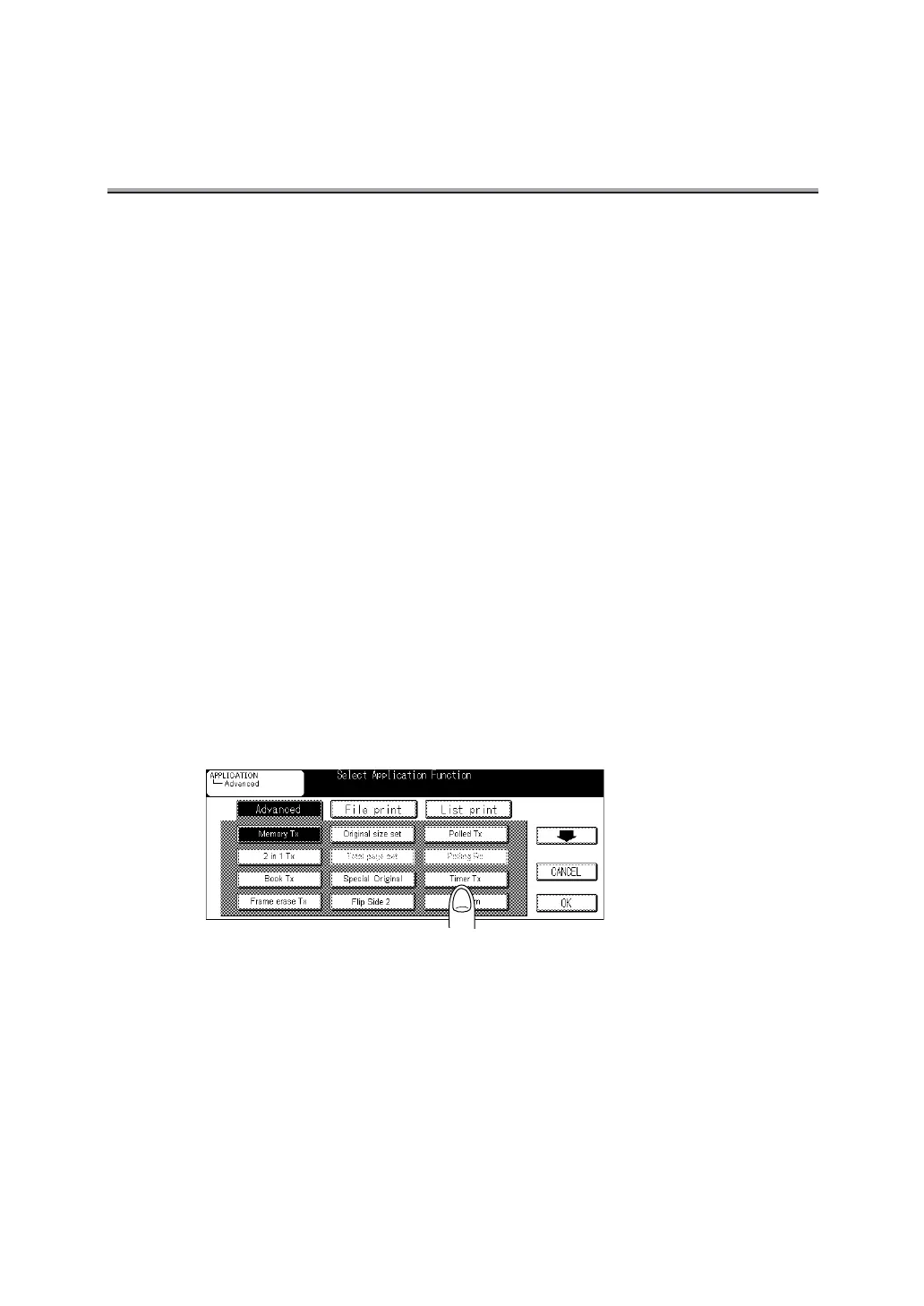
3. Press Timer Tx.


 To Next Page
 Loading...








