Transmitter Operation
DIGITAL
MODE
OPERATION
The
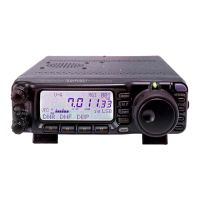
FT -100 provides extensive capability for digital mode operation on the HF, VHF, and
UHF
bands. The use
of
AFSK (Audio Frequency-Shifted Keying) configurations allows a
wide variety
of
different communication
modes
to be utilized. The
MENU
provides
for
specific digital mode selections, which include custom
BFO
offsets to optimize the receive
and
transmit passbands for the mode selected.
RTTY
(RADIO
TELETYPE)
OPERATION
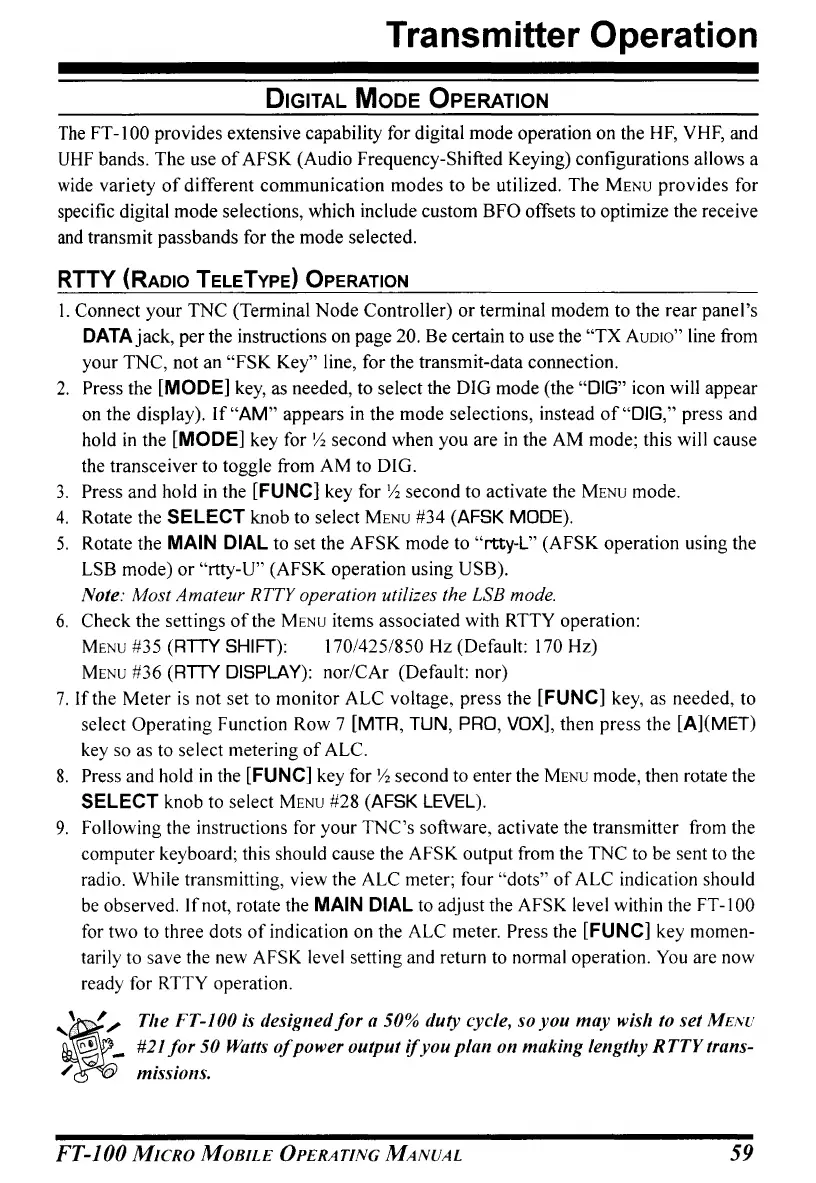
I. Connect your
TNC
(Terminal
Node
Controller)
or
terminal modem to the
rear
panel's
DATA jack, per the instructions on page 20. Be certain to use the
"TX
AUDIO"
line from
your
TNC, not an
"FSK
Key" line, for the transmit-data connection.
2.
Press the [MODE] key, as needed, to select the DIG mode (the "DIG" icon will appear
on the display).
If"AM"
appears in the
mode
selections, instead
of
"DIG," press and
hold
in
the [MODE] key for
1:,
second when you are
in
the AM mode; this will cause
the transceiver to toggle from
AM
to DIG.
3.
Press
and
hold
in
the [FUNC] key for
1:,
second to activate the
MENU
mode.
4.
Rotate the SELECT knob to select
MENU
#34 (AFSK MODE).
5.
Rotate the MAIN DIAL to set the
AFSK
mode to "rtty-L" (AFSK operation using the
LSB mode)
or
"rtty-U" (AFSK operation using USB).
Note: Most Amateur RTTY operation utilizes the LSB mode.
6.
Check the settings
of
the
MENU
items associated with RTTY operation:
MENU
#35 (RTTY SHIFT): 170/425/850 Hz (Default: 170 Hz)
MENU
#36 (RTTY DISPLAY): nor/CAr (Default: nor)
7.
If
the
Meter
is
not set to monitor ALC voltage, press the [FUNC] key, as needed, to
select Operating Function Row 7 [MTR, TUN,
PRO,
VOX],
then press the [A](MET)
key so as to select metering
of
ALe.
8.
Press and hold
in
the [FUNC] key for
1:,
second to enter the
MENU
mode, then rotate the
SELECT knob to select
MENU
#28 (AFSK
LEVEL).
9.
Following the instructions for your
TNC's
software, activate the transmitter from the
computer keyboard; this should cause the AFSK output from the
TNC
to be sent to the
radio. While transmitting, view the
ALC meter; four "dots"
of
ALC indication should
be
observed.
Ifnot,
rotate the MAIN DIAL to adjust the AFSK level within the FT-IOO
for two to three dots
of
indication on the ALC meter. Press the [FUNC] key momen-
tarily to save the new AFSK level setting and return to normal operation.
You are now
ready for
RTTY operation.
~
'
'."
The FT-JOO is designed
for
a 50% duty cycle, so
you
may
wish to set
ME/VU
~
_ #21
jor
50 Watts
of
power output
if
you
plan
on
making
lengthy
RTTY
trans-
/
~
..
nllSSUJ/ls.
FT-JOO
MICRO
MOBILE
OPERATING
MANUAL
59


 To Next Page
 Loading...