From The N3UJJ.COM Document LibraryFrom The N3UJJ.COM Document Library
RECEIVING
SWITCHING
POWER
ON/OFF
Turn the
PWR/VOL
control clockwise to switch ON the
dual bander. Turn the same control fully
counterclockwise to switch OFF the dual bander.
VOLUME
ADJUST
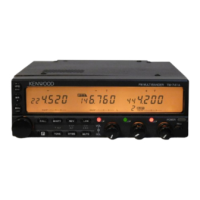
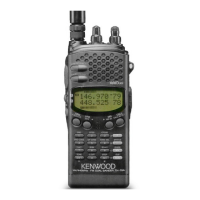
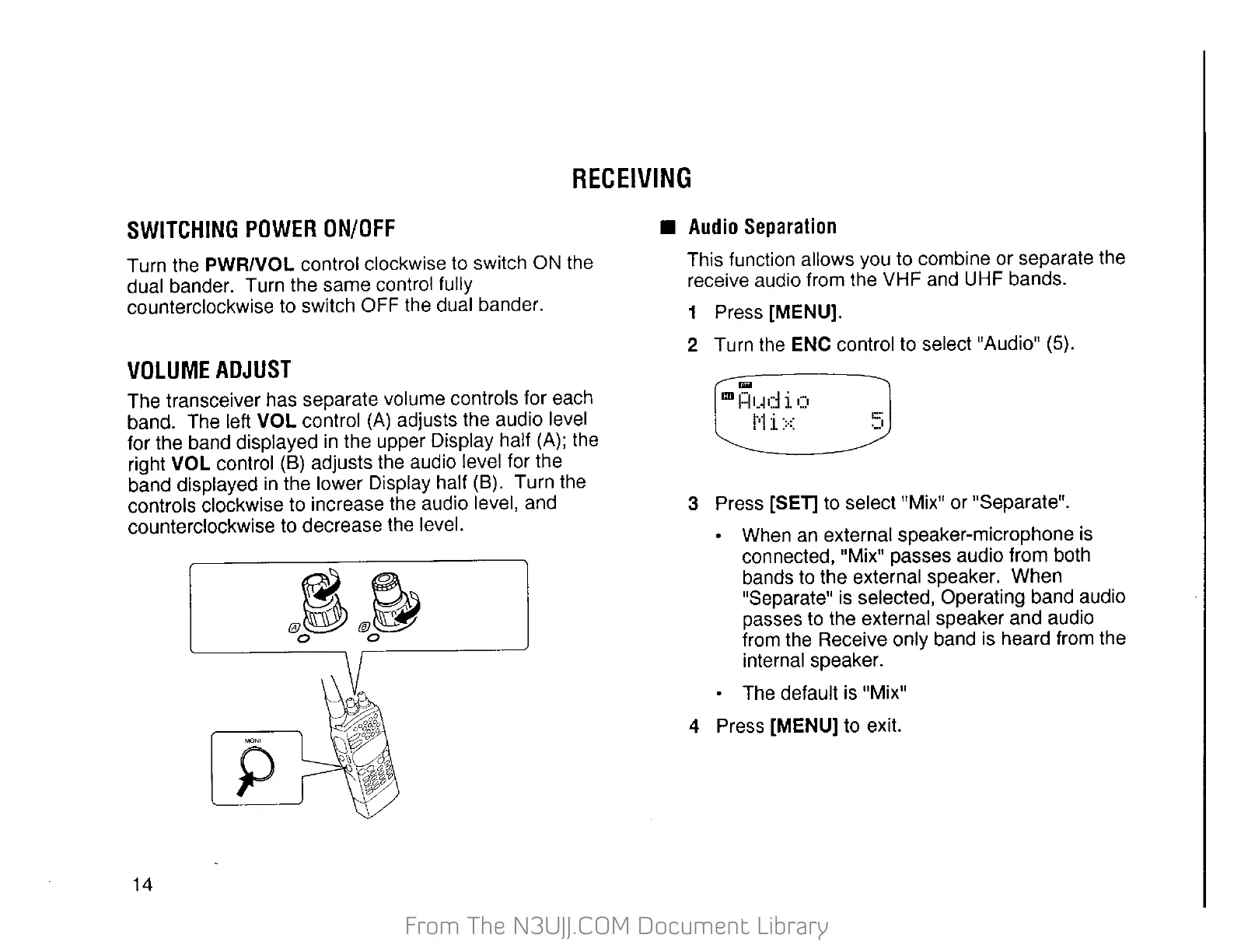
The transceiver has separate volume controls for each
band. The left
VOL
control
(A)
adjusts the audio level
for the band displayed
in
the upper Display half (A); the
right VOL control (B) adjusts the audio level for the
band displayed
in
the lower Display half (B). Turn the
controls clockwise to increase the audio level, and
counterclockwise to decrease the level.
14
~~
@~@~
0 0
,---------'
•
Audio
Separation
This function allows you to combine or separate the
receive audio from the VHF and UHF bands.
1 Press [MENU].
2 Turn the ENC control to select "Audio" (5).
....
CD
f:IIJd i 0
1'1
i
::-::
1::"
·-'
3 Press [SET] to select "Mix" or "Separate".
• When
an
external speaker-microphone is
connected, "Mix" passes audio from both
bands
to
the external speaker. When
"Separate"
is
selected, Operating band audio
passes
to
the external speaker and audio
from the Receive only band is heard from the
internal speaker.
The default is "Mix"
4 Press
[MENU] to exit.


 To Next Page
 Loading...