From The N3UJJ.COM Document LibraryFrom The N3UJJ.COM Document Library
Note:
+ Empty memory channels cannot be recalled.
• UHF frequencies that are selected with a
5,
10, 15,
or
20
kHz
step
and
then are saved
in
memory channels cannot be recalled
while the A
band
(upper Display)
is
the Operating band
it
you
are
using the UHF/UHF configuration. In this case, select the 8 band
(lower Display) as the Operating band
to
recall these memory
channels.
MEMORY_,.
VFO
TRANSFERS
Transferring the contents
of
a memory channel or the
Call channel to the VFO can be useful if you wish to
soarch for other stations or a clear frequency near the
selected memory channel
or
Cal! channel frequency.
Tlhis
is a quick operation that will be used frequently,
especially
if
you enjoy exploring the band.
1 Press [BAND] to select the Operating band.
2 Press
[MRJ
to select Memory Recall, or [CALL) to
select the Call channel. Skip the next step if the Call
channel was selected.
3 Recall the desired memory channel using the
ENC control.
4 Press [F],
[MI>
V).
• The complete contents
of
the memory channel or
the Call channel are copied to the VFO.
• A transmit frequency from a split memory
channel or split Cal! channel is not transferred to
the VFO.
I
ERASING
MEMORY
CHANNEL
DATA
Although it is possible to overwrite existing data in any
of the memory channels with new data, at times you
may wish to erase data from memory channels without
entering new data. It's convenient to erase channel
data that is no longer needed so you can identify
channels that are free for memorizing new frequencies.
1 Press
[BAND] to select the Operating band.
2 Press [MR] to select Memory Recall.
3 Select the desired memory channel using the
ENC control or numeric keys.
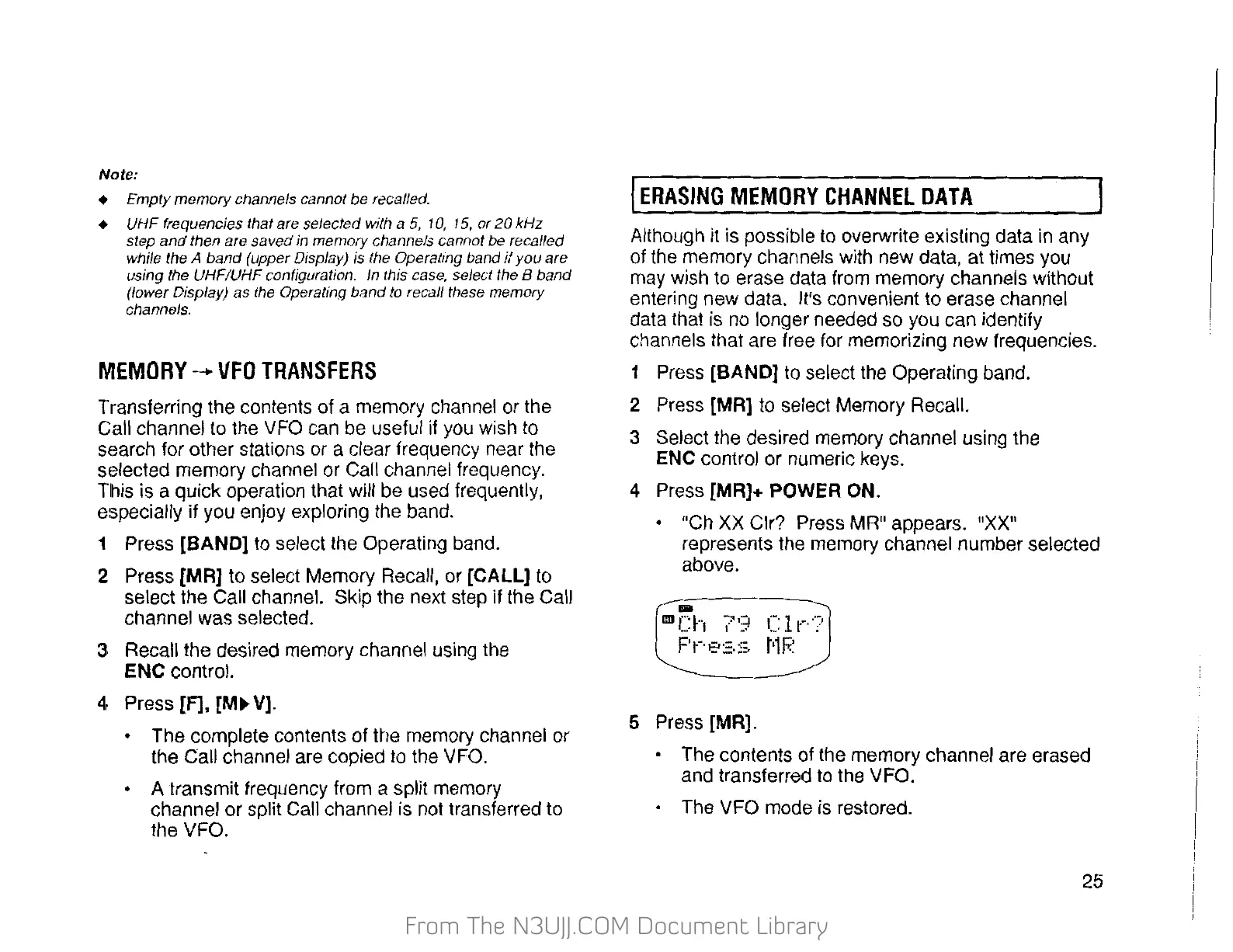
4 Press [MR]+ POWER ON.
• "Ch
XX
Clr? Press MR" appears.
"XX"
represents the memory channel number selected
above.
...
1111
r:'"t
7
-=t
,-:
1
t··
·)
~·
r 1 ...
"'
•
P
r·,::.
·=.
·=.
t1
r;:~
5 Press [MR].
• The contents of the memory channel are erased
and transferred to the VFO.
• The VFO mode is restored.
25


 To Next Page
 Loading...