From The N3UJJ.COM Document LibraryFrom The N3UJJ.COM Document Library
BATTERY
INFORMATION
NiCd
BATTERY
PACK
(PB-32/PB-34)
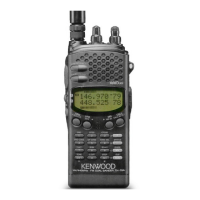
You must charge the battery pack before using it with
the dual bander. The pack
is
delivered uncharged
to
provide you with the greatest number of
charge/discharge cycles. It takes several
charge/discharge cycles before achieving the full
battery pack capacity. After storing the pack for more
than 2 months, recharge it before use.
•
Recharging
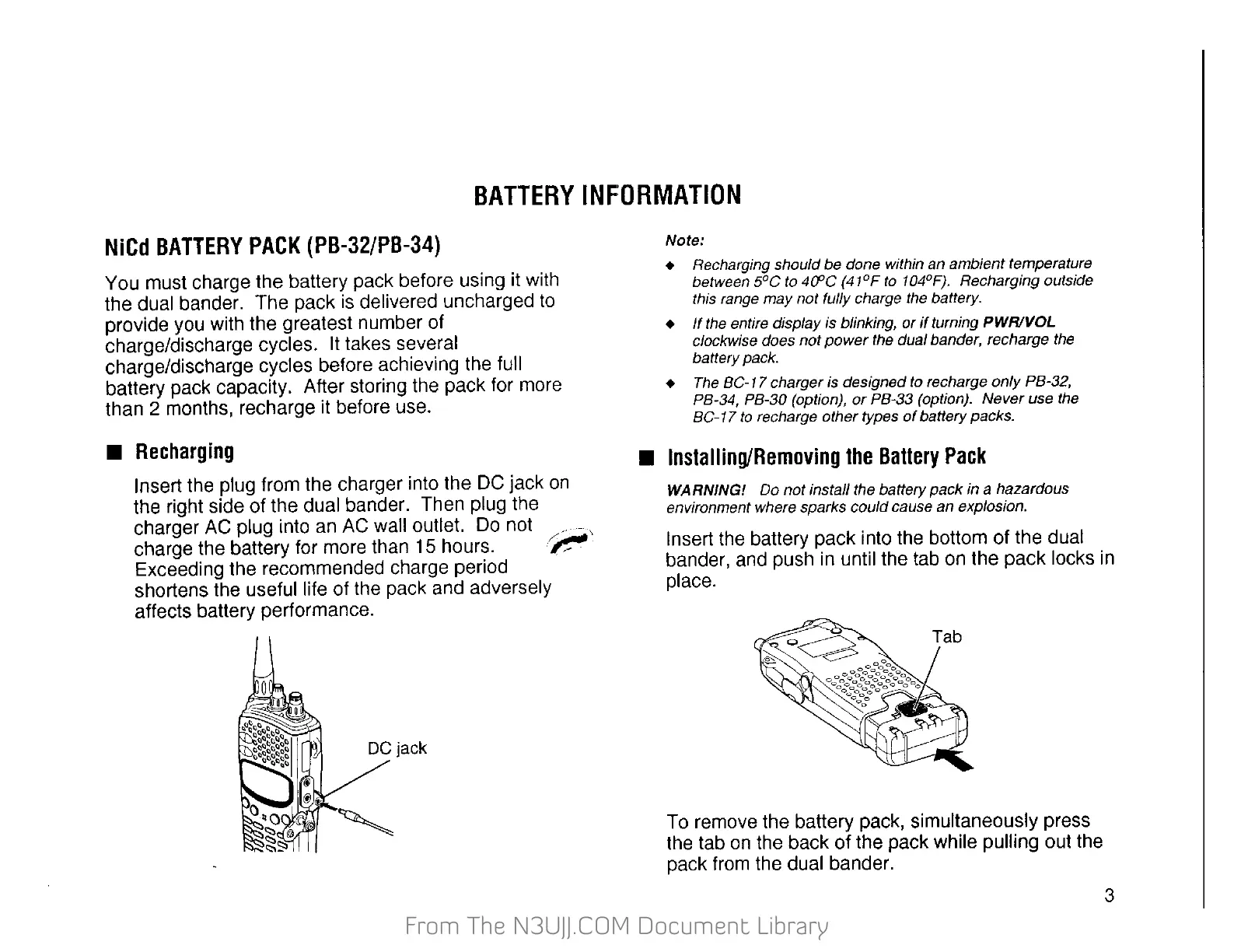
Insert the plug from the charger into the
DC
jack
on
the right side of the dual bander. Then plug the
charger
AC
plug into
an
AC
wall outlet.
Do
not _ - ,
charge the battery for more than
15
hours. /~
Exceeding the recommended charge period
shortens the useful life of the pack and adversely
affects battery performance.
DC
jack
Note:
+ Recharging should be done within an ambient temperature
between
5°C
to 4Cl'C
(41°F
to
104°F}. Recharging outside
this range
may
not fully charge the battery.
+
If
the entire display is blinking,
or
if
turning PWR!VOL
clockwise does
not
power
the dual bander, recharge the
battery pack.
+ The BC-1 7 charger
is
designed to recharge
only
PB-32,
PB-34, PB-30 (option),
or
PB-33 (option).
Never
use the
BC-17
to
recharge other types
of
battery packs.
•
Installing/Removing
the
Battery
Pack
WARNING! Do
not
install the battery
pack
in a hazardous
environment where sparks could cause an explosion.
Insert the battery pack into the bottom of the dual
bander, and push in until the tab
on
the pack locks
in
place.
To remove the battery pack, simultaneously press
the tab
on
the back of the pack while pulling out the
pack from the dual bander.
3


 To Next Page
 Loading...