From The N3UJJ.COM Document LibraryFrom The N3UJJ.COM Document Library
•
Storing
DTMF
Memory
IDs
The character library for DTMF memory
IDs
is
the
same
library
that
is
used for memory channel
IDs
{page 26}.
1 Press [MENU].
2 Turn
the ENC control to select
"DTMF memory"
(9).
-
1111
D T
t1
F
r-·1
e
v1
or·':!
q
-·
3 Press
[SEn.
4
Press[~]
to select the DTMF Memory
ID
Confirmation mode.
5 Turn the ENC control to select the desired DTMF
memory.
Example: DTMF Memory 5
-
liD
...............
~...~-Jo..,#"""'
ID
Ch5
6 Press [SET] to select
ID
Entry mode.
7
Turn
the ENC control to select the first character.
•
Pressing [
-4]
deletes the previous character.
Press [
-4]
repeatedly to position the blinking
cursor, if necessary.
•
To search more quickly through the character
library, hold
[MONI]
down and turn the
ENC control.
•
Pressing [CLR] aborts ID
Entry mode and
returns you to the previous mode.
8
Press[~].
9 Repeat
Steps 7 and 8
until all
characters up to a
maximum of 7 are entered.
• It
is
not necessary to enter [
~]
after the final
character.
10
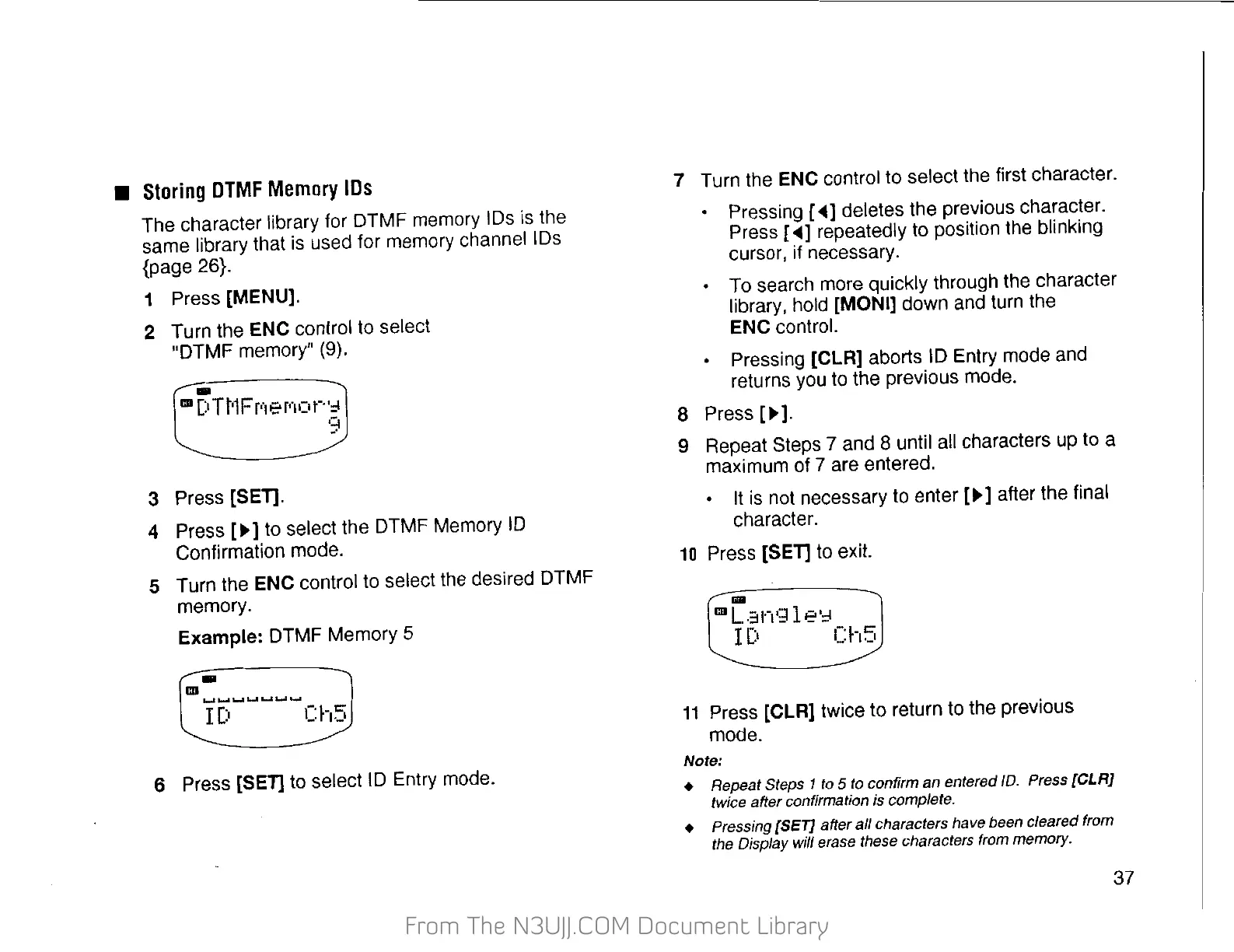
Press [SET] to exit.
11
Press [CLR] twice to return to the previous
mode.
Note:
• Repeat
Steps
1 to 5 to confirm an entered
/D.
Press
[CLR}
twice after confirmation is complete.
•
Pressing
[SET} after
all
characters have
been
cleared from
the Display
will
erase
these
characters from memory.
37


 To Next Page
 Loading...