From The N3UJJ.COM Document LibraryFrom The N3UJJ.COM Document Library
DUAL
TONE
MULTI-FREQUENCY
(DTMF)
FUNCTIONS
•
Making
DTMF
Calls
To make a DTMF call, hold down [PTT] and press
[0]
to
[9], [A], [B), [C),
[D),
[*],or
[#).
• The microphone is muted and the corresponding
DTMF tones are transmitted. You can monitor
the tones as they are sent by listening
to
the
speaker audio.
• If two keys are pressed, only the tone
combination for the key pressed first
is
sent.
•
Activating
DTMF
Transmit
Hold
It's easier to enter a long string of digits if you don't
have to hold down
[PTT] while entering the digits.
Your dual bander remains
in
the transmit state for
2 seconds after pressing each key when this
function
is
activated.
1 Press [MENU].
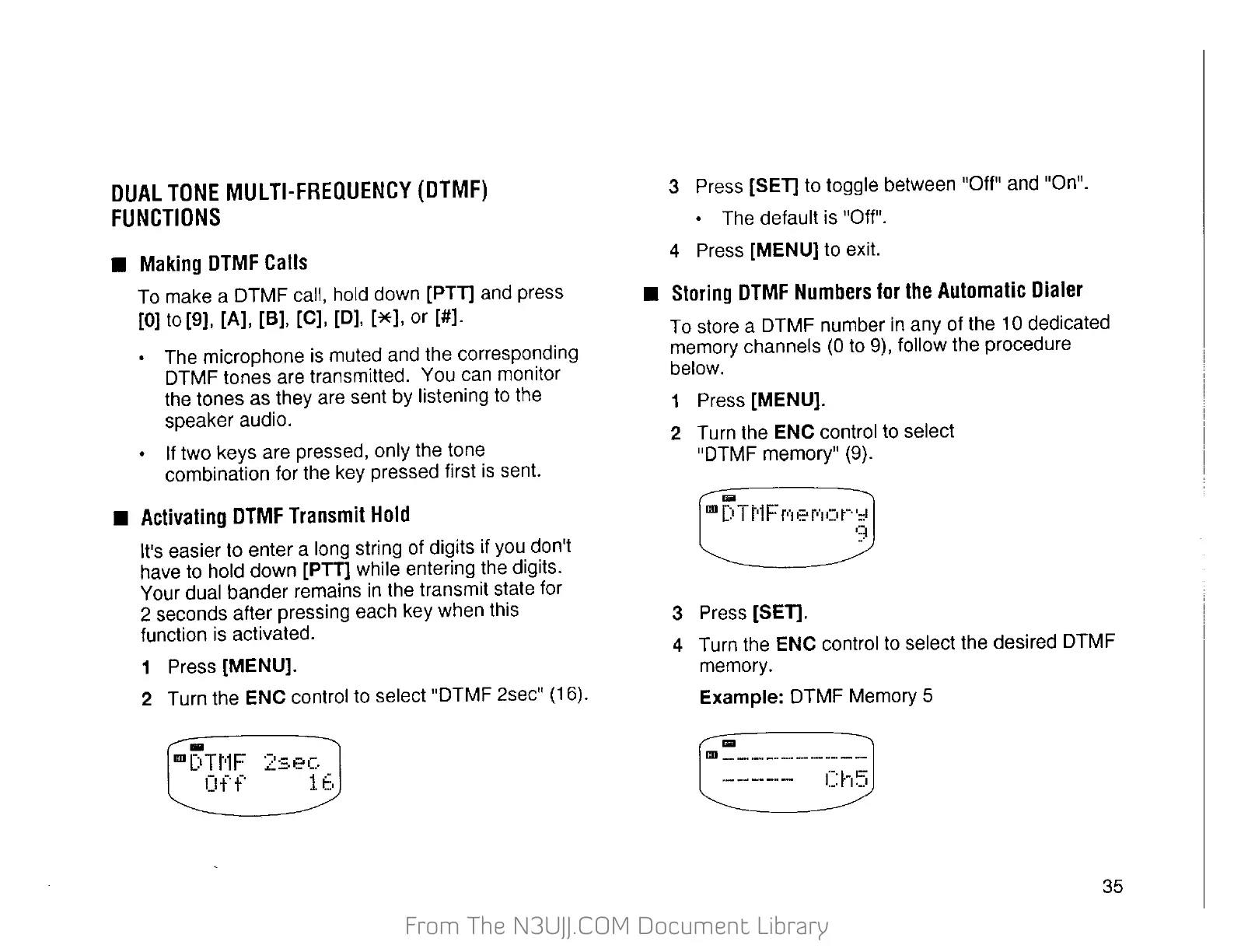
2 Turn the ENC control to select "DTMF 2sec" (16).
3 Press
[SET] to toggle between "Off" and "On".
• The default is "Off".
4 Press
[MENU] to exit.
•
Storing
DTMF
Numbers
for
the
Automatic
Dialer
To store a DTMF number
in
any of the 10 dedicated
memory channels
(0
to 9), follow the procedure
below.
1 Press [MENU].
2 Turn the ENC control to select
"DTMF memory" (9).
....
co
[:o
T
t·1
F
p·1
e f't
()
r··
'=t
9
3 Press [SET].
4
Turn the ENC control
to
select the desired DTMF
memory.
Example: DTMF Memory 5
(===--_§
35


 To Next Page
 Loading...