From The N3UJJ.COM Document LibraryFrom The N3UJJ.COM Document Library
5 Press [SET]
to
select "Upper Freq".
• The default is the maximum frequency.
6 Turn the ENC control to select the desired upper
VFO limit.
...
CIIIJPF·er·
Fr·e·"'
146.
"1
Press [SET].
,a
Press [MENU] to exit.
Note:
·•
The lower limit must be equal to or lower
in
frequency than the
upper limit.
·•
The minimum programmable range is 1 MHz,
and
only ranges
in
multiples
of
1 MHz can be programmed.
SELECTING
FREQUENCY
STEP
SIZE
Choosing the correct step size when operating is
essential
in
order to select your exact operating
frequency with the
ENC control. The best step size is
the largest step that will still allow you
to
use the
ENC control
to
select all frequencies
on
which you plan
to
operate. Using the best step size reduces the time
required to select new frequencies with the
ENC control; operating becomes easier.
1 Press [BAND]
to
select the Operating band.
2 Press [VFO] to select VFO mode.
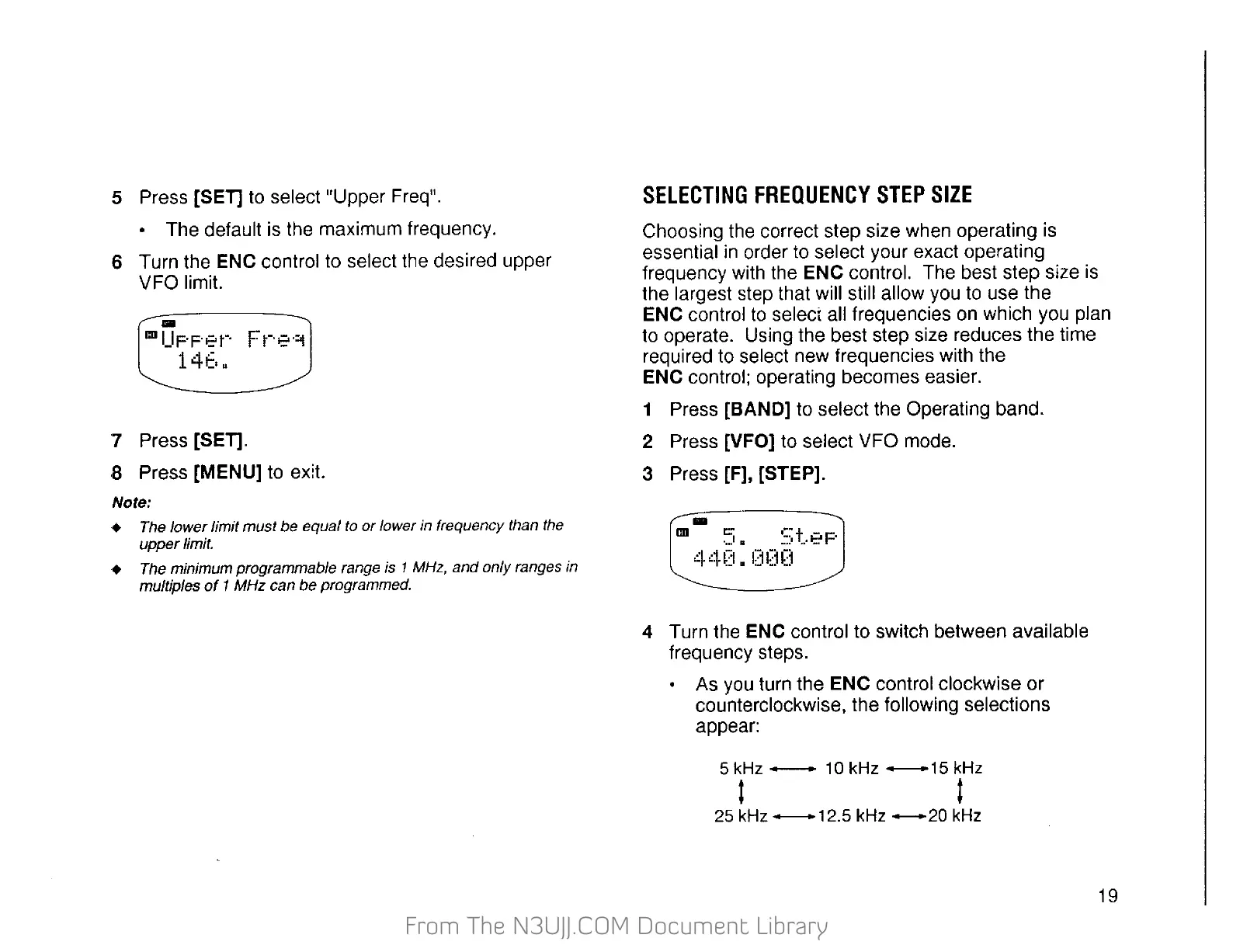
3 Press [F], [STEP].
4 Turn the ENC control to switch between available
frequency steps.
•
As
you
turn the ENC control clockwise or
counterclockwise, the following selections
appear:
5kHz-
10kHz--15kHz
l t
25
kHz
--12.5
kHz
____..
20
kHz
19


 To Next Page
 Loading...