From The N3UJJ.COM Document LibraryFrom The N3UJJ.COM Document Library
PAGE
ANSWER
BACK
(U.S.A./
CANADA
ONLY)
Page Answer Back is a confirmation signal consisting of
your Station code sent by your station back to the
station that initiated a Page calL The purpose is to
inform the other station that your station received the
Page call. Your station only sends the answer back
signal if the station that paged you used a Page code
that matched your Station code or Group code, and you
have Page Answer Back and Tone Alert switched ON.
1 Press
[MENU].
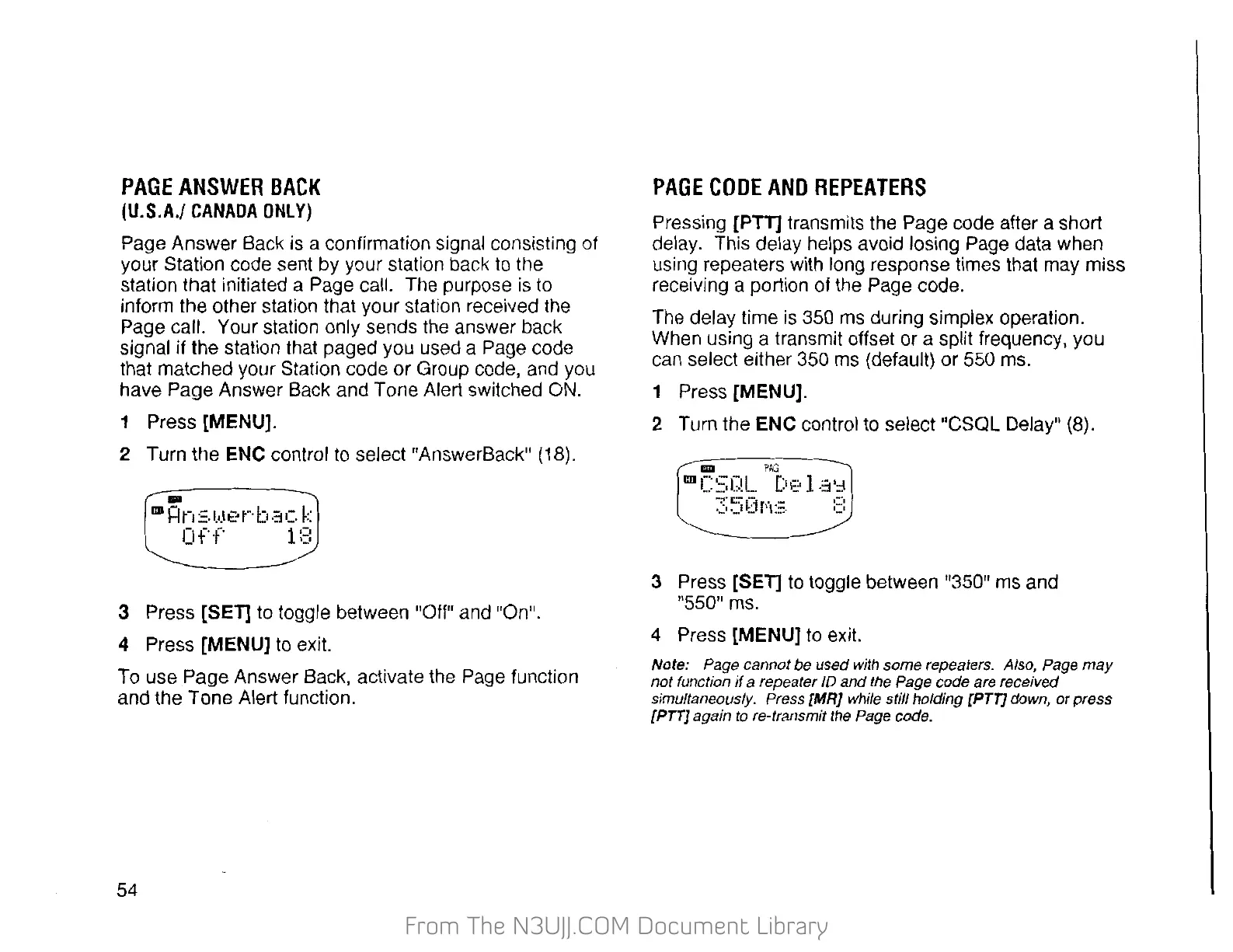
2 Turn the ENC control to select "AnswerBack" (18) .
..
ml=ln:::.l.·.l•?r·bac
k
Off
1:3
3 Press [SET] to toggle between "Off" and "On".
4 Press [MENU] to exit.
To
use
Page
Answer Back, activate the Page function
and the Tone Alert function.
54
PAGE
CODE
AND
REPEATERS
Pressing [PTT] transmits the Page code after a short
delay. This delay helps avoid losing Page data when
using repeaters with long response times that may miss
receiving a portion of the Page code.
The delay time
is
350
ms
during simplex operation.
When using a transmit offset or a split frequency, you
can select either
350
ms
(default) or 550 ms.
1 Press [MENU].
2 Turn the ENC control to select "CSQL Delay" (8).
3 Press [SET]
to
toggle between "350" ms and
"550" ms.
4 Press
[MENU]
to
exit.
Note: Page cannot be used with some repeaters. Also, Page
may
not function
if
a repeater
10
and
the Page code are received
simultaneously. Press {MR} while still holding {PT7] down,
or
press
[PT7]
again
to
re-transmit the Page code.


 To Next Page
 Loading...