Step Action Illustration
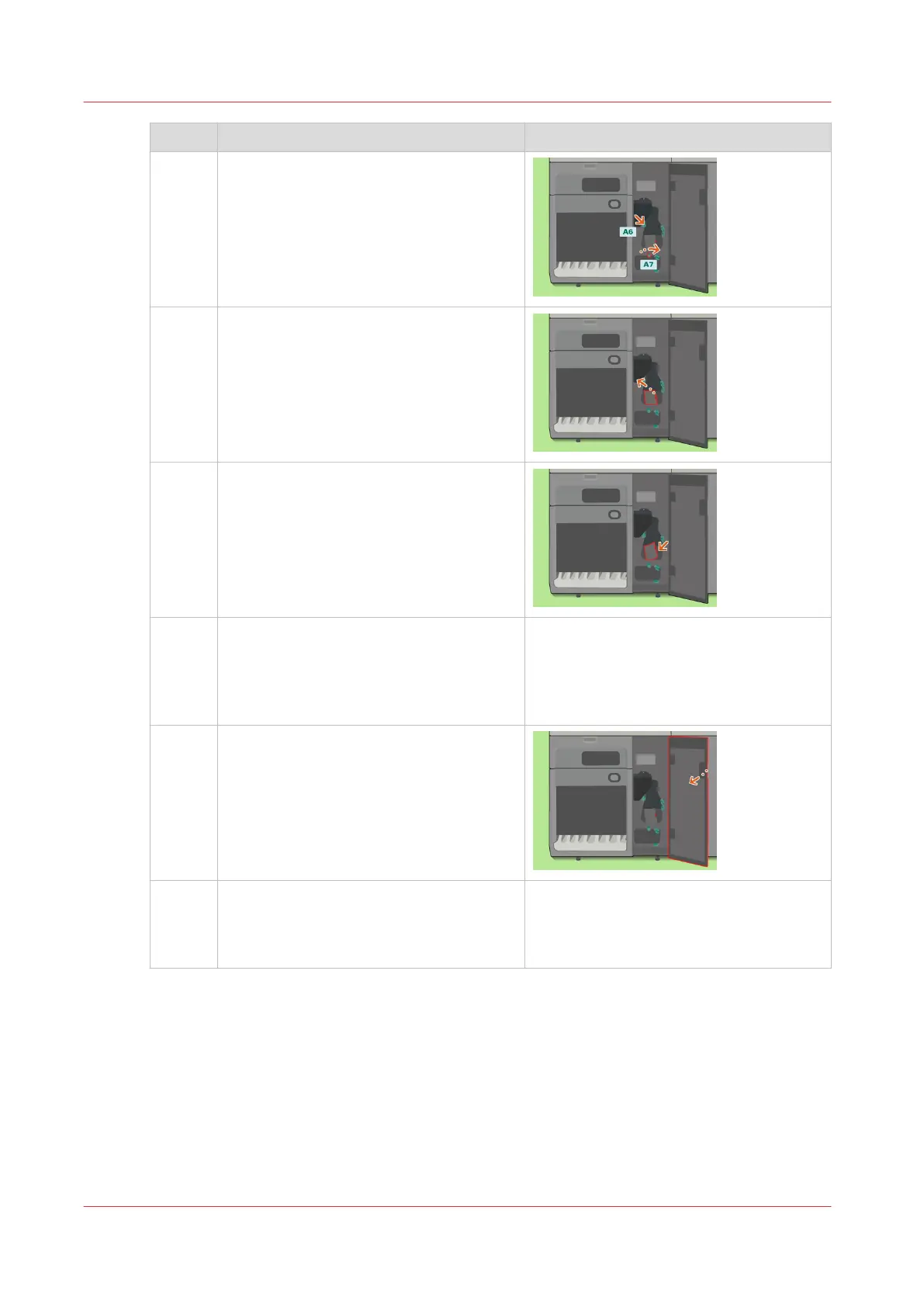
3 Remove the jammed paper from A6.
4 Lift the handle to open the paper path
section.
5 Remove the jammed paper.
6
Caution: When you close the paper path
section, be careful not to get your fingers
caught.
Lower the handle to close the paper path
section.
7 Close the front door.
8 The control panel will display the mes-
sage [Did you remove all sheets from the
paper path?] Touch [Yes] to confirm that
all paper was removed.
Clear a Paper Jam in the Lower Input Paper Path of the Registration Unit
414
Chapter 14 - Maintain the print system
Canon varioPRINT DP line


 To Next Page
 Loading...




