15 Problem Solving
532
Problem Solving
15
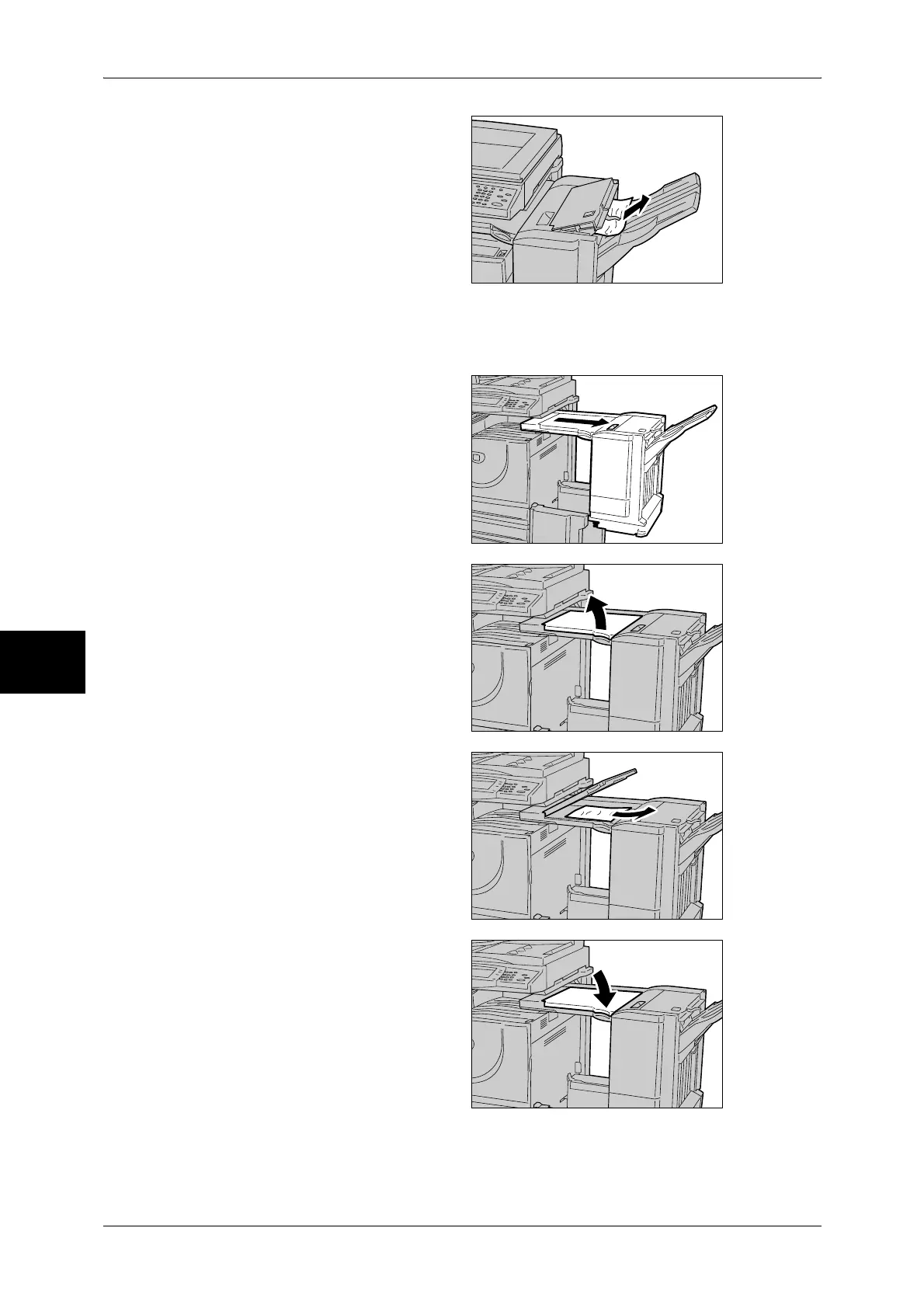
3 Remove the jammed paper.
Note • If paper is torn, check for any
torn pieces of paper inside the
machine.
4 Close the top cover.
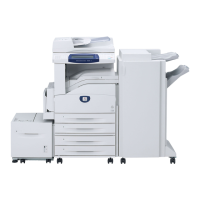
Paper Jams in the Finisher Transport
1 Move the Finisher to the right.
2 Open the top cover of the finisher
transport.
3 Remove the jammed paper.
Note • If paper is torn, check for any
torn pieces of paper inside the
machine.
4 Close the transport cover.
5 Return the Finisher to its original position.


 To Next Page
 Loading...