9. MAINTENANCE, TROUBLESHOOTING
9-5
9.7 Troubleshooting
The table below provides common symptoms of equipment troubles and the means to
rectify them.
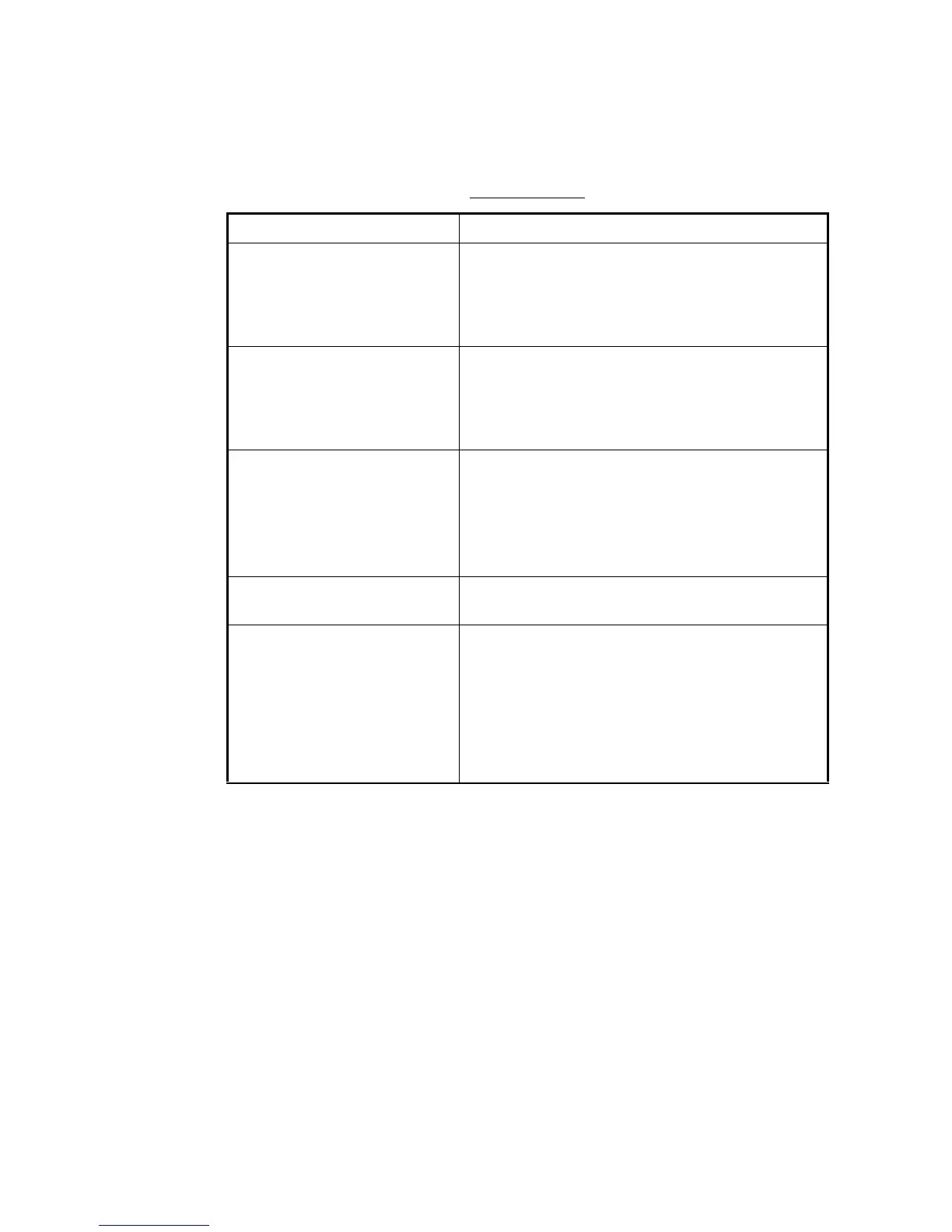
Troubleshooting
Symptom Check, remedy
Cannot turn on power. • Check cables between transceiver unit, processor
unit and monitor unit.
• Check ship’s mains.
• Have a qualified technician check the fuses inside
the transceiver unit.
Bottom echo becomes irregular. • Rough seas. Distance to the bottom changes due
to rolling and pitching.
• Long range selected. Transmission period is long-
er so ship’s pitching and rolling are apt to affect de-
tection of echo.
Weak echoes • Output power set to minimum. Set [TX Power] to
maximum, on the [TX/RX Setting] menu.
• Excessive TVG. Readjust TVG on the [Gain Set-
ting] menu.
Note: Readjustment of TVG is necessary after the
gain is adjusted.
Somewhat strange color Brilliance setting too low. Increase brightness of the
monitor.
Picture contains noise. • Equipment not grounded properly. Check equip-
ment ground.
• Power cable is too close to the signal cable. Relo-
cate power cable or signal cable.
• Debris may be on sea surface. Reject unwanted
noise with the interference rejector on the [Picture
Setting] menu or gain offset on the [Display Set-
ting] menu.


 To Next Page
 Loading...









