9. MAINTENANCE, TROUBLESHOOTING
9-10
9.11.3 Panel test
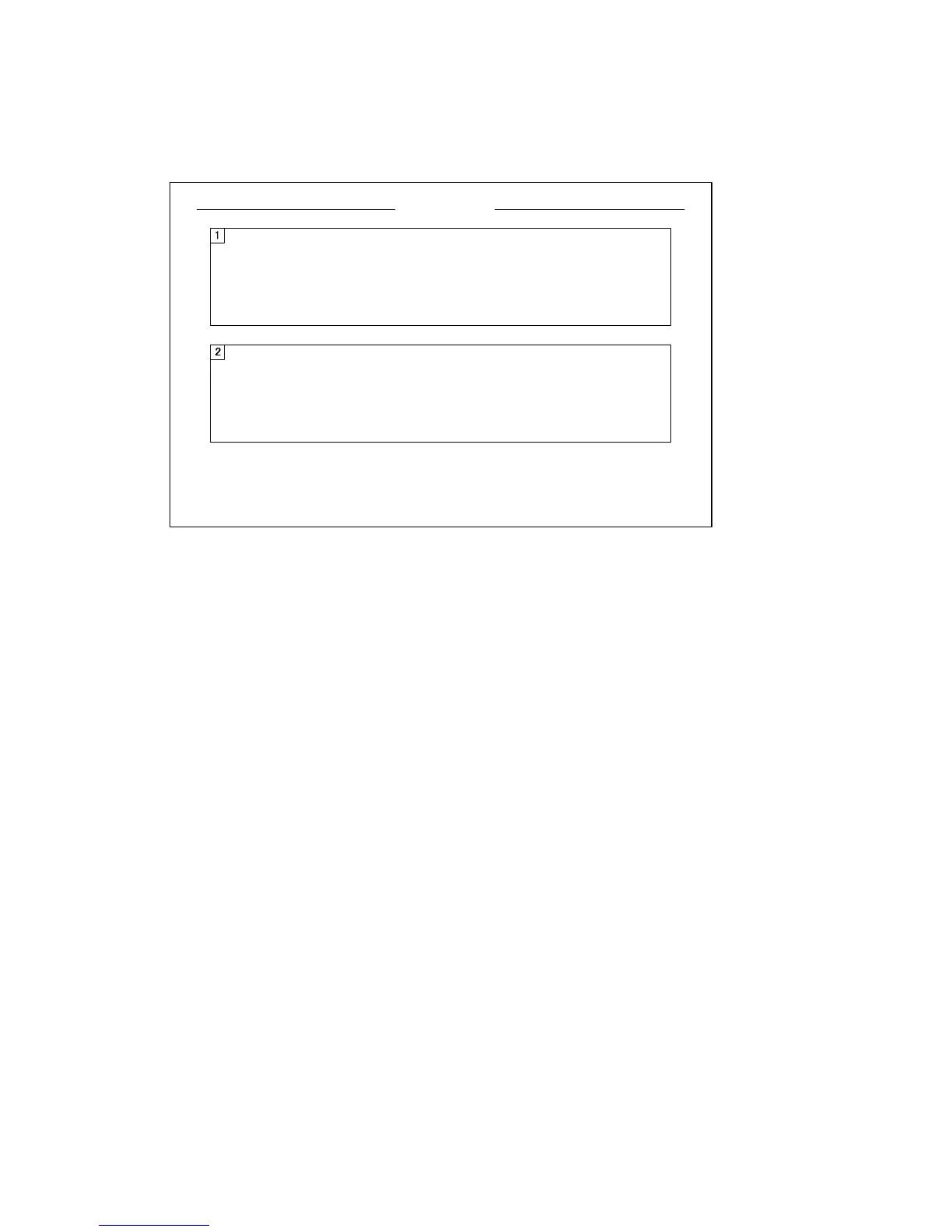
The panel test checks the keys, controls and trackball of the control unit. Select [Panel
Test] from the [Test] menu to do this test.
Key check: Press each key one by one. A key is normal if its corresponding on-screen
location shows 1 while the key is pressed and 0 when the key is released. The power
keys (ON and OFF) can not be checked.
Control check: Operate each control one by one. A control is normal if;
Clockwise rotation: Positive value
Counterclockwise rotation: Negative value
No rotation: “0”
Lever check: Press the lever upward or downward. Normal conditions are 1 for up-
ward and 2 for downward.
Trackball check: Operate the trackball. X-Y coordinates of trackball position are dis-
played. Normal conditions are as follows.
Rightward: X positive, Leftward: X negative
Upward: Y positive, Downward: Y negative
Press MENU/ESC key to cancel.
*When two control units are connected, 1 is for main control unit and 2 is for sub control unit.
PANEL TEST
䋪
䋪
0000000000
000 0
00 0
0
000 00
00 00
00 00
000
000
X = 0
Y = 0
d = 0
0000000000
000 0
00 0
0
000 00
00 00
00 00
000
000
X = 0
Y = 0
d = 0


 To Next Page
 Loading...









