2-1
2. HORIZONTAL MODE
2.1 Basic Operating Procedure
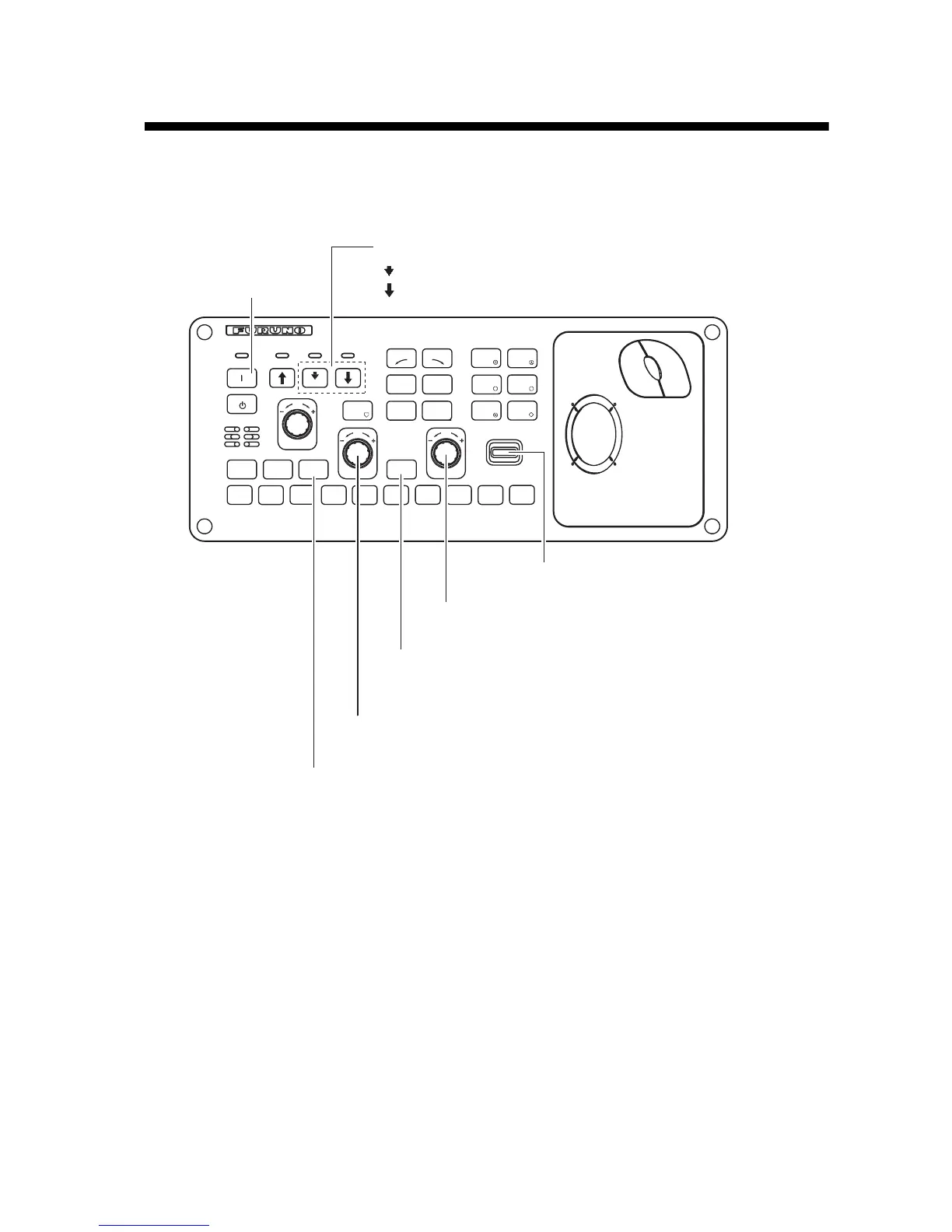
Control unit
2.
Lower transducer.
3.
Select horizontical display.
5.
Select range.
4.
Press to choose the screen (horizontal or vertical,
or horizontal1 or horizontal2, or horizontal or half-circle)
to adjust gain and range.
6.
Adjust gain.
: Mid protrusion
䋺Full protrusion
7.
Set tilt angle.
USER PROG
GAIN
RANGE
MENU/
ESC
AUTO
TILT
DISP
MODE
䌆1
䌆2
䌆3
䌆4
䌆5
䌆6
䌆7
䌆8
䌆9
䌆10
SHOOT
R/B
AUDIO
DELETE
MARK
H/V/S
V1/S V2
AUTO
TRAIN
OFF
CENTER
EVENT
EVENT
1
ESTI-
MATE
2
TARGET
LOCK
FISH
1.
Turn on power.
ESTI-
MATE


 To Next Page
 Loading...









