1. OPERATIONAL OVERVIEW
1-6
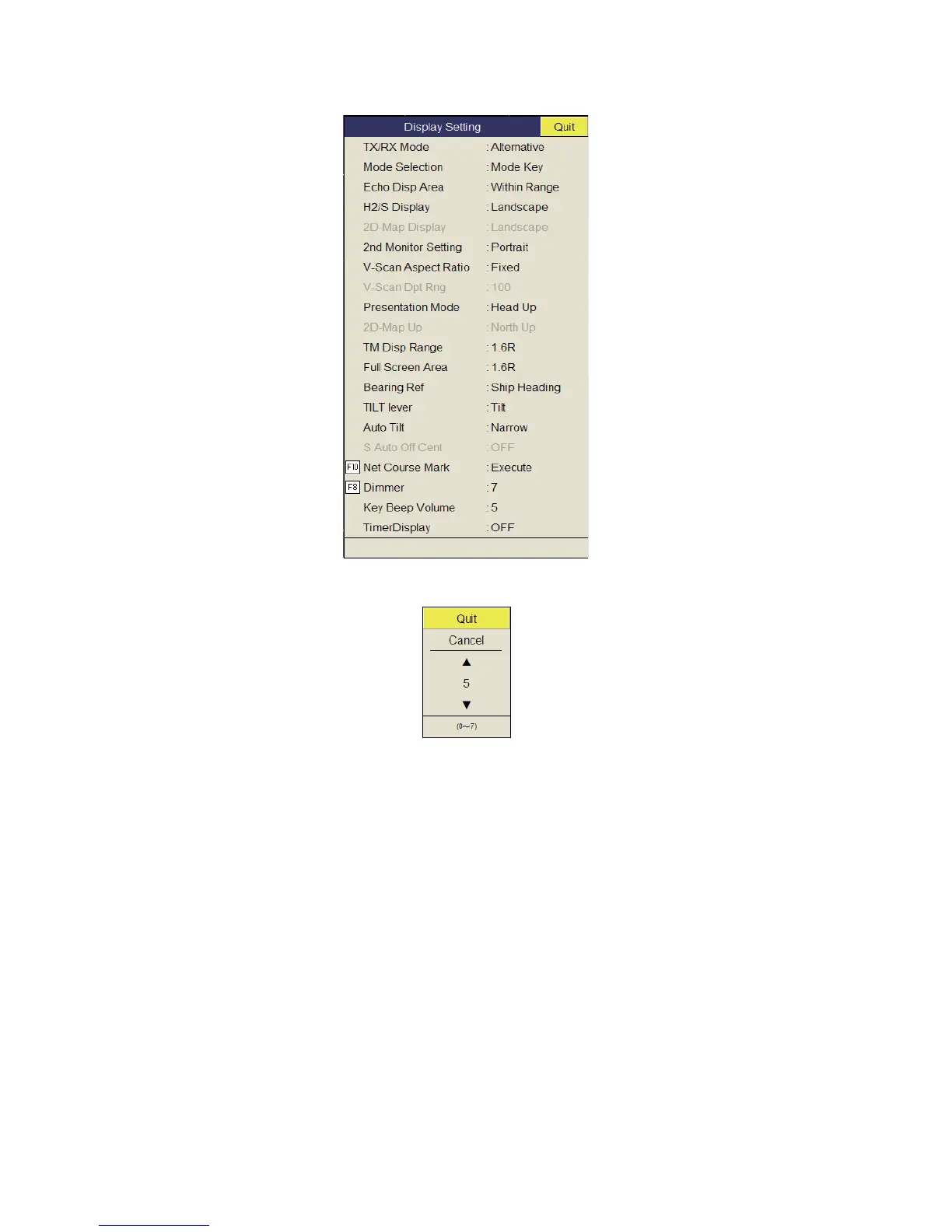
3. Select [Display Setting] then push the left-click button.
4. Select [Dimmer] then push the left-click button to show the setting box.
5. Select S (increase) or T (decrease).
6. Push the left-click button several times to select a value.
7. Select [Quit] on the setting box then push the left-click button to close the box.
8. Long-press the MENU/ESC key to close all menus.
Note: The default function of the F8 key adjusts the panel dimmer.
1.5 Display Mode, Display Division
There are six display modes; Horizontal, Horizontal1 + Horizontal2*, Slant (single dis-
play), Horizontal + Slant*, Vertical1* and Vertical 1 + Vertical 2*.
*: If the FSV-85 is fitted with dual monitors, you can select how the picture data is
shown on two displays; Dual Display or Sub Display. For details, see page 7-8.


 To Next Page
 Loading...









