3. VERTICAL MODE
3-15
3.10 How to Adjust Beam Width
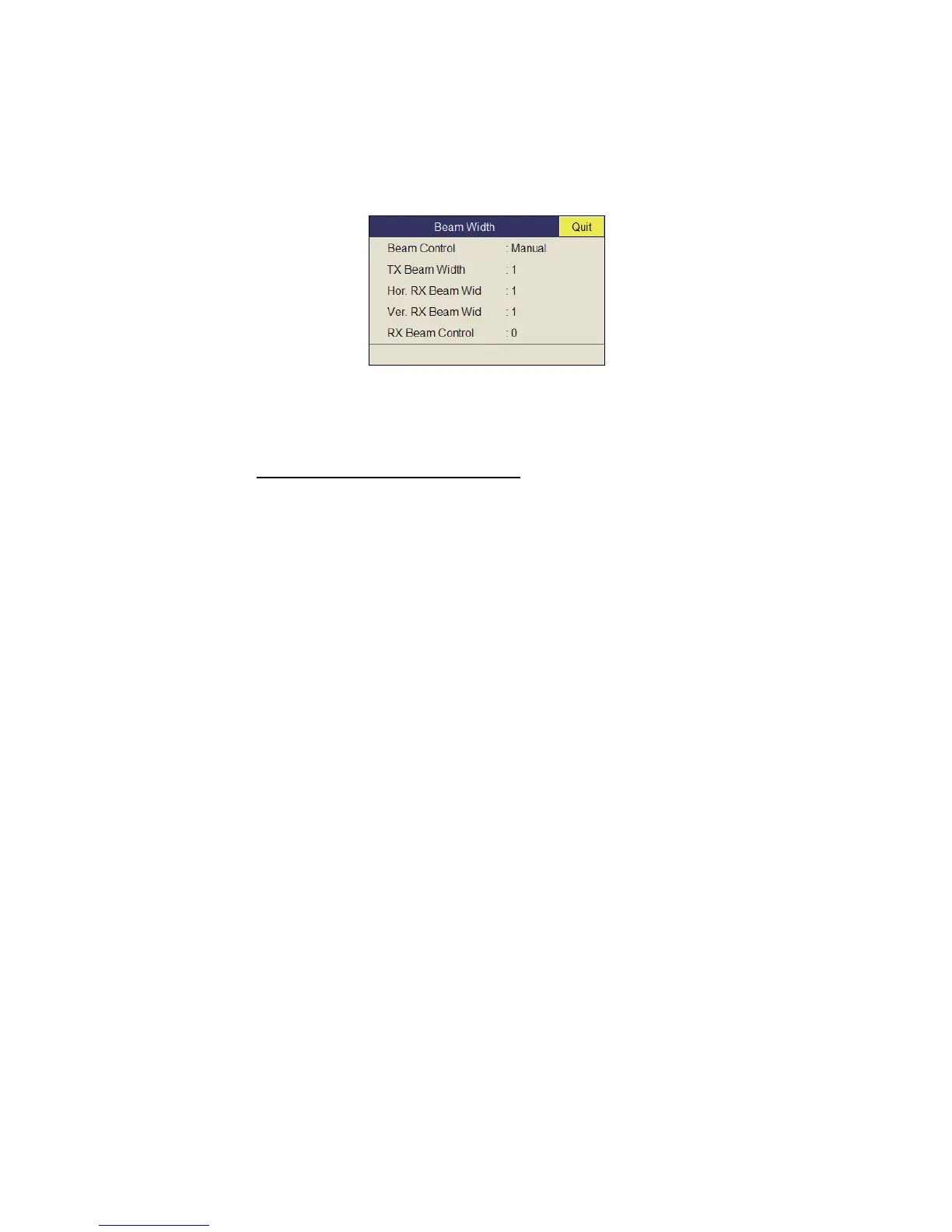
The width of the horizontal beam can be adjusted from the [Beam Width] menu.
1. Press the MENU/ESC key to show the main menu.
2. Select [TX/RX Setting] then push the left-click button.
3. Press the H/V/S key to select the [V] tab.
4. Select [Beam Width] then push the left-click button.
5. Select the item to set then push the left-click button.
Description of Beam Width menu
Beam Control: Control the beamwidth according to option selected. Manual: Se-
lect this item to enable adjustment of the other items in this menu. Range: The
beamwidth is automatically controlled with the range setting.
TX Beam Width*: Increase the value to display close-range echoes clearly.
Hor. RX Beam Width*: Increase the value to improve horizontal resolution.
Ver. RX Beam Width*: Increase the value to improve vertical resolution to distin-
guish fish echoes from bottom echoes.
RX Beam Control: Increase the value to improve horizontal resolution.
Note: When [RX Beam Control] is set to 1 - 3 and [Sidelobe Sup.B ] is set to other
than 0, [TX/RX Mode] on the [Display Setting] menu is automatically selected to
[Alternative]. See "TX/RX Mode" on page 7-3 for details.
*: Available only when [Beam Control] is set to [Manual].
6. Select [Quit] on the setting box then push the left-click button to close the box.
7. Long-press the MENU/ESC key to close all menus.


 To Next Page
 Loading...









