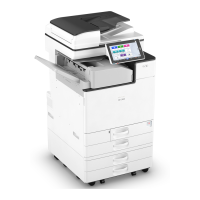
Attaching the Paper Feed Unit
You can install a paper feed unit.
• Do not handle the power cord plug with wet hands. Doing so can result in electric shock.
• The machine weighs as follows.
• IM 550F/600F: approximately 29 kg (64 lb.)
• IM 600SRF: approximately 40 kg (88 lb.)
• When moving the machine, use the inset grips on both sides, and lift slowly in pairs. The
machine will break or cause injury if dropped.
• Lifting the paper feed unit carelessly or dropping may cause injury.
• When moving the machine, make sure to unplug the power cord from the wall outlet and
confirm that line cords and other connecting cables have been removed. Otherwise, the power
cord is damaged, possibly resulting in fire or electric shock.
• Do not place the machine directly on the floor.
• When attaching multiple options, attach the paper feed unit first.
• To attach two or more paper feed units at the same time, first stack them one upon the other, and
then attach them as a single unit.
• Before turning on the power, remove the packaging material from the paper feed unit.
1. Turn the machine off and unplug the power cord.
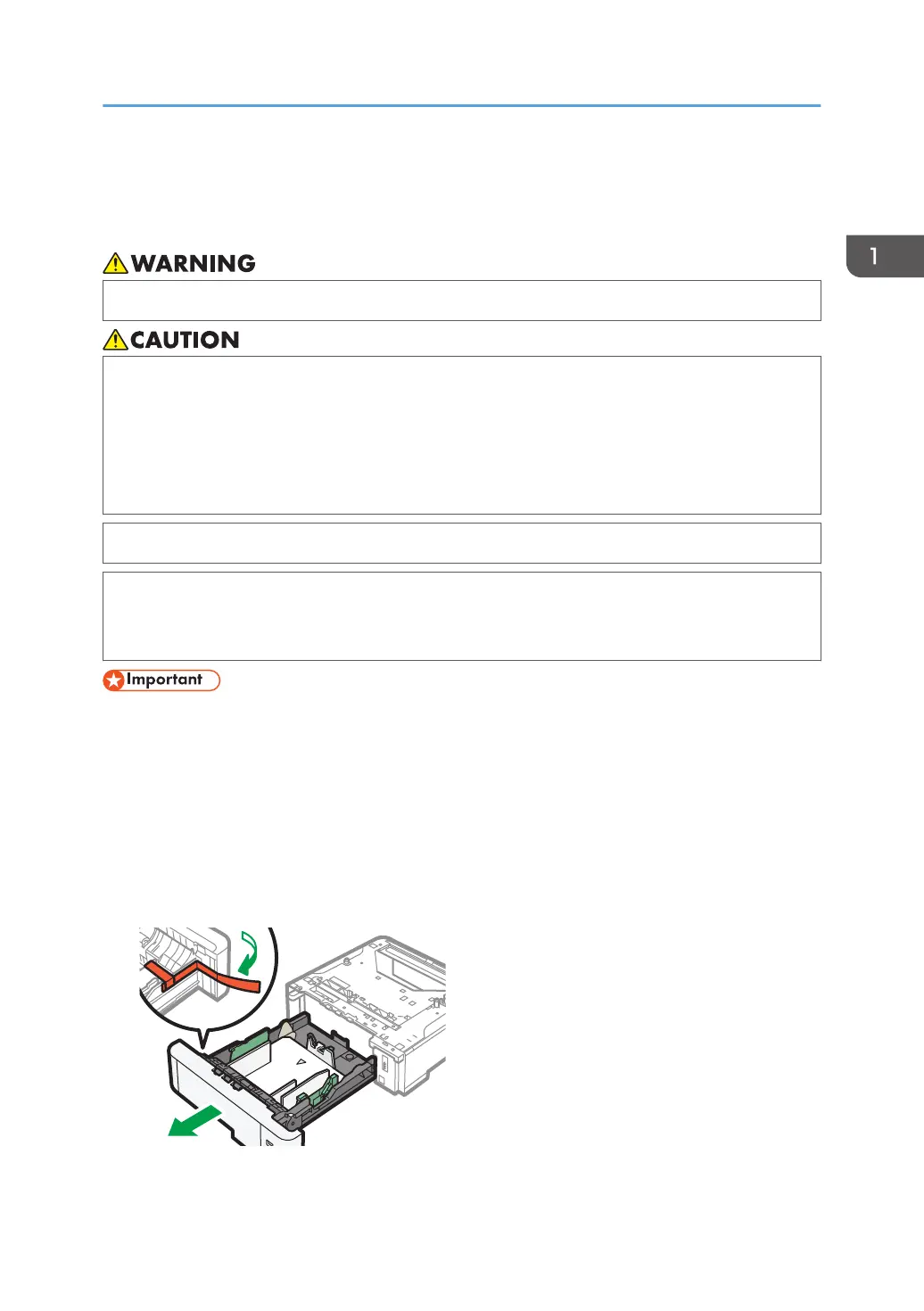
2. Remove the packaging, adhesive tapes, and a plastic sheet from the paper feed unit.
Attaching the Paper Feed Unit
23


 To Next Page
 Loading...