8. Press [Exit].
Changing the Contents of the Program
You can change a part of the program and overwrite it or change the contents and register them as a
new program.
1. On the Home screen, press [Copy], [Fax], or [Scanner].
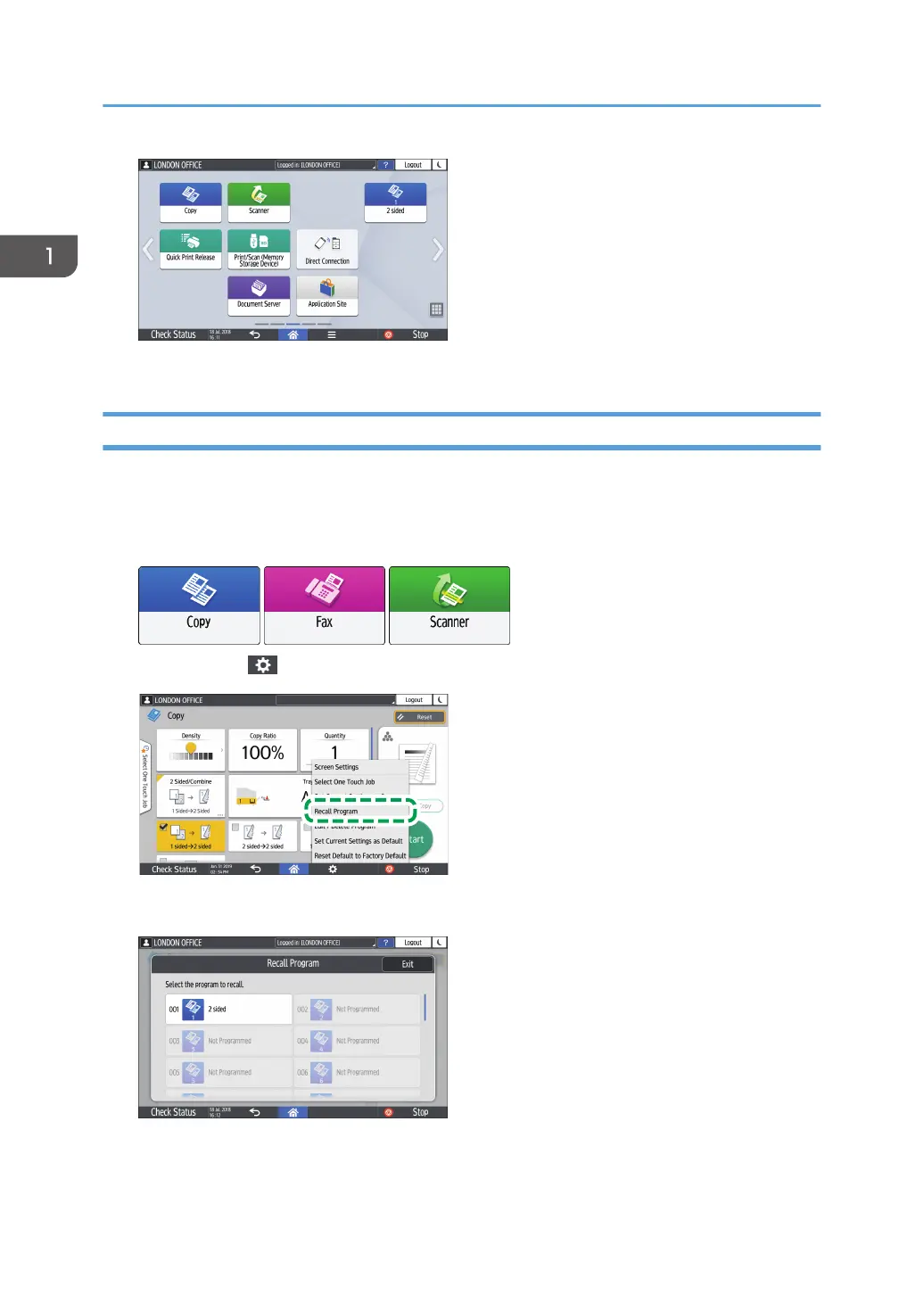
2. Press [Menu] ( ), and then press [Recall Program].
3. Press the program number to be changed.
4. Change the scan and output settings.
1. Getting Started
60


 To Next Page
 Loading...