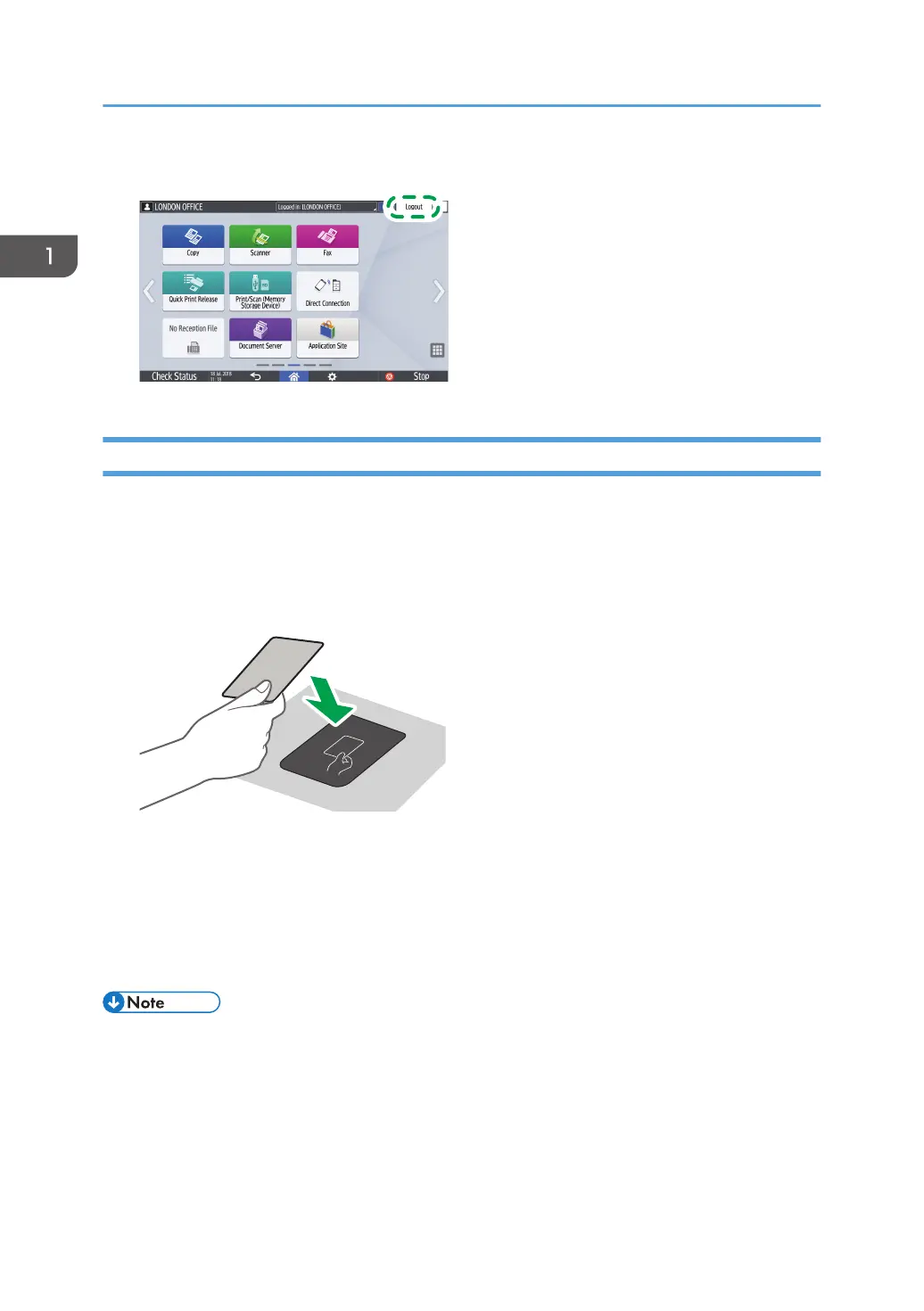
• To log out from the machine, press [Logout] at the top right on the screen, and then press [OK].
Logging In Using an IC Card
Hold an IC card over the card reader on the right side of the machine. If the card is not registered on the
machine, enter the authentication information and register the card.
1. Hold an IC card over the card reader.
• When the card is registered on the machine, login operation finishes.
• When the card is not registered, the registration screen is displayed. Proceed to the next step
to register the card.
2. Enter the Login User Name and Login Password, and then press [Register].
3. Hold the IC card over the card reader again.
• To log out, hold the IC card over the card reader or press [Logout] at the top right on the screen.
• If another user holds the IC card over the card reader while you are still logged in, you are
automatically logged out and the new user logs in.
1. Getting Started
64


 To Next Page
 Loading...