Chapter 3: Service program PowerSys SWT 3000 Equipment Manual
Page - 22 Edition p3_3_2x 08/09 © SIEMENS AG 2008
Basic Settings
Starting MemTool
For launching MemTool as a stand-alone tool, execute Memtool.exe via the Windows Main menu
Start - Programs -UDE MemTool.
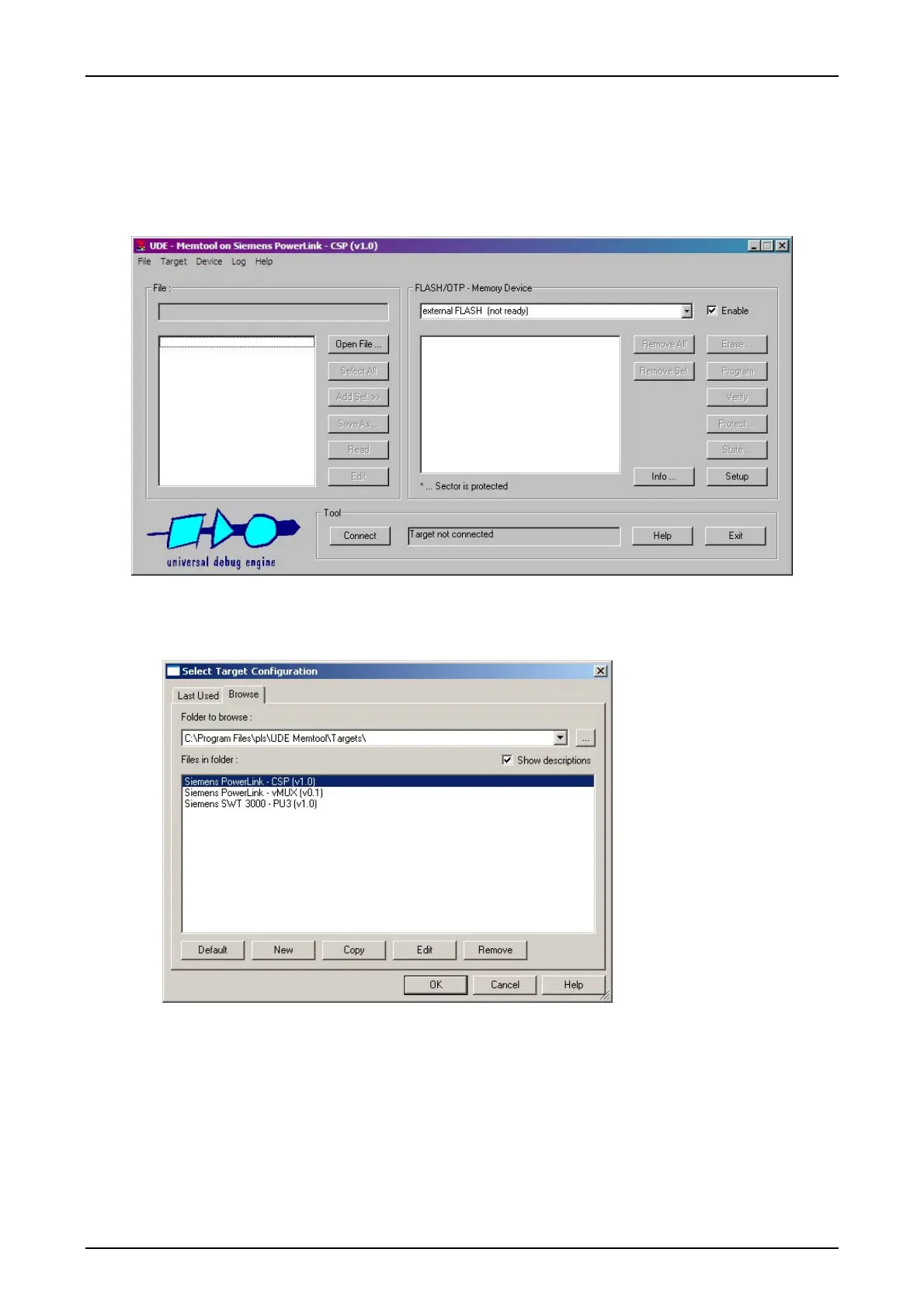
Figure 26: Starting the MemTool program
MemTool Settings
Figure 27: Target selection
When starting MemTool for
the first time, the Select
Target Configuration dia-
log is displayed. Otherwise,
this dialog can be reached
via the menu
Target – Change.
The installation of MemTool
provides target files for se-
lection of Siemens CSP
(PowerLink) and PU3 (SWT
3000) systems.
Select Siemens PowerLink -
CSP and click OK.


 To Next Page
 Loading...