Messaging and Internet 83
Thethreadisnowhidden.
Delete Gmail Threads
IfyounolongerwishtokeepaGmailconversationthread,youcansimplydeleteitfromtheinbox.
1.
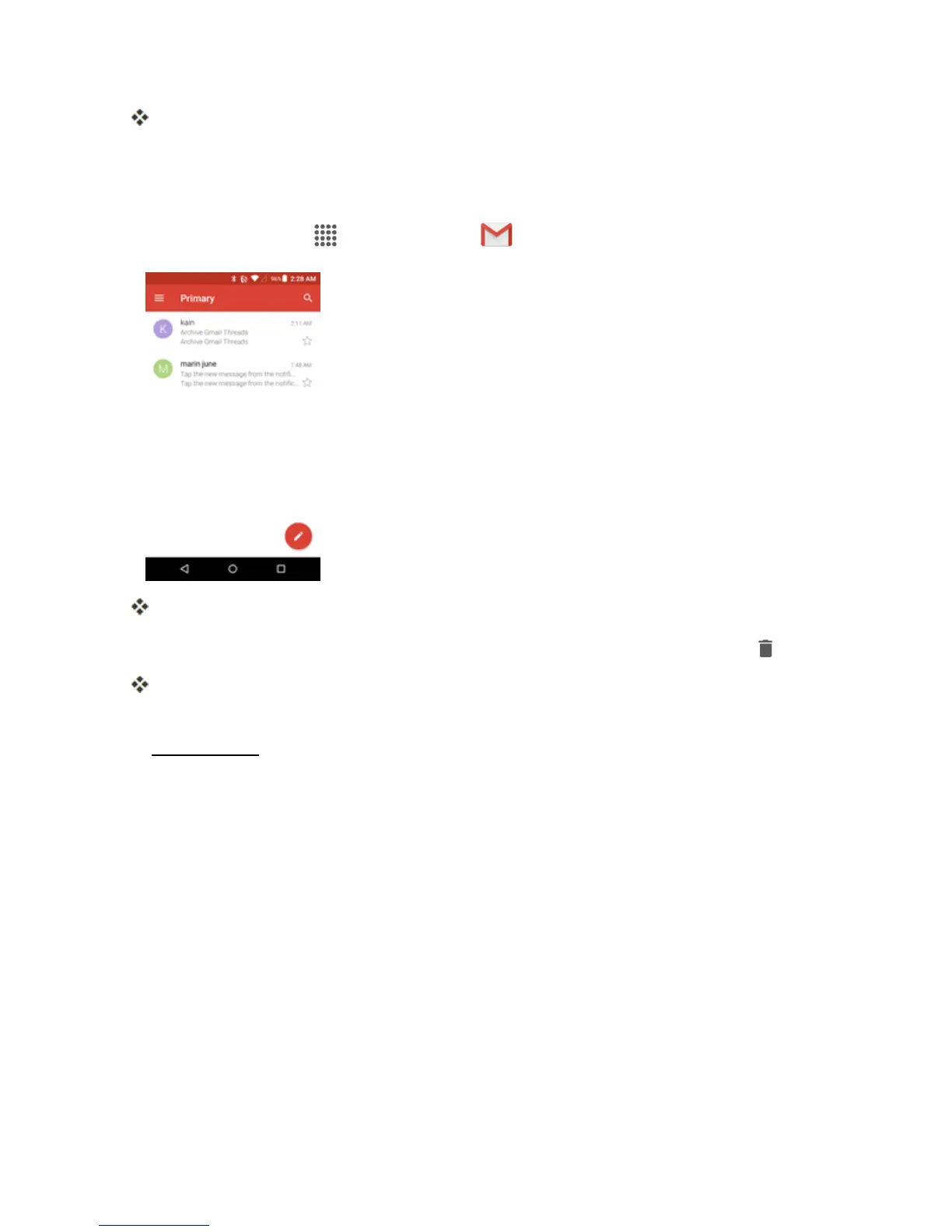
Fromhome,tap Apps >Google >Gmail .
Theinboxopens.
2.
Touchandholdaconversationthreadtoaddacheckmarktoit,andthentapDelete .
Thethreadisdeleted.
Note:Dependingonyoursettings,youmaybeaskedtoconfirmthedeletion.TapOKtoconfirm.
SeeGmailSettings.
Search Gmail Messages
Ifyouneedtofindaspecificmessageormessagethread,youcansearchGmailfromtheinbox.


 To Next Page
 Loading...








