72 Rev 2.2 • 27 Mar 10
2. Installation
Making Router Control System Connections
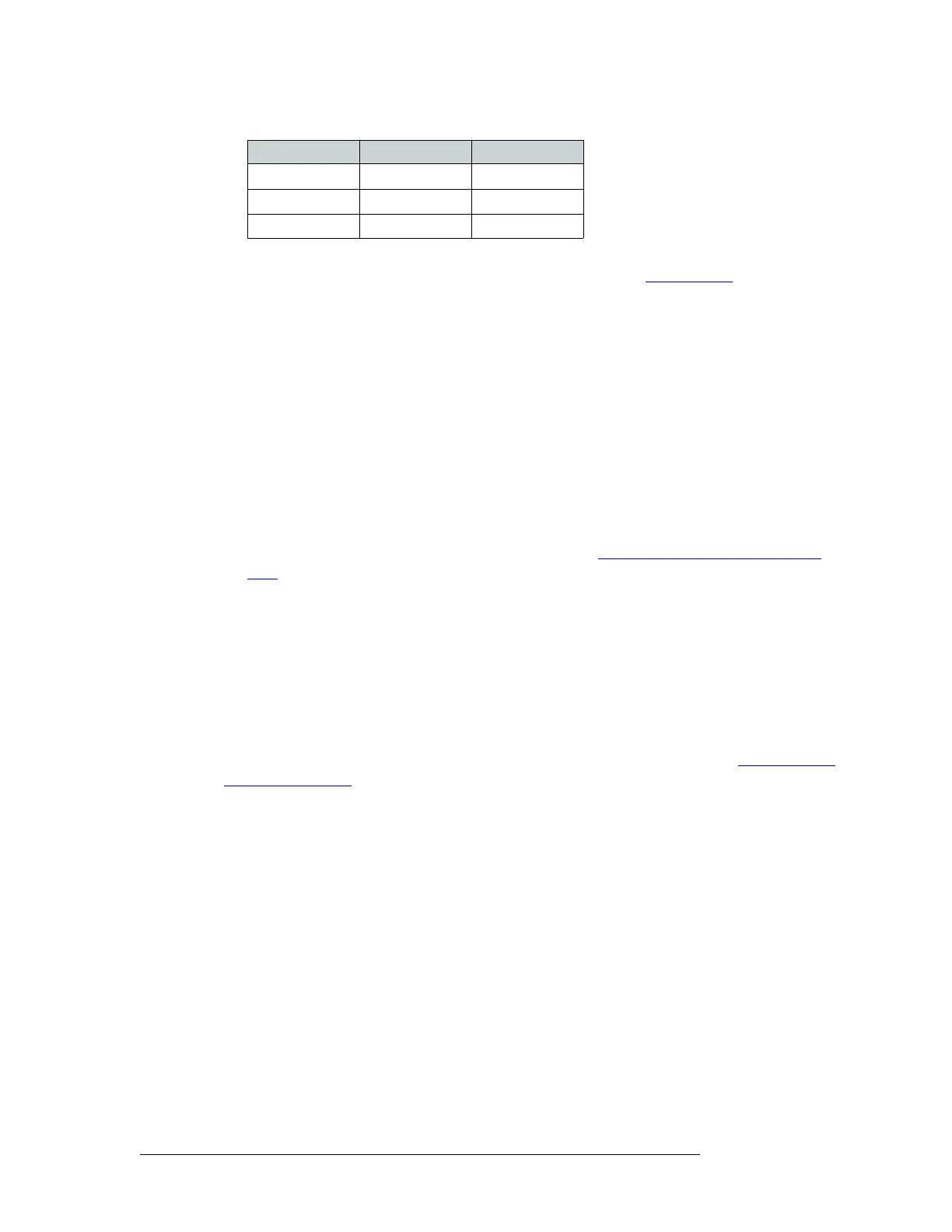
4 If a secondary control card (optional for redundancy) is installed, connect to the ‘CTRL 1’ con-
nection in the ‘SEC’ section as described in Steps 2 and 3. (See Control Cards
on page 38.)
5 If an alternate control system (e.g., for redundancy or dual control) is being used, make connec-
tions as follows:
a Connect to the ‘CTRL 2’ connection in the ‘PRI’ section using a DE9 connector and serial
cable.
b Connect the other end of the serial cable to the secondary router control system using a DE9
connector. Wire connectors as described in Step 3.
c Connect to the ‘CTRL 2’ connection in the ‘SEC’ section using a DE9 connector and serial
cable.
d Connect the other end of the serial cable to the secondary router control system using a DE9
connector. Wire connectors as described in Step 3.
6 If two expandable router frames (NV8280-Plus or NV8576-Plus) are being connected together,
connect the control system expansion connections. (See Control System Expansion Connec-
tions on page 73.)
Ethernet Control Connections
Ethernet control connections connect the router to the router control system using Ethernet connec-
tors. Ethernet connections are especially helpful if the PC running the router control system is
going to be on a network. An Ethernet connection is recommended for the Miranda NV9000 con-
trol system.
The Ethernet ports are divided into two sets that communicate with the primary control card or the
secondary control card. For a detailed description of the Ethernet connections, see Router Control
System Connections on page 32. Unlike serial control connections, there are no Ethernet connec-
tions to redundant control systems because redundant control systems can be connected through
Ethernet network connections.
For the router to communicate with the router control system through an Ethernet connection, an IP
address for the router must be set in the control card. Use UniConfig to make the setting. See the
UniConfig User’s Guide.
The Ethernet control system connections use RJ45 connectors and Cat5, or better, cable. The Ether-
net port is 10/100baseT.
Rx+ 7 Tx+
Tx– 8 Rx–
Ground 9 Ground
Control End Pins Router End


 To Next Page
 Loading...
