INTELLIGENT PDU USER MANUAL
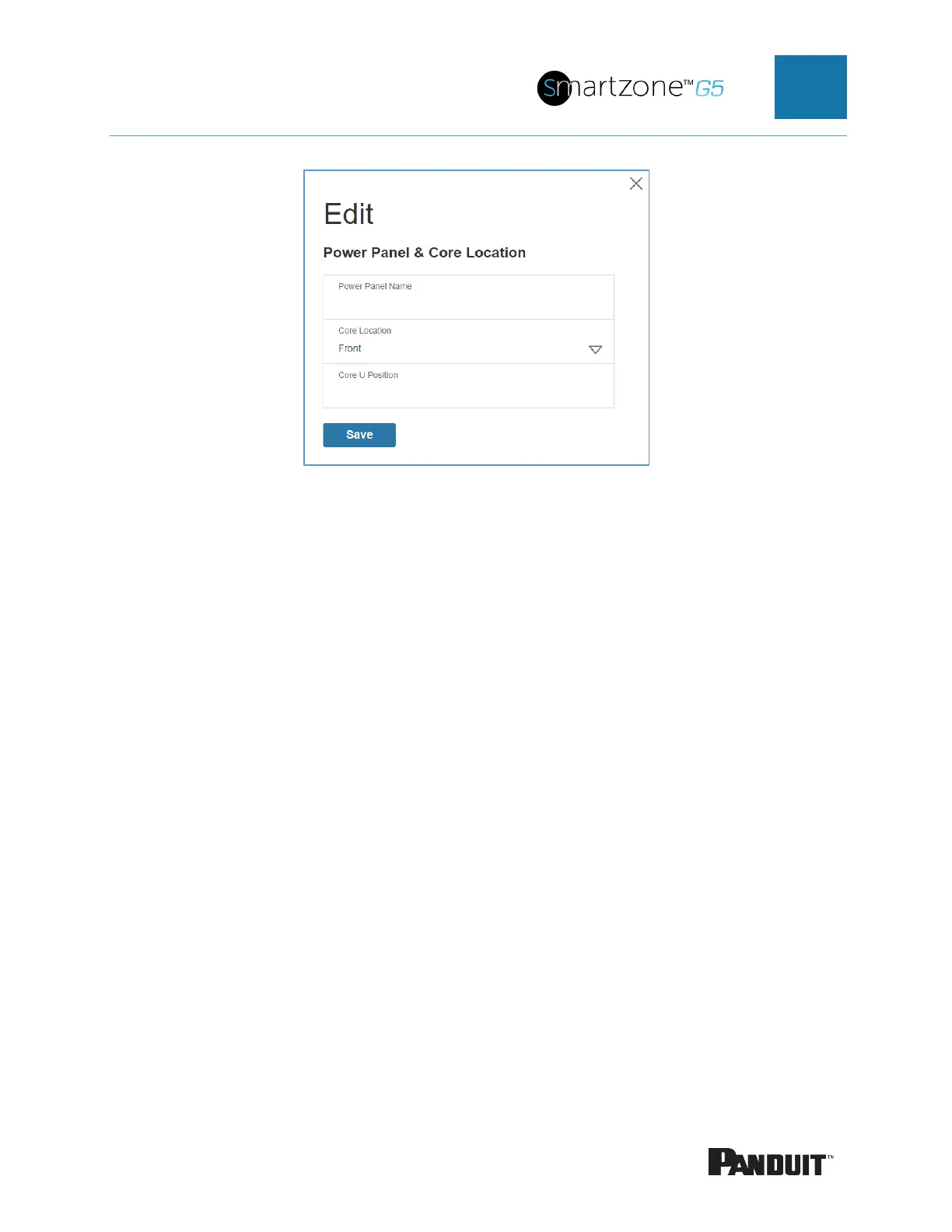
Figure 17: Power Panel & Core Location
2. Enter the name of the PDU in the Power Panel Name.
3. Select Front or Back for the Core Location. The Core Location is the side of
the rack/cabinet where the PDUs are installed. For vertical PDUs, they are
typically installed in the back.
4. Enter the rack unit (RU) location into the Core U Position. Vertical PDUs are
usually installed in the 0 RU space.
5. Press Save.
Note: If editing ‘Power Panel & Core Location’ – all fields are required to be filled to
save the information.
Setting Time and Date on the PDU
You can set the internal clock manually or link to a Network Time Protocol (NTP) server
and set the date and time:
Manually Setting Time and Date
1. Go to Network Settings and select Date/Time Settings.



 To Next Page
 Loading...
