INTELLIGENT PDU USER MANUAL
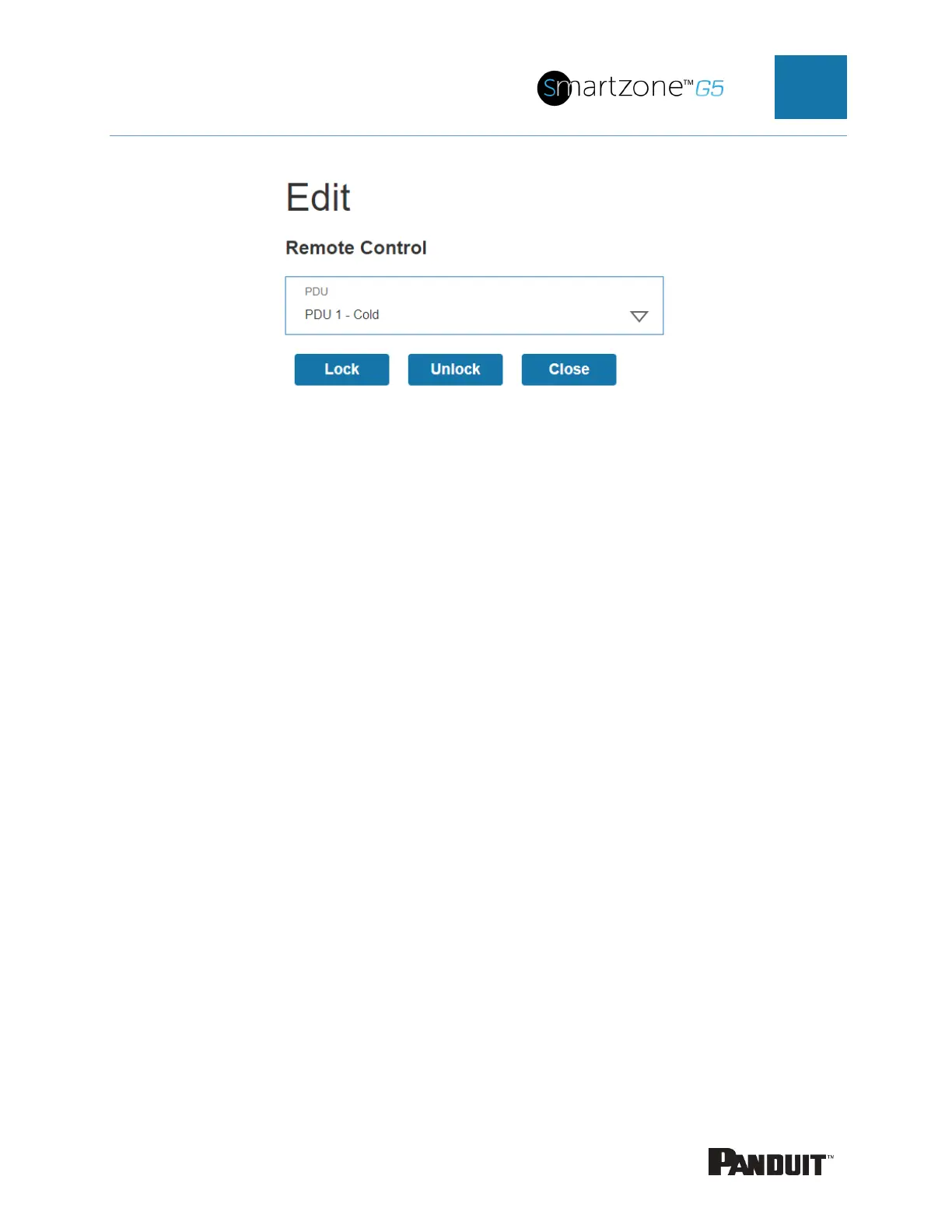
Figure 78: Remote Control
2. Select the handle to control:
a. Under the PDU section, Select the handle
3. Select the action you wish to perform.
a. Lock remotely locks the handle
b. Unlock remotely unlocks the handle.
4. When finished, click Close.


 To Next Page
 Loading...

