INTELLIGENT PDU USER MANUAL
PDU will attempt to resend a message if the message fails. The default
setting is 3.
• Set Time Interval Between Sending Retires (In Minutes). This is the
time, in minutes, the PDU will wait before retrying to send a failed
message. The default setting is 6 minutes.
3. Press Save when done.
Next, fill out the Email Recipients list.
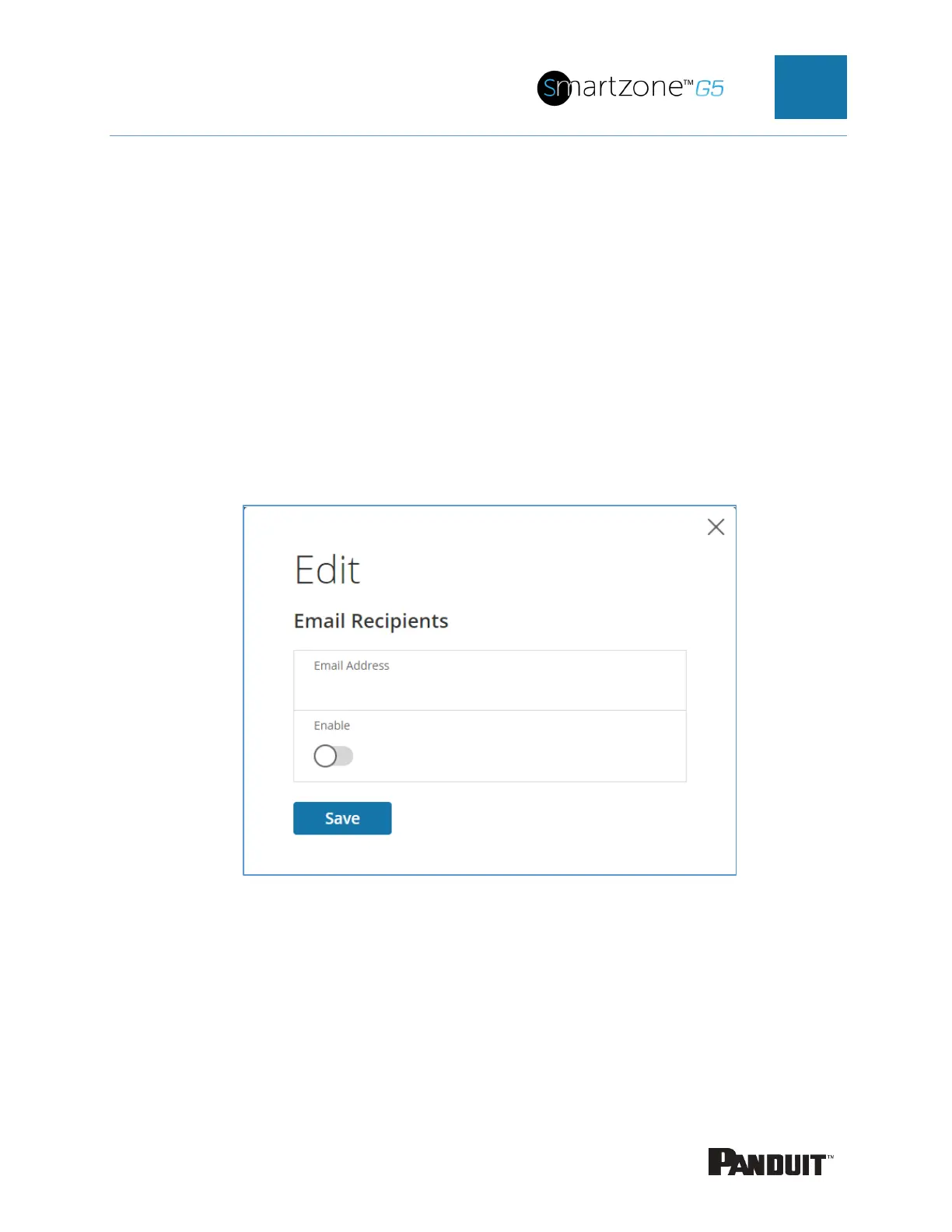
1. Select the pencil icon to display the Email Recipients screen.
Figure 34: Email Recipients
2. Enter the desired email address and press Enable.
3. Press Save.
Note: A maximum of 5 users can be entered to receive email alerts.


 To Next Page
 Loading...

