INTELLIGENT PDU USER MANUAL
2. Click Enable to enable NTP.
3. Enter the IP address of the primary NTP server in the Primary NTP Server field.
4. Enter the IP address of the primary NTP server in the Secondary NTP Server
field.
5. Select the appropriate time zone from the Time Zone drop-down list.
6. Press Save.
Note: NTP Server must be online to test and save the settings.
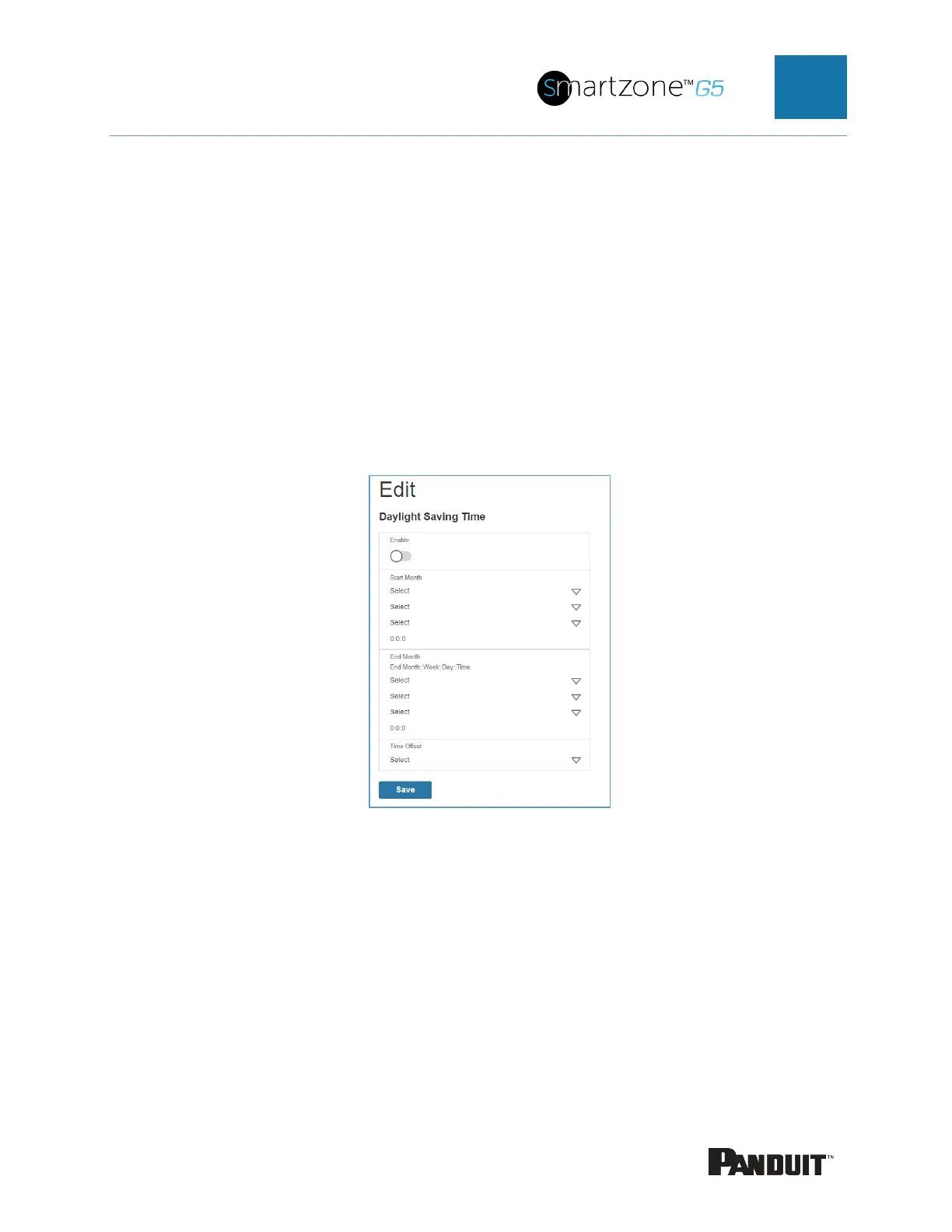
Setting Daylight Saving Time
Figure 19: Daylight Saving Time Configuration
2. Ensure Enable is selected.
3. Select the specifics of the Start Month:
• Month
• Week
• Day
• Time


 To Next Page
 Loading...

