INTELLIGENT PDU USER MANUAL
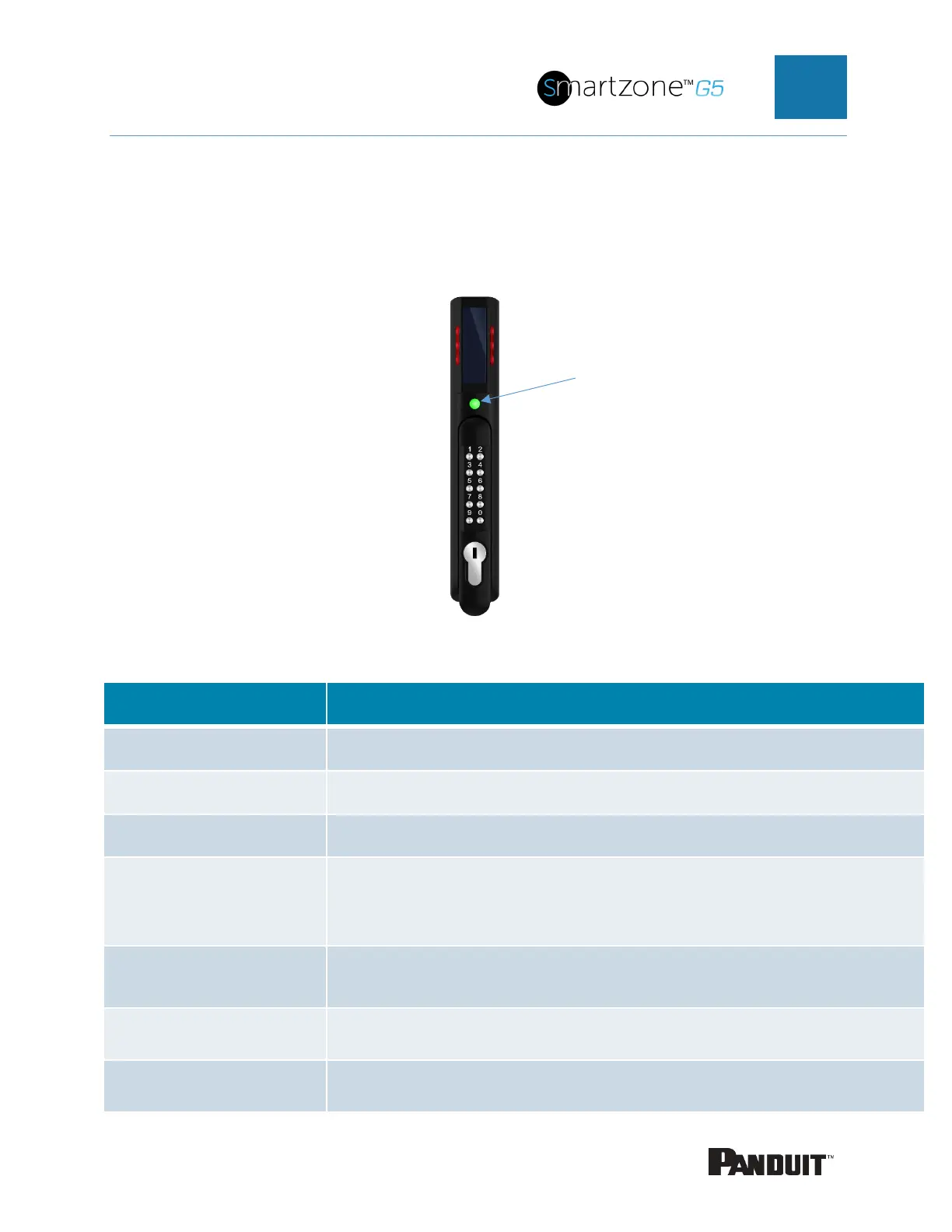
The Status LED
The SmartZone Security Handle is equipped with a status LED to give a visual
indication of the handle and security status. A summary of all the status LED states can
be seen in the follow table. The default state of the status LED is on solid green.
Status LED Table in Order of Priority:
Customer selectable color in standby state. (customizable)
Blinks three times signaling authentication error (not customizable)
Lock Open (not customizable)
Magenta – Blinking
or
Mechanical handle lifted away from base
Yellow – Blinking Handle open past Door Open Time (not customizable)
Red - Solid
Lock open for longer than Autolock Time. (look for obstruction)
(not customizable)
Red - Solid
Door open for longer than Door Open Time (door sensor)
(not customizable)


 To Next Page
 Loading...

