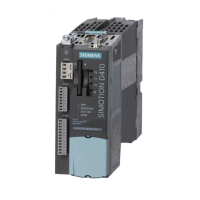
SIMOTION D4x5-2
Commissioning and Hardware Installation Manual, 02/2012
83
Commissioning (hardware)
4
4.1 Requirements for commissioning
Requirements
The following requirements must be satisfied for the initial commissioning of the
SIMOTION D4x5-2 and the SINAMICS S120 modules required for operation
(SINAMICS S120 line modules and SINAMICS S120 motor modules):
● Your system with SIMOTION D4x5-2 has been installed and wired.
● Your PG/PC has been connected to the SIMOTION D4x5-2 via the PROFIBUS, Ethernet
or PROFINET IO interface.
Commissioning steps
Commissioning the hardware involves the following steps:
1. Inserting the CompactFlash card (Page 84)
2. Checking the system (Page 86)
3. Switching on the power supply (Page 86).
Additional references
For information on installing/mounting and commissioning the SINAMICS S120 components,
refer to the
SINAMICS S120
Commissioning Manual.



 To Next Page
 Loading...