Garmin aera 660 Pilot’s Guide
190-02017-20 Rev. E
89
Hazard Avoidance
Overview Navigation Flight Planning Hazard Avoidance Additional Features Appendices Index
SIRIUSXM
®
WEATHER
NOTE:
The displayed weather products are dependant on the SiriusXM
Weather Data Service Package purchased.
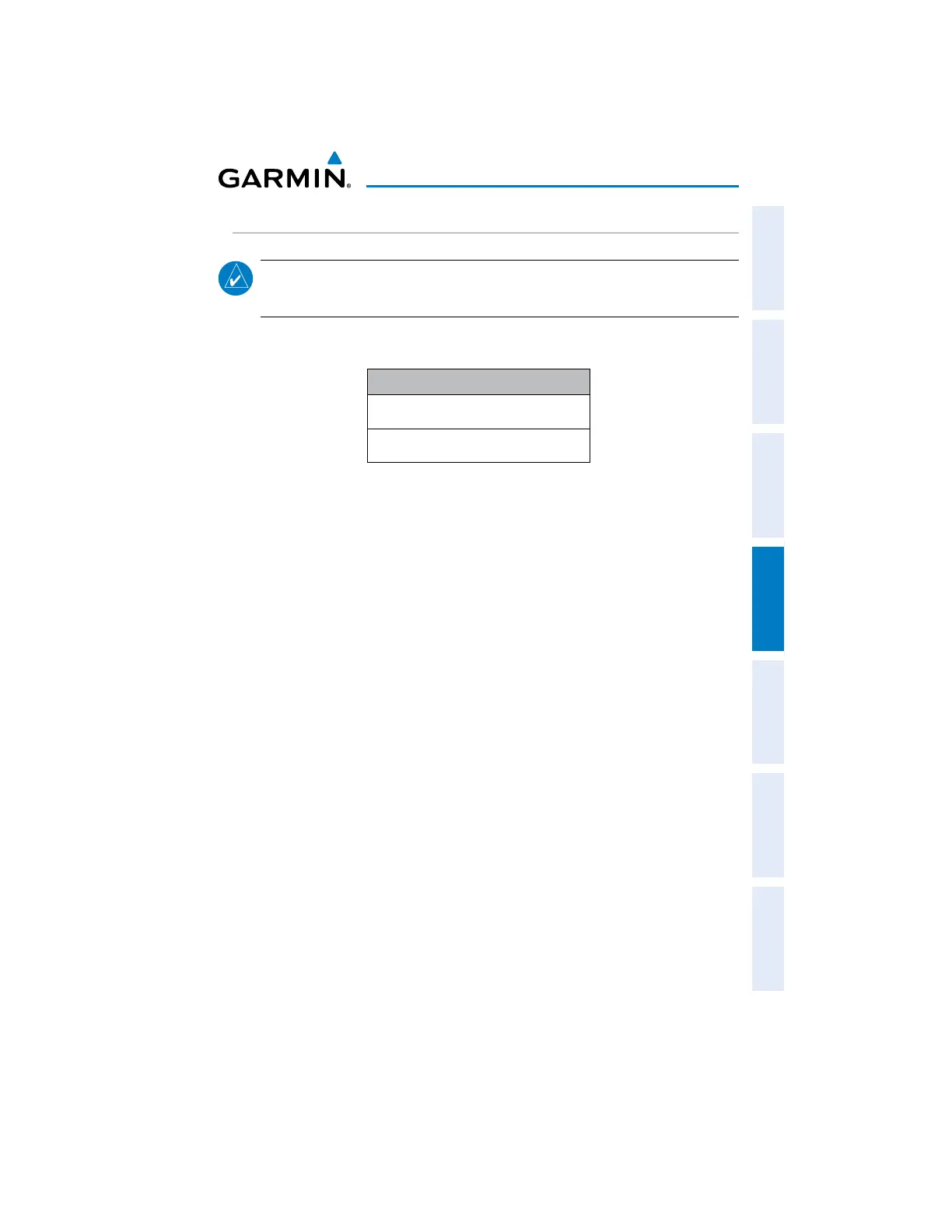
The following SiriusXM devices can be used to display SiriusXM weather:
Compatible SiriusXM Devices
GDL 51/51R
GDL 52/52R
ACTIVATING SERVICES
Before SiriusXM Satellite Weather can be used, the service must be activated.
Service is activated by providing SiriusXM Satellite Radio with a Radio ID unique to the
compatible SiriusXM device.
SiriusXM Satellite Radio uses the Radio ID to send an activation signal that allows
the aera to display weather data and/or entertainment programming provided through
the compatible SiriusXM device.
Refer to the compatible SiriusXM device Owner’s Manual for more information on
activating SiriusXM Satellite Radio.
SIRIUSXM WEATHER INFORMATION
sRadio ID—Eight-digit ID number used for activation.
s3ERVICE,EVEL3IRIUS8-7EATHERSUBSCRIPTIONPLANPURCHASED
s7EATHER0RODUCTS,ISTOFWEATHERFEATURESANDAGEOFWEATHERDATAINMINUTES
Accessing the Radio ID:
From the Main Menu, touch Tools > Data Link.


 To Next Page
 Loading...











