Garmin aera 660 Pilot’s Guide
190-02017-20 Rev. E
42
Navigation
OverviewNavigationFlight PlanningHazard AvoidanceAdditional FeaturesAppendicesIndex
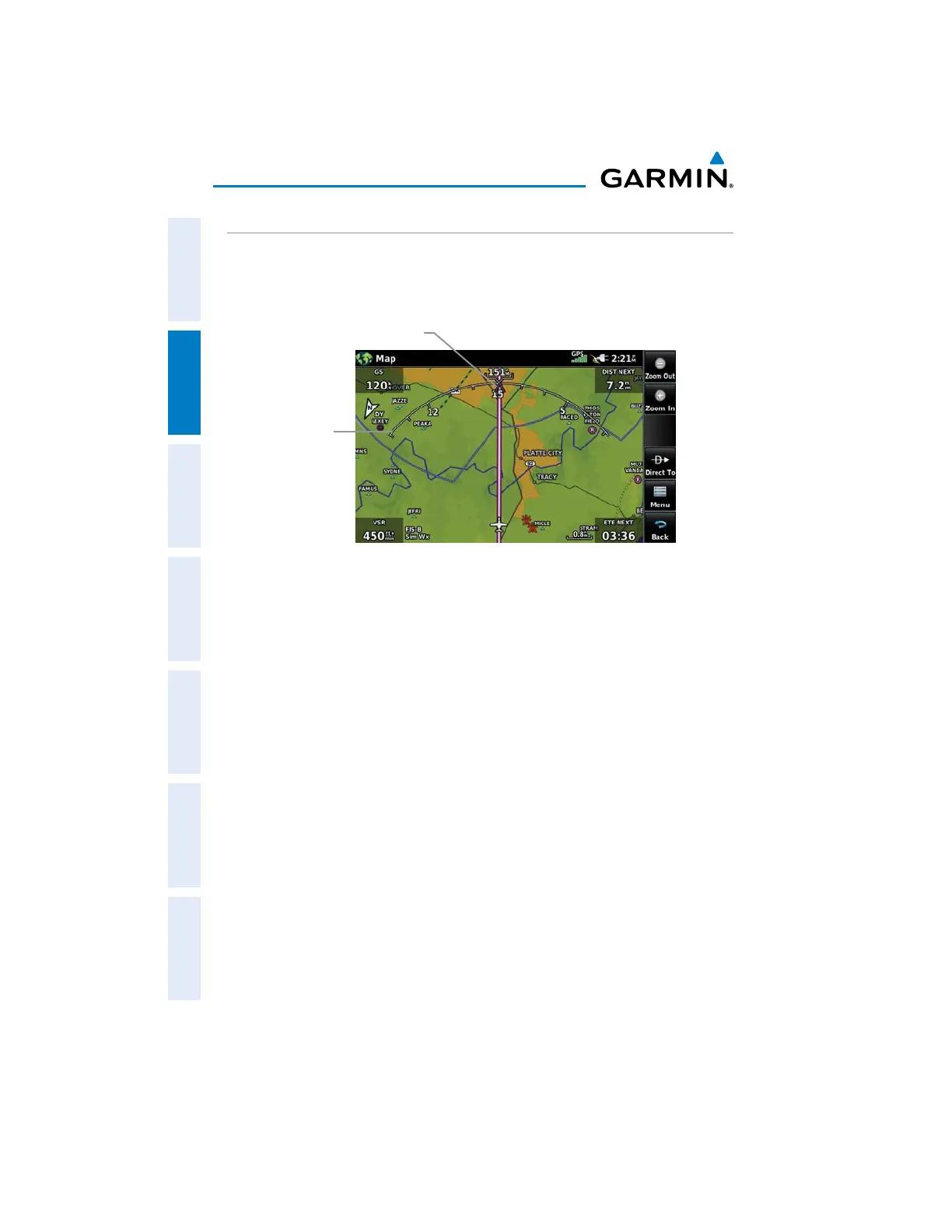
COMPASS ARC
A compass arc appears by default on the Navigation Map. The magenta bug
indicator (similar to the bug indicator on the HSI) can be set by touching TRK on the
3D Vision Page.
Compass Arc (Navigation Map)
Compass Arc
Magenta Bug Indicator
Displaying/Removing the Compass Arc on the Navigation Map:
1)
From the Main Menu, touch Map > Menu > Set Up.
2)
Touch the dedicated page icon, and touch General.
3)
Touch On or Off to display or remove the Compass Arc.


 To Next Page
 Loading...











