Garmin aera 660 Pilot’s Guide
190-02017-20 Rev. E
28
Overview
OverviewNavigationFlight PlanningHazard AvoidanceAdditional FeaturesAppendicesIndex
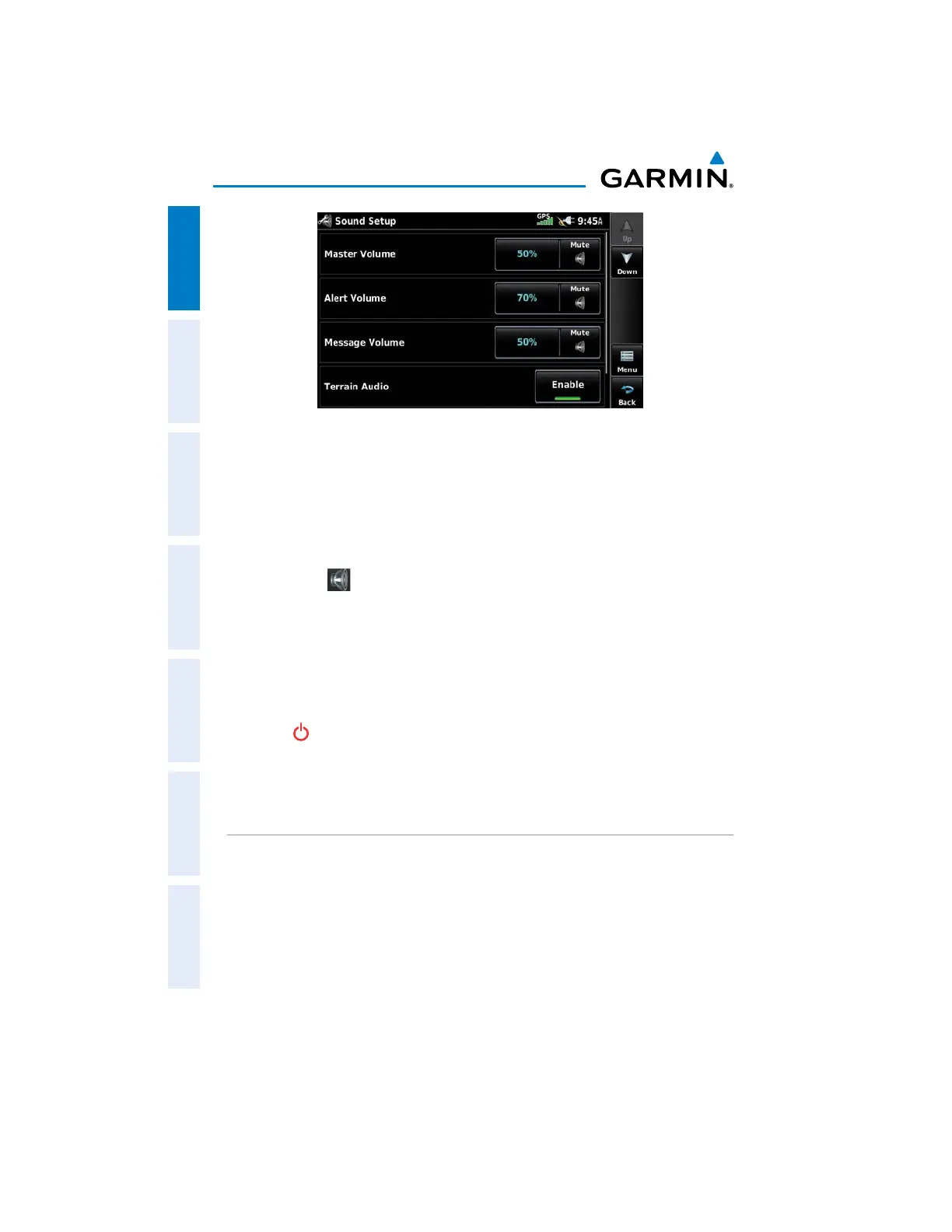
Sound Setup
Adjusting the sound:
1)
From the Main Menu, touch Tools > Setup > Sound.
2)
Touch '+' or '-' or touch and drag the percentage triangle to adjust the
desired volume percentage.
Or
:
Touch the
Icon to mute the Master, Alerts, or Message audio. A
blue 'X' will appear over the icon.
Or
:
Touch Enable to enable/disable Terrain Audio, Traffic Audio, Traffic N/A
Alert, or Key Tone.
Or:
Press the
POWER Button to quickly access the Master volume/mute.
Muting sound:
See the ‘Adjusting the Sound’ procedure above.
MAP SETUP
AUTOZOOM
Enabling/disabling autozoom:
1)
From the Main Menu, touch Tools > Setup > Map.
2)
Touch On or Off in the 'Autozoom' field.


 To Next Page
 Loading...











