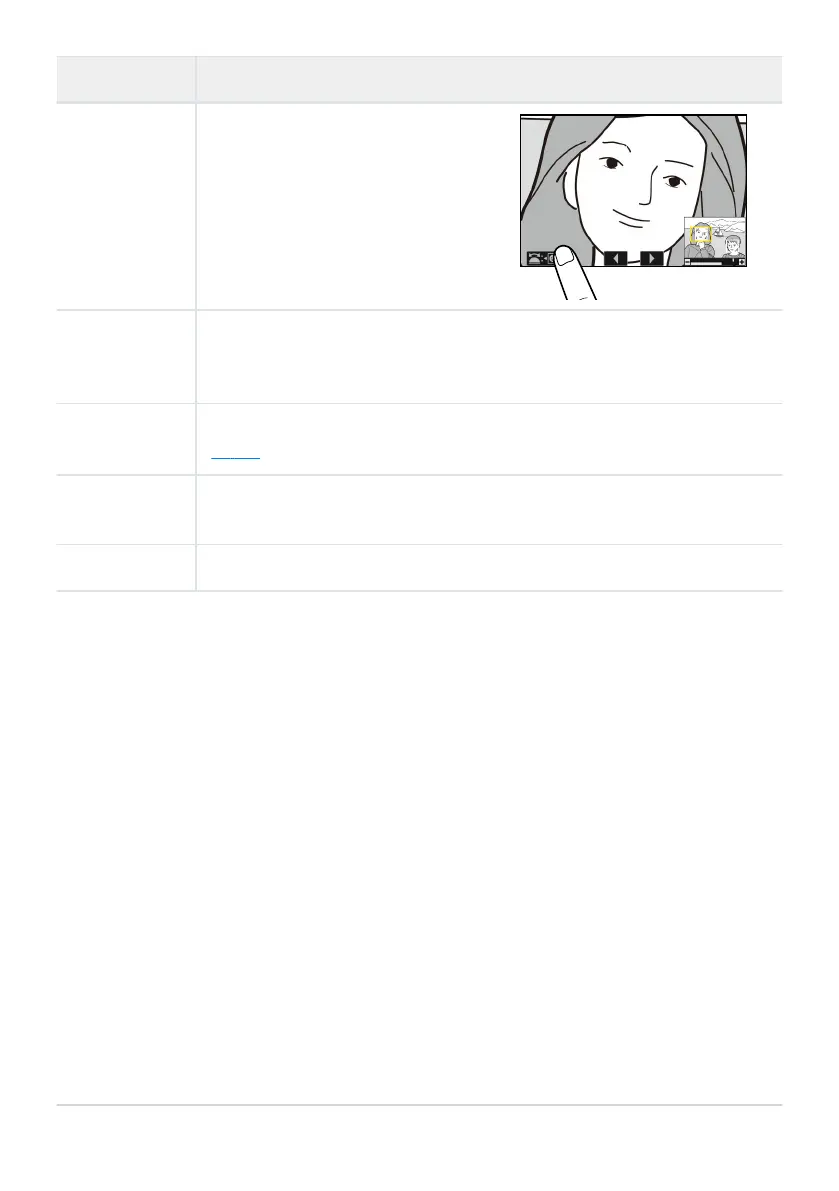
Faces detected during zoom are
indicated by whit
e borders in the
navigation window. Rotate the sub-
command dial or tap the on-screen
guide to view other faces.
Operation Description
Select faces
View other
pictures
R
otate the main command dial to view the same location in other photos
without changing the zoom ratio (selecting a video cancels zoom). You can also
view other phot
os by tapping the e or f icon at the bottom of the display.
Protect
pictures
Pr
ess the g (Fn3) button t
o toggle protection for the current picture on or off
(
0 235).
Exit to
shooting mode
Press the shutter-release button halfway or press the K button t
o exit.
View menus
Press the G butt
on t
o view the menus.
234
Playback Zoom


 To Next Page
 Loading...











