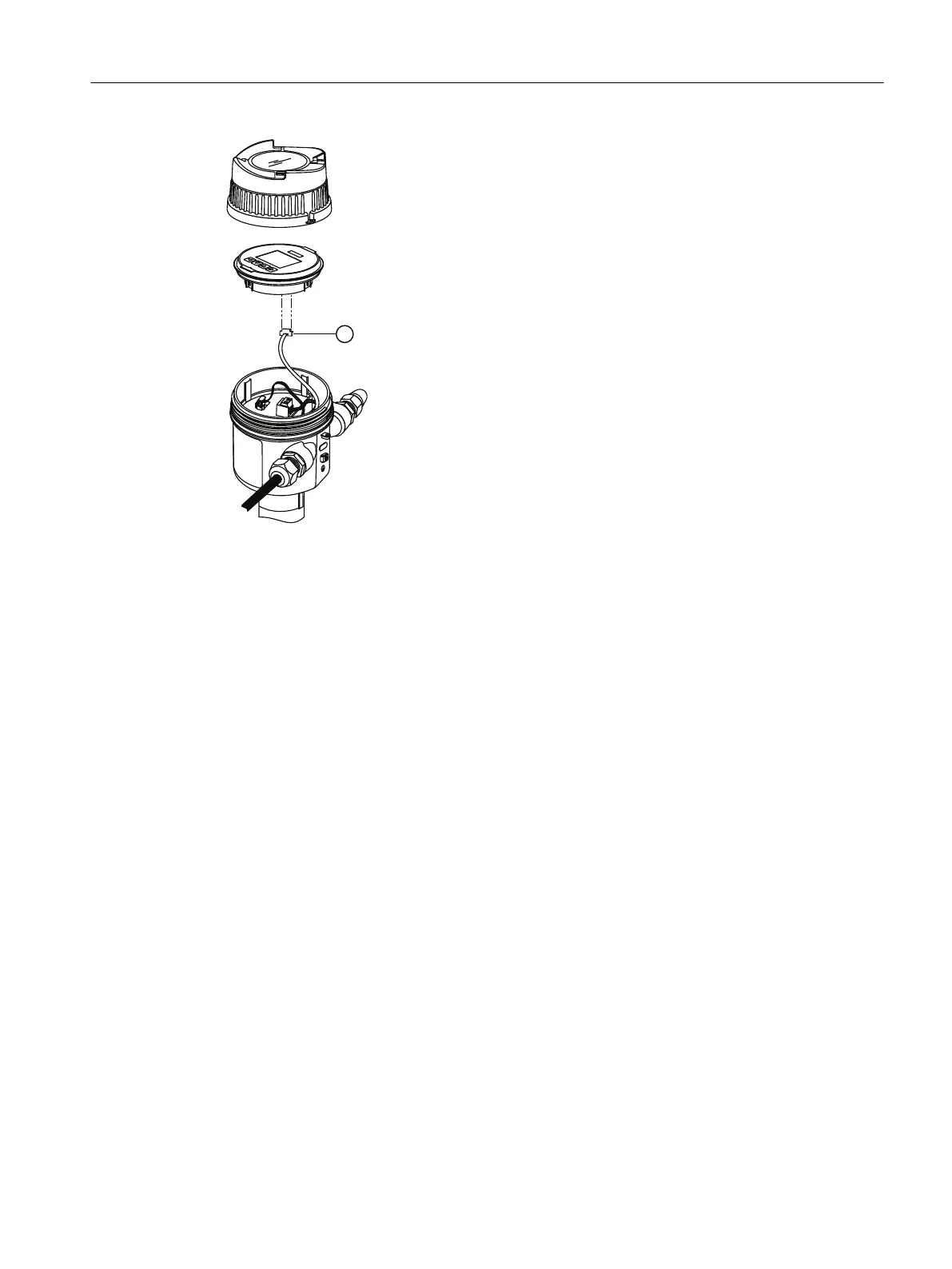
① To optional HMI
Use of the display while the AW050 is installed
When po
wer is applied to the device, the display remains activated as long as there is no
bluetooth connection.
When the AW050 connection is made through SITRANS mobile IQ, the display is not be
accessible. When the AW050 Bluetooth connection is disconnected, the display is activate
again.
6.2.3.1 Installing or replacing Bluetooth adapter
Procedure
To install or replace the Bluetooth adapter, follow these steps. For more information, refer to
illustrations in Connecting eld device and SITRANS AW050 Bluetooth adapter (Page54).
1. Run both cables through conduit entry where Bluetooth adaptor will be installed.
2. Install cable gland and tighten against enclosure. Ensure the adapter cables are not pinched
inside the housing.
3. Slide the adapter into the gland against the O-ring.
4. Tighten the gland to the adapter, without twisting the cables.
5. Plug the cables into the display and electronics.
Connecting
6.2Connecting SITRANS LR500 series
SITRANS LR500 series with mA/HART
Operating Instructions, 03/2024, A5E51099898-AA 55


 To Next Page
 Loading...






