Camera and Video 103
View Pictures and Videos
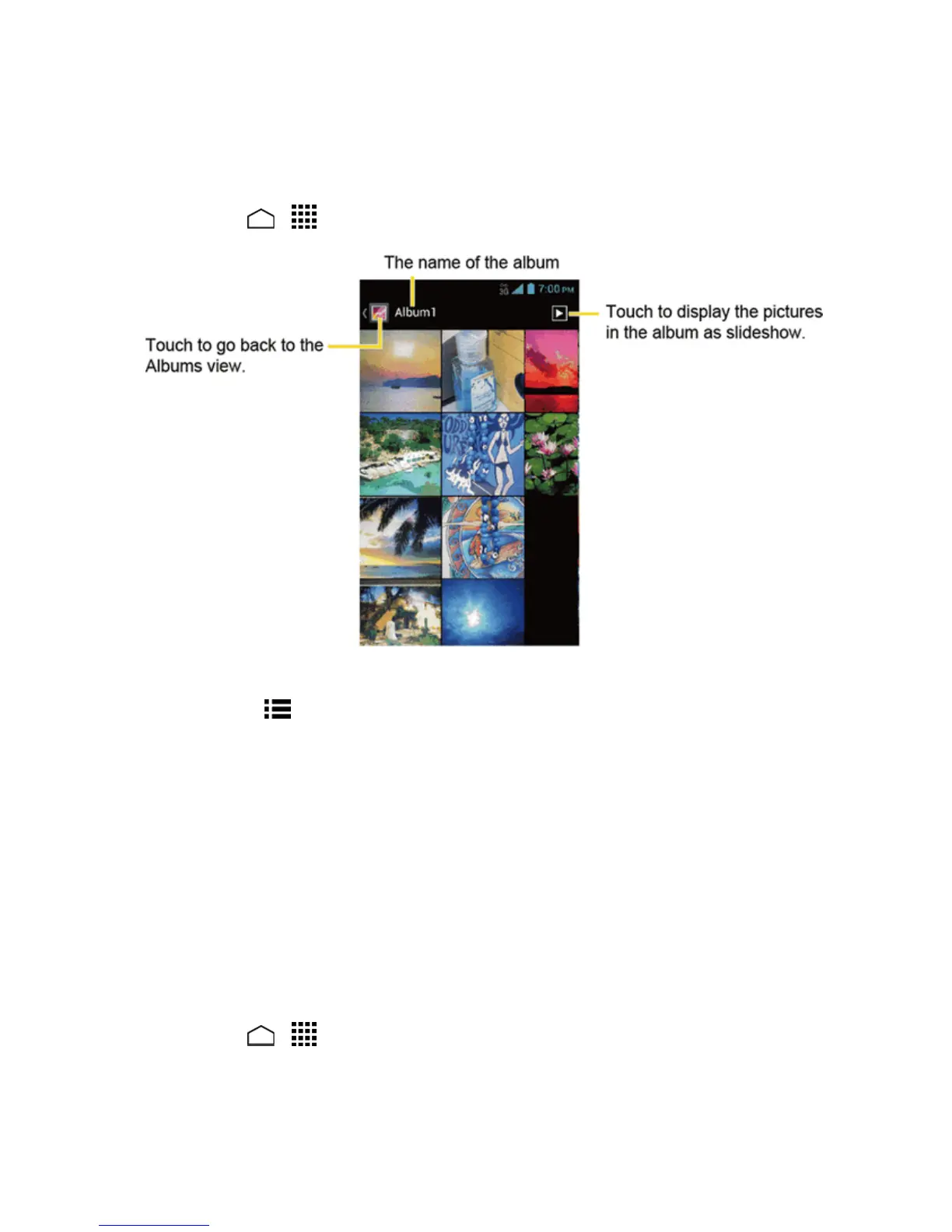
Afterselectinganalbum,youcanbrowsethroughthepicturesandvideosofthatalbumingridview.
Touchapictureorvideotoview.
1.
TouchHome > >Galleryandtouchanalbum(suchasAlbum1).
2. Touchanimagetoviewthepicture.
Note: TouchMenu toselectimagesorgroupimages.
Zoom In or Out on a Picture
Therearetwowaysyoucanzoominoroutofapicture.
n Touchthescreentwicequicklytozoomin,andthentouchthescreentwicequicklyagainto
zoomout.
–or–
Pinchthescreenusingyourthumbandforefingertozoomoutorspreadthescreentozoomin.
Watch Video
Usetheonscreencontrolstoplay,pause,orstopthevideo.
1.
TouchHome > >Gallery.
2. Touchanalbumcontainingavideoyouwanttowatch,andthentouchanimagetoviewthe
video.



 To Next Page
 Loading...






