Technical data Slide labels
102
4522 207 12671/ * 2021-06-17
Pathology Scanner SG20 / SG60 / SG300
Definition Specification
Orientation of the barcode pattern 2D barcodes: (0, 90, 180, 270) ± 20 degrees relative to glass edge
1D barcodes: (0, 90, 180, 270) ± 5 degrees relative to glass edge
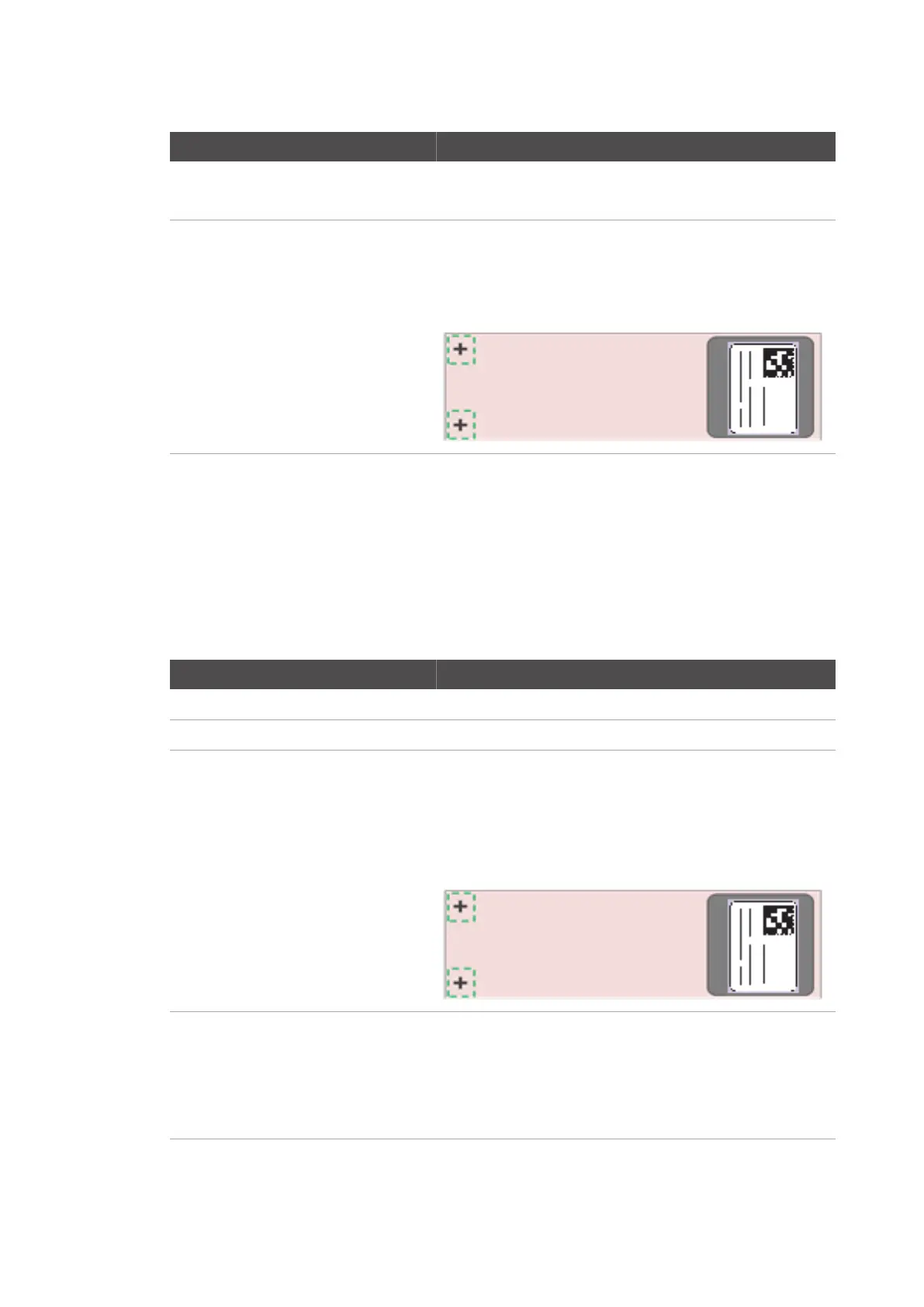
Barcode area Barcodes must be located in the barcode area of the glass slide. The
barcode area is measured from the substrate edge:
• Length = 30 mm
• Width = glass slide width
Tab. 41: Barcode specification
The scanner supports configurable barcode selection criteria which can be set at installation
time. For slides that contain multiple barcodes, the scanner can select a single barcode for slide
identification.
Slide labels
Slide labels that meet the following specifications are supported:
Definition Specification
Length 18 - 30 mm
Width ≤ the width of the slide
Slide label position The slide label must be positioned in the barcode area of the glass
slide:
• on the upper side of the slide,
• near the edge of the glass slide and,
• not protruding the glass slide.
Stacked slide labels On one glass slide:
• up to three slide labels stacked on top of each other, and the
top slide label is opaque
• total thickness of glass slide, slide labels and cover slip must be
≤ 1.43 mm.


 To Next Page
 Loading...



