Chapter 1 Operation Procedures
14. Test Printing
1) Print and check the image position and color.
•
When
doing
the
test printing ...
Drive button
ON
'
Printing start
button ON
• When completing
the test printing ...
Production button
OFF
Operation Edition - 46
UNIT
( )
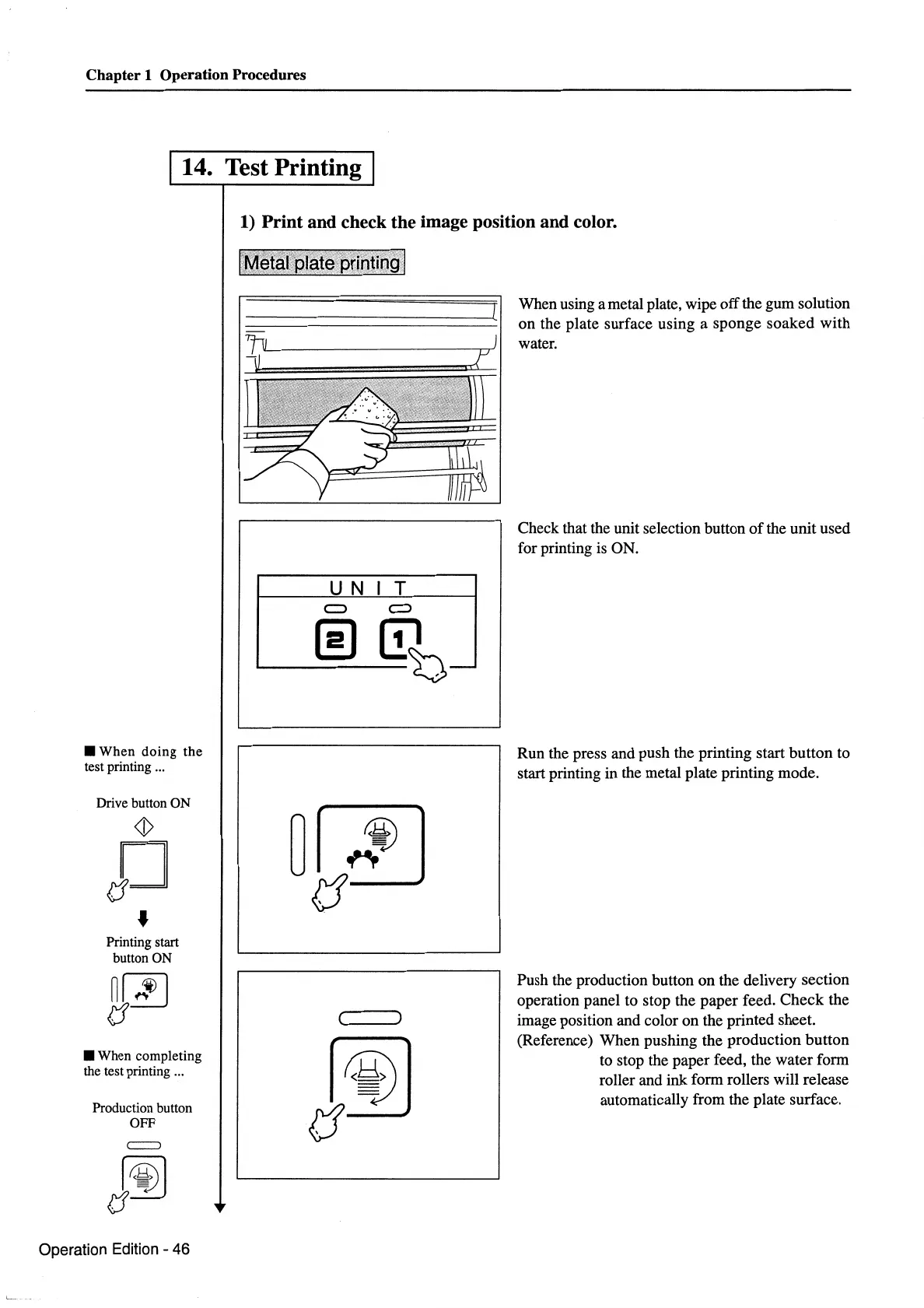
When using a metal plate, wipe off the gum solution
on the plate surface using a sponge soaked with
water.
Check that the unit selection button
of
the unit used
for printing
is
ON.
Run the press and push the printing start button to
start printing in the metal plate printing mode.
Push the production button on the delivery section
operation panel to stop the paper feed. Check the
image position and color on the printed sheet.
(Reference) When pushing the production button
to stop the paper feed, the water form
roller and ink form rollers will release
automatically from the plate surface.


 To Next Page
 Loading...






